


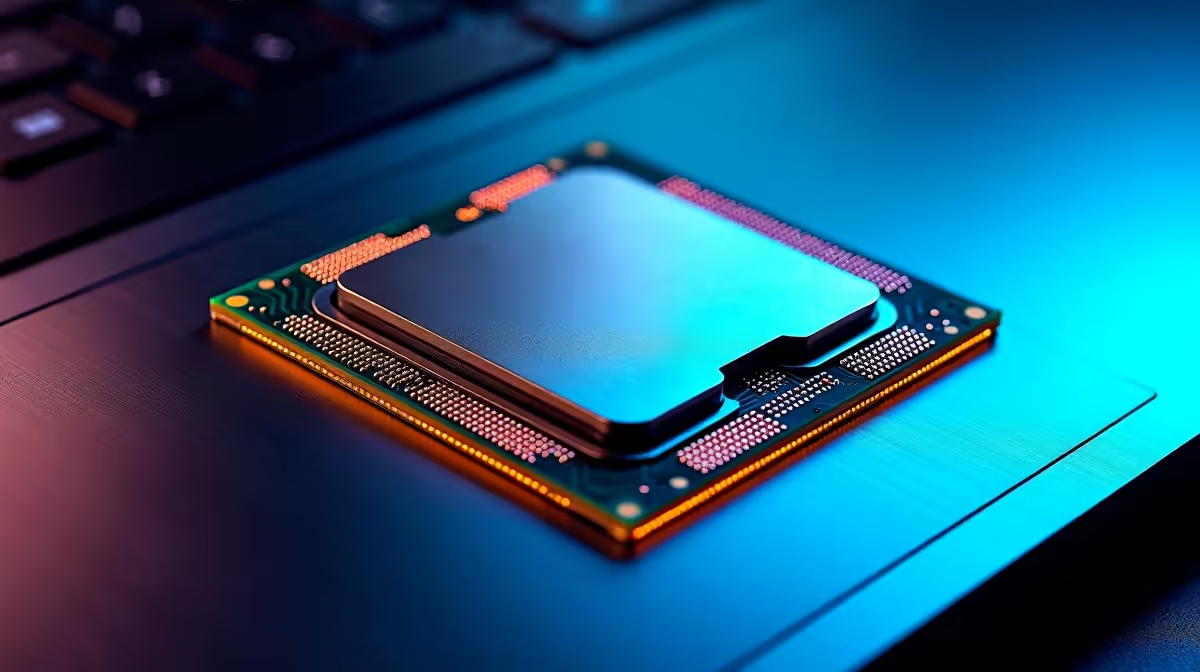
Staring at a stuttering timeline in Premiere Pro or DaVinci Resolve is enough to make any South African creator want to throw their laptop out the window. We get it. When deadlines are tight and creativity is flowing, the last thing you need is a CPU bottleneck. Choosing the best laptop processor for video editing in ZA isn't just a tech spec debate... it's about reclaiming your time. Let's settle the Intel vs. AMD score.
Why Your Processor is the Heart of Your Editing Rig
Before we dive into the Team Blue vs. Team Red battle, let's quickly cover why the CPU is so crucial. Your processor, or Central Processing Unit, is the brain of your operation. For video editing, its performance directly impacts:
- Playback & Scrubbing: How smoothly you can play and move through your timeline, especially with complex effects and 4K footage.
- Encoding & Exporting: The time it takes to render your final video file. More powerful cores can slash this waiting time significantly.
- Software Responsiveness: How quickly the application responds to your commands.
A powerful CPU means less time watching progress bars and more time creating. ✨
The Case for Intel: Single-Core Speed & Quick Sync
For years, Intel has been a favourite in creative circles, and for good reason. Their strength often lies in high single-core clock speeds and a secret weapon: Intel Quick Sync Video.
This is a dedicated media processing technology built into their chips that dramatically accelerates video encoding and decoding in supported apps like Adobe Premiere Pro. For editors working primarily in the Adobe ecosystem, this can make timeline scrubbing feel incredibly fluid. If your workflow involves lots of H.264 or H.265 (HEVC) footage, an Intel Core i7 or i9 processor can offer a tangible advantage in responsiveness. Many of the top-tier Intel laptops on special are specifically configured for these demanding creative tasks.
The AMD Argument: Multi-Core Muscle & Efficiency 🚀
AMD's Ryzen processors stormed back into the market by offering an incredible number of cores and threads for the price. This multi-core dominance is a massive advantage for tasks that can use all the power you throw at them, like the final video export.
When you hit that "Render" button, software like DaVinci Resolve and Premiere Pro will use as many cores as possible. A Ryzen 7 or Ryzen 9 CPU, with its high core count, can often complete these renders faster than its Intel counterpart. This makes AMD laptops a compelling choice for creators who spend a lot of time exporting final cuts or working with CPU-intensive visual effects. They also tend to be very power-efficient, which is a nice bonus for battery life.
Software Optimisation is Key 🔧
No matter which processor you choose, make sure your editing software is optimised! In Premiere Pro, check that Mercury Playback Engine is set to "GPU Acceleration (CUDA)" if you have an NVIDIA card. In DaVinci Resolve, which is brilliant at using all your hardware, you can fine-tune memory and GPU usage in the preferences to match your system's specs.
So, What's the Best Laptop Processor for Video Editing in ZA?
The honest answer? It depends entirely on your workflow. There's no single "best" choice, only the best choice for you.
- Choose Intel if: You primarily use the Adobe Creative Suite, value the smoothest possible timeline scrubbing with H.264/H.265 media, and want excellent single-core responsiveness.
- Choose AMD if: Your work involves heavy 3D rendering, complex visual effects, or you simply want to minimise your final export times. If you use DaVinci Resolve, AMD's core count is a huge benefit.
Often, the most powerful CPUs for editing are found in high-performance notebooks. It's always worth checking out the best gaming laptop deals, as these machines pack the processor power, dedicated graphics, and cooling systems that video editors need to thrive.
Beyond the CPU: Don't Forget the Holy Trinity
While the processor is critical, it doesn't work in a vacuum. To build a truly capable video editing laptop, you need to balance your system. Pay close attention to:
- RAM: 16GB is the absolute minimum. 32GB is the sweet spot for 4K editing, preventing your system from slowing down.
- GPU (Graphics Card): A dedicated NVIDIA GeForce RTX or AMD Radeon RX card is essential for accelerating effects, colour grading, and playback.
- Storage: A fast NVMe SSD is non-negotiable. It ensures your operating system, applications, and video files load in a flash.
Finding a machine with the right balance is the key to a frustration-free editing experience.
Ready to Render Faster? The Intel vs. AMD debate is all about your workflow. Whether you need single-core speed for timeline fluidity or multi-core muscle for rapid renders, the perfect CPU is waiting. Explore our massive range of laptop specials and find the right machine to bring your creative vision to life.









