


Dropping frames in a nail-biting Apex Legends final circle? Your viewers see a slideshow while you see a 'You Are The Champion' screen... or worse, the other way around. For South African streamers, balancing a smooth game and a crisp broadcast is a constant battle. The big question is, what's the real fix for this performance lag: a simple capture card, or a dedicated streaming PC? Let's break down the best choice for your budget and your stream. 🚀
Why Your Single PC Struggles to Stream and Game
Ever noticed your game stuttering the moment you hit 'Start Streaming' in OBS? That's your PC crying for help. Gaming is demanding. Streaming is demanding. Doing both at once asks your processor (CPU) and graphics card (GPU) to perform two incredibly heavy tasks simultaneously.
Your GPU is busy rendering your game at the highest possible framerate, while your CPU is managing game logic, audio, and more. On top of that, streaming software needs to encode your gameplay—compressing it into a video format that can be sent over the internet. This encoding process hammers your hardware, stealing resources directly from your game. The result? Lag, dropped frames, and a frustrating experience for you and your audience.
The Capture Card Route: A Powerful Helper 🔧
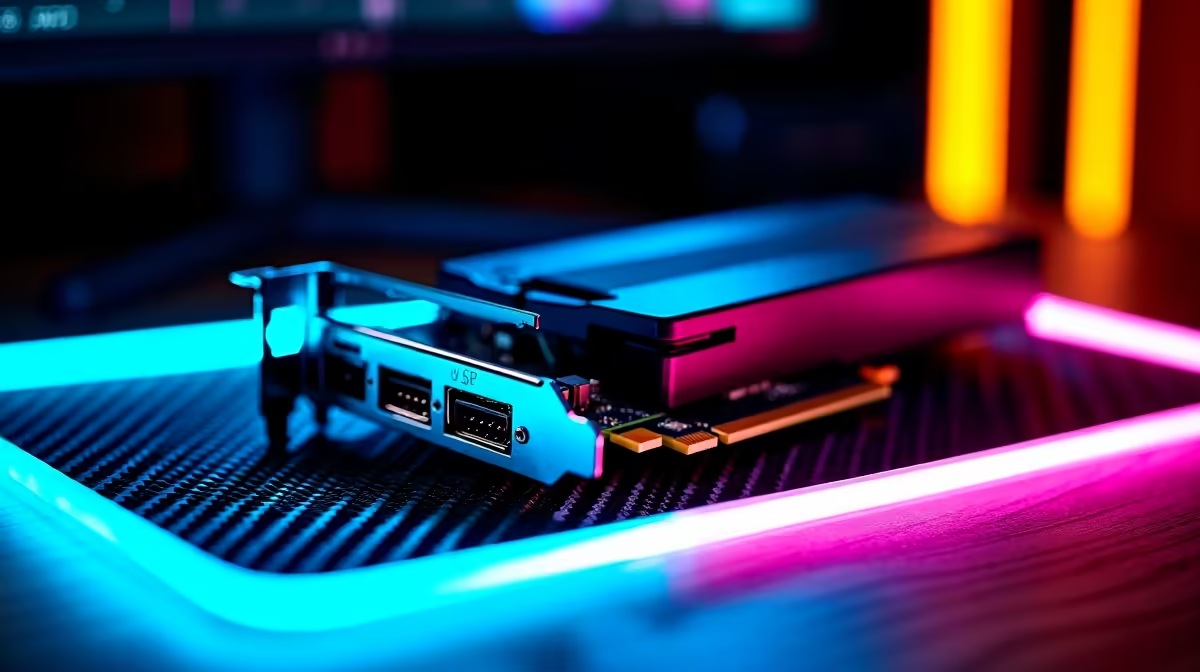
A capture card is a piece of hardware that slots into your PC (internal) or connects via USB (external). Its primary job is to capture the video feed from one source (like your gaming PC's GPU) and make it available to another program, like OBS.
Think of it as a middle-man. It simplifies the video capture process, but it's crucial to understand that on a single-PC setup, your CPU or GPU still does the heavy lifting of encoding. While it can smooth things out and reduce some load, it's not a magic bullet. If your PC is already on the edge, a capture card won't completely solve the core issue of resource overload.
It's an excellent, budget-friendly step up, especially if you already have a powerful pre-built gaming PC that just needs a little help.
The Dual PC Setup: The Professional's Choice
This is the ultimate solution to fix streaming lag for good. A dual PC setup, also called a dedicated streaming PC setup, involves using two separate computers:
- Your Gaming PC: Does one thing and one thing only—runs your game at maximum performance with zero compromises.
- Your Streaming PC: Receives the video feed from your gaming PC (via a capture card) and handles 100% of the streaming workload: encoding, managing scenes, alerts, and broadcasting to Twitch or YouTube.
Because the gaming PC's resources aren't being touched by encoding, you get perfectly smooth gameplay. Your stream also benefits, as the dedicated PC can use higher-quality encoding settings for a crystal-clear broadcast. Your streaming rig doesn't need a monster graphics card; the encoding performance is mostly reliant on the processor. Both modern Intel Core CPUs and AMD's Ryzen processors offer fantastic multi-core performance perfect for the job.
SA Internet Pro Tip 📡
Your upload speed is king. For a stable 1080p60 stream, aim for a consistent 6-8 Mbps upload. Use OBS's Auto-Configuration Wizard to test your connection to the local Twitch YouTube servers (usually in Johannesburg or Cape Town). Don't just trust your ISP's advertised speeds; real-world performance is what matters to your viewers.
So, Capture Card or Streaming PC? The SA Verdict 💰
The choice between a capture card vs a dedicated streaming PC comes down to your budget and your ambition.
A Capture Card is for you if:
- You're on a tighter budget.
- You have a powerful single PC that just needs a slight performance boost.
- You mainly stream less demanding or console games.
A Dedicated Streaming PC is for you if:
- You are serious about content creation and want professional quality.
- You play competitive, CPU-intensive games where every frame counts.
- You can't afford any performance impact on your gameplay.
The great news is that a streaming PC doesn't have to cost a fortune. You can find some excellent streaming PCs under R20k that are more than capable of handling a high-quality 1080p stream, leaving your main rig free to dominate the competition.
Ready to Build Your Streaming Empire? The capture card vs streaming PC debate is about your goals, but for ultimate, lag-free performance, a dual PC setup is unmatched. Explore our incredible range of PC deals and find the perfect machine to power up your stream today.










