

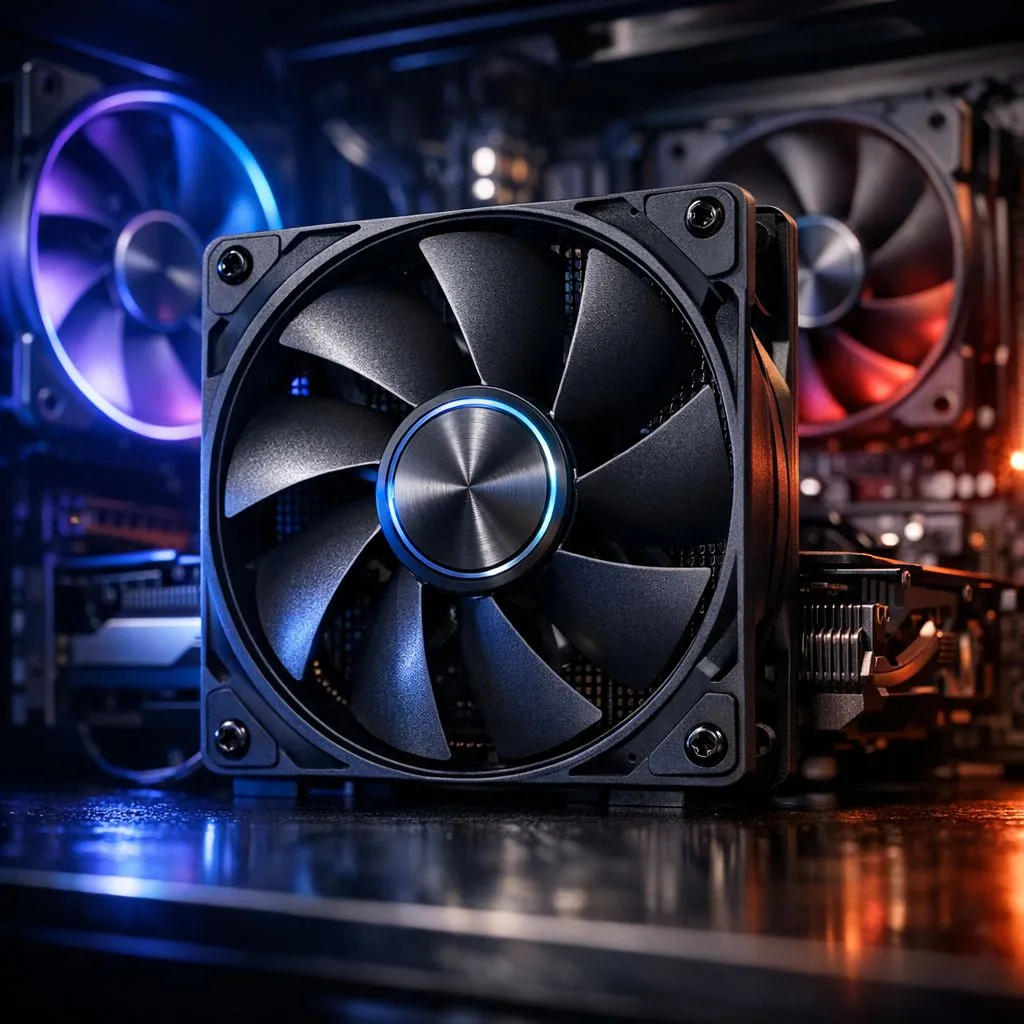
Why case fan placement matters for South African gamers 🔧⚡
Case Fan Placement: Lower GPU and CPU Temperatures — sounds technical, but the payoff is crystal clear: smoother FPS, fewer thermal throttles, and longer component life. If you’re building or upgrading a rig in South Africa, subtle changes to airflow beat throwing money at bigger coolers every time. Read on for practical, Evetech‑backed tips that actually move temps down.
Core principles of case fan placement
Good case fan placement uses airflow that brings cool air in and pushes hot air out. Aim for a balanced but intake‑biased setup: more intake CFM at the front/bottom, exhaust at the rear/top. This prevents hot air pockets around the GPU and CPU and is a simple way to lower GPU and CPU temperatures without changing your cooler.
For component choices, Evetech’s full case fan range is a solid starting point for both budget and premium builds: check the general case fans selection for options. (See Evetech’s case fans collection for models and specs)[https://www.evetech.co.za/PC-Components/case-fans-97.aspx].
Front intake: the primary cool air source
Front fans should be your main intake. They bring the coolest ambient air into the case and feed the GPU and lower motherboard area. If you have dust filters, keep them clean — a clogged filter raises temps fast. For many mid and full tower cases, 120mm fans are the standard choice and give excellent options for balancing noise and airflow; see common 120mm models and airflow specs here: 120mm fans on Evetech.
Top and rear exhaust: remove hot air efficiently
Exhaust should be at the top and rear. Hot air rises, so top exhaust fans help pull heat away from VRMs and the CPU area. Rear exhaust keeps the GPU’s expelled hot air from recirculating. If you prefer larger, quieter fans, consider 140mm options for top or front mounting: 140mm fans on Evetech.
RGB, brand picks and when to choose none ✨
RGB fans look great, but they’re not inherently better for temps. If you want visuals and performance, pick RGB models with solid airflow ratings: browse the RGB options here: RGB case fans. If you want pure performance and quieter operation, non‑RGB fans often cost less per CFM: Non‑RGB fans.
For brand reliability, Corsair and Deepcool make widely used models with strong warranties. Consider Corsair for ecosystem integration and Deepcool for value-oriented performance: Corsair fans • Deepcool fans.
Airflow Micro Tip ⚡
Keep intake pressure slightly higher than exhaust. Two front intakes and one rear exhaust is a great starter setup. Add a top exhaust only if your GPU runs hot or you have poor case ventilation.
Quick troubleshooting and tuning
- Verify fan orientation visually — arrows on fans show airflow.
- Use motherboard fan curves to reduce noise at idle and ramp for load.
- Monitor temps with a tool like HWInfo or your motherboard suite; adjust fan curves before upgrading coolers.
- If GPU temps remain high, add a dedicated lower‑front intake to supply fresh air near the GPU.
Final thought — small changes, big gains 🚀
Tweaks to case fan placement often drop GPU and CPU temperatures by several degrees, improving sustained performance and longevity. Start with intake bias, clean filters, and sensible fan sizing to see gains without huge expense.
Ready to Find Your Perfect Match? The Mac vs Windows debate is complex, but for maximum power, choice, and value in South Africa, Windows is hard to beat. Explore our massive range of laptop specials and find the perfect machine to conquer your world.











