

Mechanical vs Membrane Keyboard: Which Is Better for Gaming?
Head-to-head comparison of Mechanical vs Membrane Keyboard: Which Is Better for SA gamers. Performance benchmarks, Rand pricing & which delivers better value.
Read more- code vein 2 steam deck settings: compare Steam Deck vs ROG Ally X - Recommend performance & battery presets - Quick Proton/Wine tips - In-game graphics and FPS tuning Tested presets to maximize framerate and battery life on both handhelds. 🔧🎮
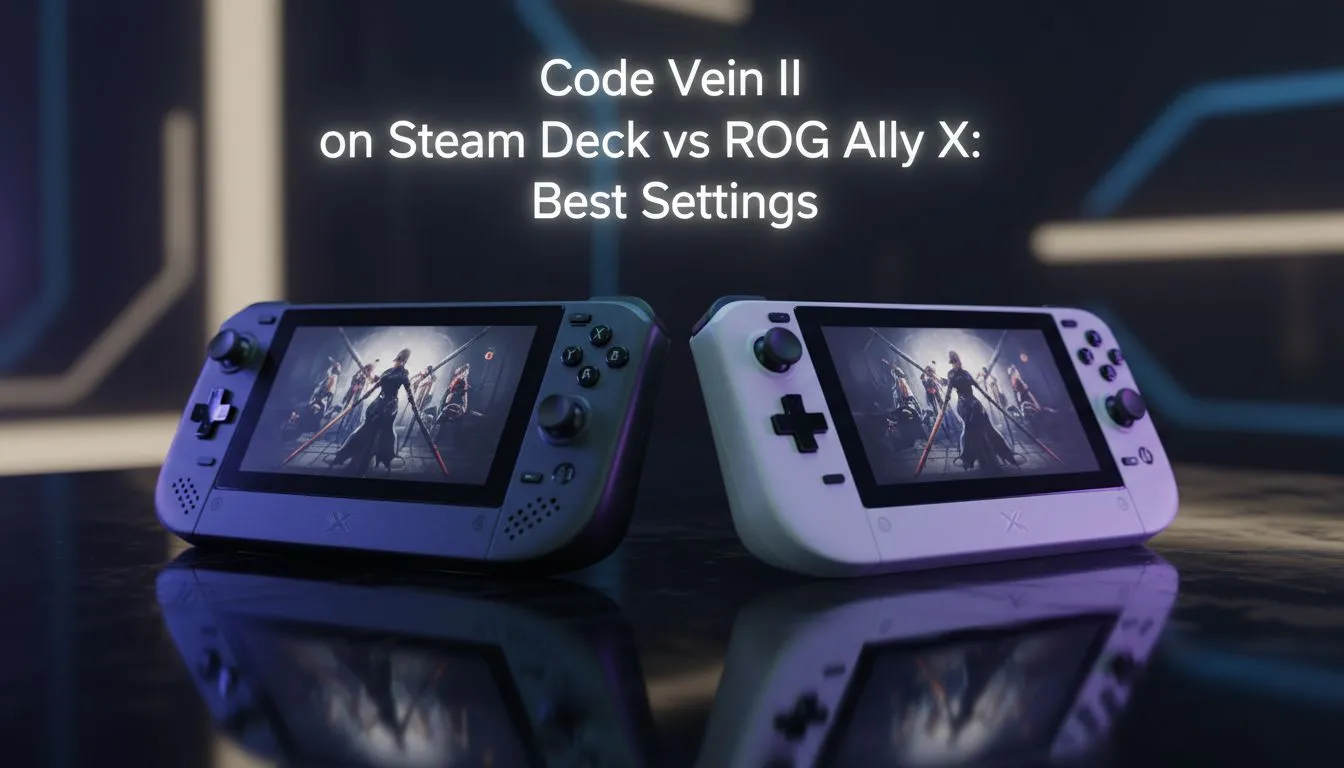
Sitting in the dark during a scheduled power outage is the perfect time to fire up your library. If you are diving into the intense combat of the latest vampire-themed action RPG, getting your Code Vein 2 Steam Deck settings right is essential. You want that smooth parry timing without draining your battery before the lights come back on. Let’s look at how Valve’s handheld stacks up.
The first thing to address is the resolution. While the Steam Deck handles 800p well, the game's heavy particle effects can cause dips during boss fights. To keep things stable, we recommend a mix of Medium and Low settings. Specifically, keep shadows and anti-aliasing on Medium to preserve the anime aesthetic without killing the frame rate. If you are looking to upgrade your portable setup, you can browse various handheld gaming consoles to see what fits your budget in ZAR.
When comparing the Steam Deck vs ROG Ally X, the performance gap is noticeable. The Ally X, with its Z1 Extreme chip, can push higher resolutions and more stable frame rates in demanding titles. While the Steam Deck prioritises efficiency, the Ally X is built for raw power. This makes a huge difference when you are trying to push "High" presets at 1080p.
When playing high-fidelity titles like Code Vein 2 on the go, try capping your frame rate to 40FPS via the Quick Access Menu. It offers a much smoother motion than 30FPS while saving significant battery life compared to 60FPS... keeping you in the game for longer during those two-hour load-shedding slots.
For those who prefer a larger, more vibrant display, the Lenovo handheld range offers the Legion Go. Its massive screen makes the gothic architecture of the game world truly pop, though it requires a bit more faffing with settings to find the sweet spot between resolution and battery life.
If you are leaning towards the ASUS ecosystem, the latest ROG Ally models provide excellent software support through Armoury Crate. This allows you to toggle between silent and turbo modes instantly... perfect for when you move from a quiet bedroom to a noisy commute.
On the other hand, if you value Intel’s latest architecture, checking out MSI handheld options might be the way to go. The Claw offers a unique take on handheld ergonomics that some South African gamers find more comfortable for long sessions.
Ultimately, finding the right Code Vein 2 Steam Deck settings comes down to balance. Use FSR (FidelityFX Super Resolution) whenever possible. Setting FSR to 'Balanced' or 'Quality' will provide a significant boost to your FPS without making the screen look like a blurry mess. This is the secret sauce for any handheld gamer looking to conquer tough bosses on a portable screen. 🚀
Ready to Find Your Perfect Match? The handheld gaming market is evolving fast, offering more power and choice than ever before in South Africa. Explore our massive range of handheld gaming consoles and find the perfect machine to take your library on the road.
Use medium textures, low shadows, resolution scale 85-100% with FSR or dynamic resolution and cap FPS to 40-60 for stable play and code vein 2 fps boost steam deck.
ROG Ally X can run higher native resolution and better textures; use higher quality presets and 75-90% resolution scale. Steam Deck needs tighter scaling and Proton tweaks.
60 FPS is possible with resolution scale 70-85%, aggressive upscaling (FSR), low shadows and a strict frame cap, but expect higher battery drain.
Use Proton GE or experimental builds, enable Esync/Fsync if stable, force Vulkan and apply community launch options for improved compatibility and perf.
Lower resolution scale, drop shadows and particles, enable FSR/dynamic scaling, cap FPS and use a battery-saver power profile to extend runtime.
Start at medium-high, set resolution scale 90-100%, cap FPS to 60 and use the performance power plan for sustained framerates on rog ally x code vein 2 performance.
This guide includes tested one-click presets and exact in-game values plus launch options to apply the best settings for both devices quickly.
Head-to-head comparison of Mechanical vs Membrane Keyboard: Which Is Better for SA gamers. Performance benchmarks, Rand pricing & which delivers better value.
Read more
Is Overclocking gaming keyboard Worth It in SA Detailed answer with SA data, expert analysis & practical recommendations for local buyers.
Read more
3DMark Keyboard Benchmarks: Rankings. Real-world benchmark data, FPS numbers & performance analysis. What SA gamers can actually expect.
Read more
Head-to-head comparison of vs Global: Gaming Keyboard Pricing Gap for SA gamers. Performance benchmarks, Rand pricing & which delivers better value.
Read more
Head-to-head comparison of Refurbished vs New Keyboard: Buyer Guide for SA gamers. Performance benchmarks, Rand pricing & which delivers better value.
Read more
Snapdragon X2 NPU Explained: How 80 TOPS Changes. Plain-English explanation of what it means, why it matters & how it affects your buying decisions in SA.

HBM? High Bandwidth Memory Used in GPUs and AI. Plain-English explanation of what it means, why it matters & how it affects your buying decisions in SA.

How much should you spend on sim racing accessories in South Africa for a realistic setup? We break down budgets by quality tiers, so you buy smart gear and avoid overspending 🎮💸

G-Sync and FreeSync? Variable Refresh Rate. Plain-English explanation of what it means, why it matters & how it affects your buying decisions in SA.

AMD Laptop: Value. SA-focused analysis with local pricing data, real-world insights & actionable buying advice.

How MacBook Neo Handles 30+ Chrome Tabs with Only. SA-focused analysis with local pricing data, real-world insights & actionable buying advice.

Why Apple Put 8GB RAM in MacBook Neo: The A18 Pro. SA-focused analysis with local pricing data, real-world insights & actionable buying advice.

Upgrade your work laptop with a New Motherboard. Step-by-step instructions with SA-specific tips, common pitfalls to avoid & expert recommendations.

Maintain wired headset — Checklist: • inspect cables • clean earpads • store properly 🔧🎧 Practical steps to preserve sound quality and avoid premature replacements.

Fix crackling headset fast: step-by-step checks for cables, connectors, drivers, and settings to remove static or distorted audio on wired headsets 🎧⚙️

Stereo vs mono headsets: learn which delivers clearer calls, better spatial music, or simpler mono voice performance — pick the right headset for meetings, music, or gaming 🎧💬

- Compare gaming headset vs studio headphones; - Assess comfort, mic and sound; - Recommend best daily picks. Gaming headset vs studio headphones: learn which suits work, music and casual gaming. 🎧⚖️