Understanding the RE Engine Shimmering Issue
Tired of your favourite horror games looking like a shimmering mess? If you’ve played Resident Evil Village or the Resident Evil 4 Remake, you’ve likely noticed distracting pixel crawl on thin lines and hair. It’s a common frustration for South African gamers pushing for the best visuals. Choosing between DLSS Quality vs Native to fix RE Engine shimmering is the key to a stable, immersive experience.
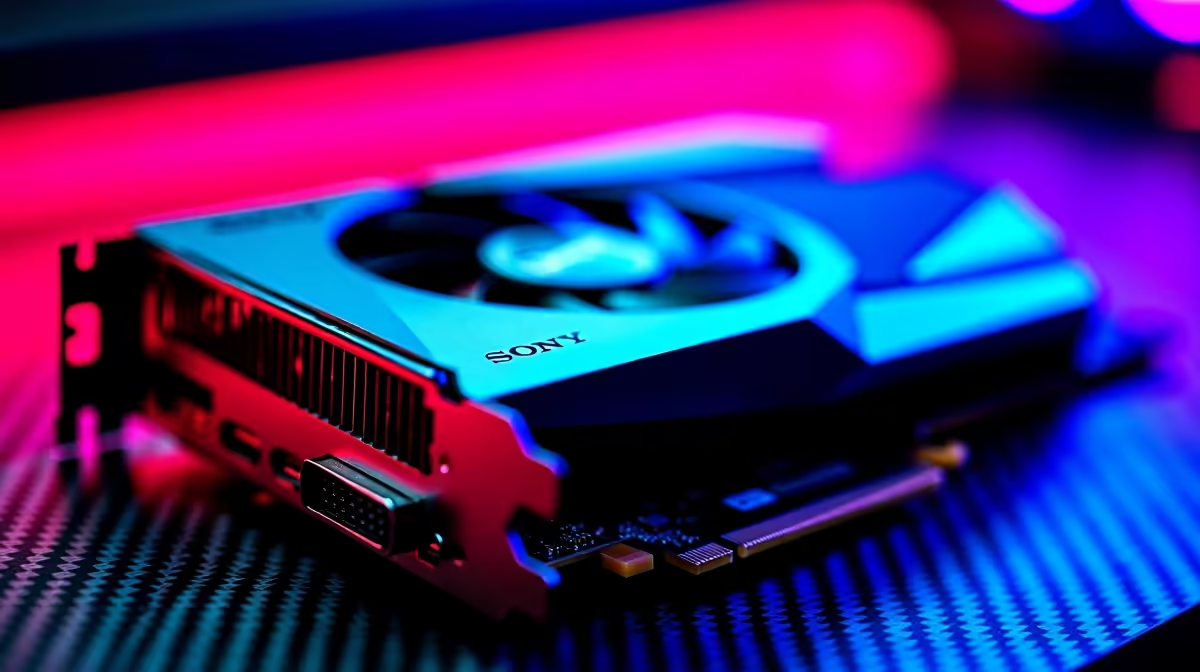
The RE Engine is famous for its photorealistic textures... but it struggles with aliasing. Fine details like foliage or metallic edges often flicker when you move the camera. This happens because the engine's built-in Temporal Anti-Aliasing (TAA) can be quite aggressive. It often fails to track sub-pixel data correctly across frames. To solve this, you need a modern range of NVIDIA graphics cards that support advanced reconstruction techniques.
DLSS Quality vs Native: Which Wins for Stability?
In most games, "Native" resolution is the gold standard. However, the RE Engine is a unique beast. When comparing DLSS Quality vs Native, the DLSS implementation often produces a more stable image than the native 4K output. This is because NVIDIA’s AI model is trained to recognise and fix the very shimmering that TAA misses.
If you are running an MSI GeForce RTX GPU, you have access to the latest DLSS versions. These cards use Tensor Cores to analyse multiple frames. They effectively "fill in" the gaps that cause shimmering. The result is a cleaner image than native resolution can provide on its own... even at the same pixel count.
Visual Clarity Pro Tip ⚡
If you still notice slight blurring after enabling DLSS, use the NVIDIA Overlay (Alt+F3) to add a small amount of "Sharpen+". Setting this to around 10% or 15% can bring back the crispness of native resolution while keeping the superior stability of DLSS reconstruction.
Comparing FSR and XeSS Alternatives
Not everyone is on the "Green Team" yet. If you prefer the Red Team, you can buy AMD Radeon graphics cards to use FidelityFX Super Resolution (FSR). While FSR is great for boosting frame rates, it can sometimes struggle with the specific shimmering found in Capcom's engine. It lacks the dedicated AI hardware found in RTX chips.
Similarly, those experimenting with Intel Arc graphics cards can use XeSS. This is Intel's answer to image reconstruction. In many RE Engine titles, XeSS provides a much cleaner look than native TAA. It is a fantastic middle ground for gamers on a budget who still want to optimise their visual clarity.
Professional Solutions for Developers
The shimmering issue isn't just a headache for gamers. Local developers working with high-fidelity assets in the RE Engine or Unreal Engine 5 face similar hurdles. For those building the next big title, specialised workstation graphics cards offer the massive VRAM buffers needed. These buffers help in rendering high-resolution textures without the artefacts common in consumer-grade hardware.
Ultimately, the debate of DLSS Quality vs Native to fix RE Engine shimmering has a clear winner. For the most stable, flicker-free experience in South Africa's favourite horror titles, DLSS Quality is the superior choice. It cleans up the "noise" of the engine... allowing you to focus on the scares instead of the pixels.
Ready to Kill the Shimmer for Good?
Don't let aliasing ruin your immersion in the latest blockbusters. Whether you need the AI power of RTX or the raw value of Radeon, we have the hardware to make your games look flawless. Explore our massive range of graphics card specials and upgrade your rig today.