

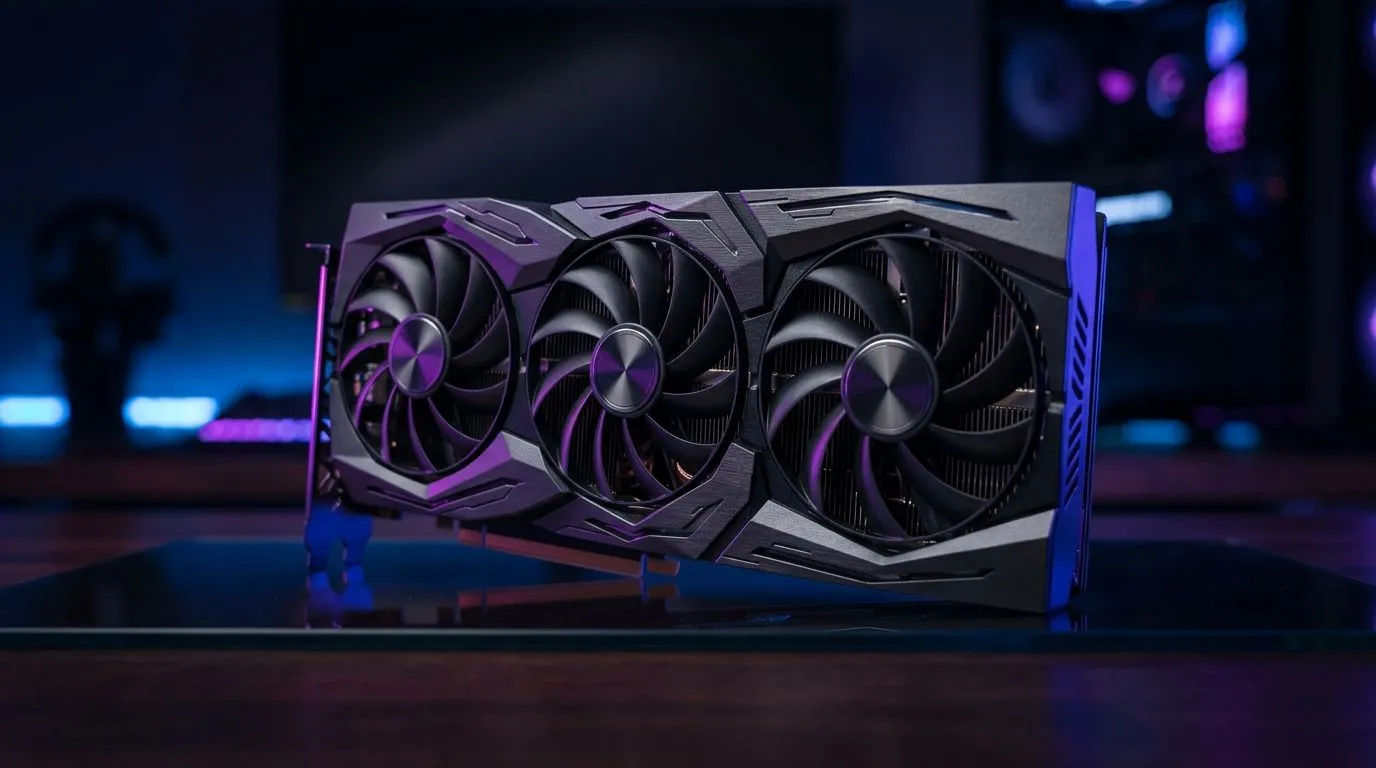
Factory Overclocked Graphics Cards: Boost Your FPS Safely (South African Guide)
You’ve seen it on the box… “Factory Overclocked”. In South Africa, that usually means one thing: smoother gameplay on the same budget. But is it actually safe, or is it marketing?
If you’re gaming on a tight schedule after work, or tweaking your rig between load-shedding hours, you want FPS gains without turning your PC into a space heater. Let’s break down how factory overclocked graphics cards work, what settings matter, and how to boost FPS safely. 🚀
Factory Overclocked Graphics Cards: Boost Your FPS Safely (What You’re Really Buying)
A factory overclocked GPU is tested by the manufacturer to run higher speeds than the “base” clock. That means the card ships with a pre-tuned profile for performance. Usually, the manufacturer also validates thermals and power limits, so the boost is designed to be stable out of the box.
What you should still know:
- Boost clocks can vary by game, cooling, and workload.
- The card may boost aggressively at first, then settle if it hits temperature or power limits.
- “Safe” depends on your case airflow and your expectations of sustained loads.
For local shoppers, it helps to know what you’re comparing. Evetech lists MSI and Radeon and other models, so you can browse what’s available right now:
- MSI factory-overclocked options: MSI graphics cards at Evetech
- Radeon-focused choices: Radeon graphics cards at Evetech
- Full selection to match your budget: graphics cards at Evetech
- GeForce-focused options: GeForce graphics cards at Evetech
⚡ Pro tip… don’t only compare clock speed numbers. Compare cooling and the model line. Better coolers often mean steadier performance.
Factory Overclocked Graphics Cards: Boost Your FPS Safely (How to Get the Most Out of It)
Most gamers assume “it’s factory OC, I’m done”. But your settings decide whether that boost becomes real gameplay.
Start with the basics: airflow and dust
Even the best factory profile can struggle in a closed, dusty case. Before you chase extra FPS:
- Check your GPU temps during a demanding game.
- Ensure your case has at least one intake and one exhaust fan.
- Clean dust filters. South African dust is relentless. 😅
Use in-game settings to stabilise performance
Factory overclocks tend to benefit more when your GPU is the limiting factor. If you push settings too low, your CPU or frame pacing may become the bottleneck.
Practical approach:
- Enable in-game V-Sync only if you care about tearing more than max FPS.
- If the game supports it, use DLSS/FSR-type scaling to keep FPS consistent.
- Avoid extreme settings that spike power draw unless your cooling is solid.
Keep power limits in mind
A factory profile works within power and temperature targets. If you later add your own adjustments, keep changes small.
Productivity Pro Tip ⚡
On Windows, use the Performance monitor (perfmon) to watch GPU temperature and GPU usage while you play. If you see sustained high temperatures or frequent drops in GPU usage during demanding scenes, your airflow needs attention before you touch any overclock settings.
Factory Overclocked Graphics Cards: Boost Your FPS Safely (When It’s Worth It… and When It Isn’t)
A factory OC can be a great buy when:
- You want a simpler upgrade path.
- Your case cooling is decent.
- You play titles that benefit from stable GPU boost clocks.
But it’s not always the best value when:
- The price premium is large and you could buy a similar model without the OC.
- Your system is already thermally constrained.
- Your PSU is weak and you’re running a lot of power-hungry parts.
A quick reality check: the “boost” you feel at 1080p depends on the game and your CPU. If your CPU is pegged, a faster GPU won’t magically fix low frames. In that case, focus on resolution, settings, and overall balance.
✨ If you’re not sure what pairs well with your CPU and PSU, ask Evetech. Local support saves time and money.
Factory Overclocked Graphics Cards: Boost Your FPS Safely (The Evetech Buy Path)
Here’s a smart shopping flow for South African gamers:
- Pick your target resolution (1080p vs 1440p).
- Decide your preferred brands and cooler style.
- Compare factory OC models you can get from Evetech right now.
- Confirm your case airflow and PSU capacity before committing.
Buying a factory overclocked GPU is mostly about paying for tested stability and convenience… not chasing unstable bench numbers.
Ready to lock in a smoother experience for your next session? Let’s make it easy.
Ready to Find Your Perfect Match? The Mac vs Windows debate is complex, but for maximum power, choice, and value in South Africa, Windows is hard to beat. Explore our massive range of laptop specials and find the perfect machine to conquer your world.











