


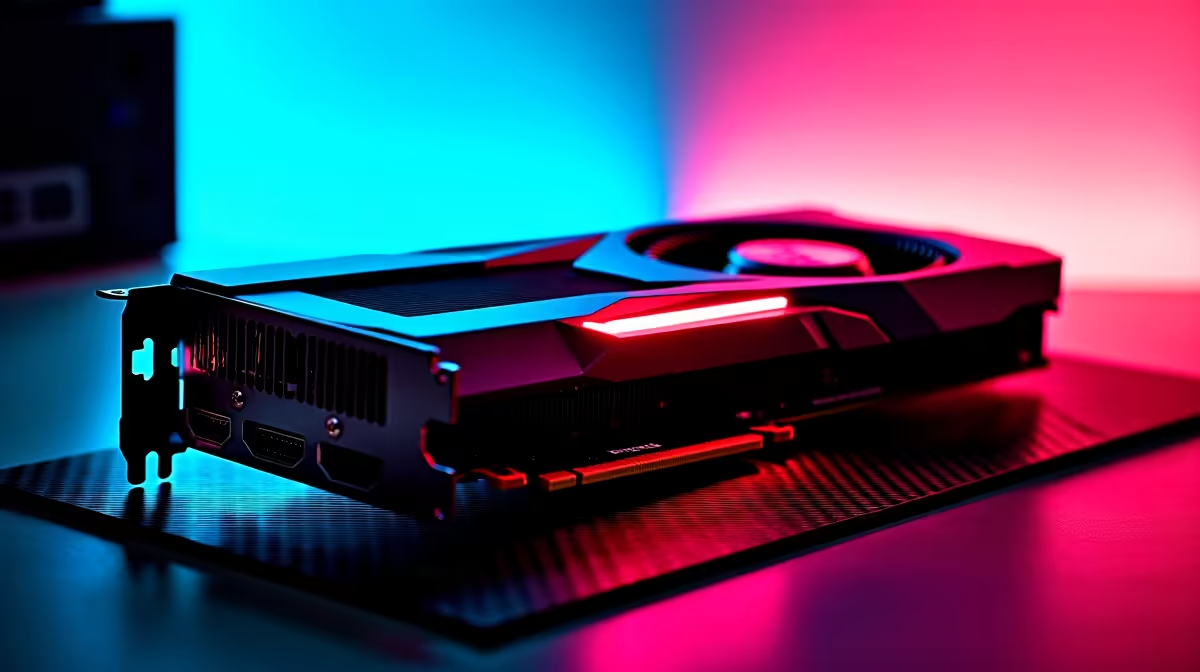
Crimson Desert is shaping up to be an absolute visual masterpiece... but can your current rig actually run it? South African gamers know the struggle of balancing jaw-dropping graphics with a ZAR-friendly budget. If you are eyeing Intel's new Battlemage architecture, you are probably wondering how it holds up. Let us dive into the Intel Arc B580 Crimson Desert FPS benchmarks and find the sweet spot for smooth gameplay.
Unpacking the Intel Arc B580 Crimson Desert FPS Benchmarks ⚔️
Intel has been making serious waves with its B580 GPU. Packing 12 Xe2 cores and 12GB of GDDR6 memory, it offers fantastic value for 1080p and 1440p gamers. It is an underdog card that punches well above its weight class. When testing the Intel Arc B580 Crimson Desert FPS, the results are surprisingly solid. On 1080p High settings, you can expect to hover around a comfortable 60 frames per second. Pushing the resolution up to 1440p requires a few graphical compromises... but the experience remains highly playable.
If your current system is struggling to keep up with modern open-world titles, it might be time to upgrade your graphics card. Just remember that a powerful GPU always needs a strong foundation. Pairing the B580 with one of the latest desktop processors ensures you do not bottleneck your system and lose out on precious frames.
Best Settings for Maximum Performance 🔧
To squeeze every drop of performance out of your hardware, you need to optimise your in-game settings. For the absolute best Intel Arc B580 Crimson Desert FPS, we recommend dropping volumetric clouds and shadow quality down to medium. These specific settings are notoriously heavy on system resources... yet turning them down barely affects the vibrant colours and overall visual flair of the game world. It is the perfect balance between visual fidelity and smooth, responsive combat.
You should also take full advantage of Intel XeSS. This AI upscaling technology works absolute wonders in Crimson Desert. Setting XeSS to 'Quality' mode gives you a massive frame rate boost while keeping textures exceptionally crisp.
Performance Pro Tip ⚡
Always enable Resizable BAR (ReBAR) in your motherboard BIOS when using an Intel Arc GPU. It allows your processor to access the entire graphics frame buffer at once... which can boost your overall frame rate by up to 15 percent in heavy titles like Crimson Desert.
Building the Ultimate Crimson Desert Rig 🚀
Getting the right hardware for next-generation gaming does not have to drain your bank account, especially when you want the best ZAR value. If you want a machine perfectly tailored to your budget and aesthetic, exploring custom gaming PCs is the smartest route. You pick the exact components you want... ensuring every cent goes towards raw performance.
Not keen on building it yourself? We completely understand. Grabbing one of our expertly assembled pre-built PC deals gets you straight into the action with zero hassle. They are plug-and-play ready for heavy RPGs.
Finally, we cannot forget about loadshedding. If you need portability to keep gaming through unexpected power cuts, a desktop might not be your best bet. Thankfully, modern gaming laptops pack enough desktop-tier power to run demanding titles flawlessly while running smoothly off battery power ✨.
Ready to Conquer the Desert? Do not let stuttering frame rates ruin your next epic adventure. Whether you are hunting for a standalone GPU upgrade or a complete system overhaul, we have the best tech at the best prices in South Africa. Explore our massive range of gaming deals and build the ultimate rig today.









