

Understanding Thermal Throttling in the SA Summer
When the mercury hits 35°C in Johannesburg or Durban, your gaming rig feels the burn. Thermal throttling isn't just a buzzword... it's the reason your frame rates tank during a heated Warzone match. Keeping your hardware chilled is essential for longevity. This guide explores the best laptop cooling solutions for hot South African climates to ensure your performance stays frosty when the weather isn't. ⚡
The primary challenge in South Africa is ambient temperature. Most laptop cooling systems are tested in climate-controlled labs at 22°C. When your room temperature climbs, your fans have to work twice as hard to move heat away from the silicon. If you are pushing high-end hardware, like the latest geforce rtx gaming laptops on special, managing that thermal load is the difference between a smooth victory and a stuttering defeat.
Essential Laptop Cooling Solutions for Hot South African Climates
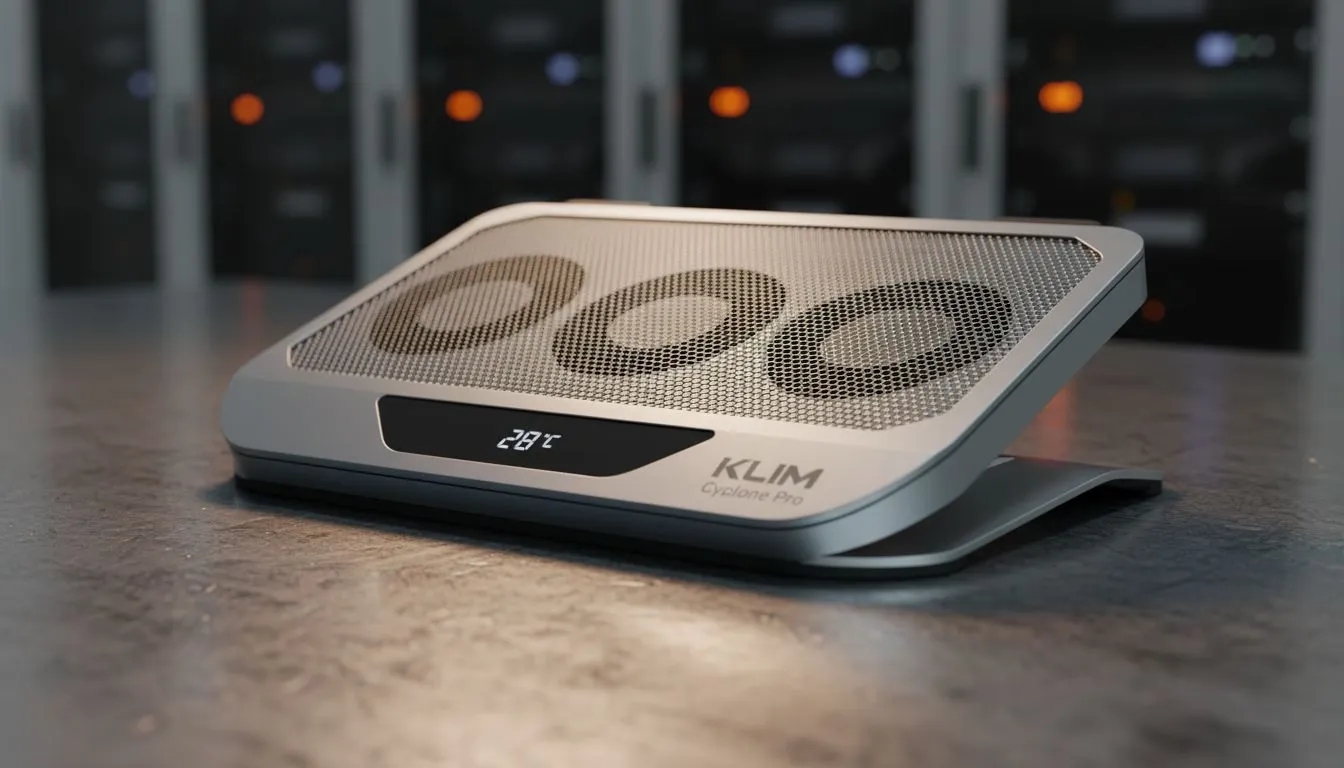
The first step in any cooling strategy is physical airflow. Laptops pull air from the bottom and exhaust it through the sides or back. If you are playing on a bed or carpet, you are essentially suffocating your machine. Using a hard, flat surface is non-negotiable. For those looking at intel laptops on special for their high-frequency performance, a dedicated cooling pad can provide that extra breathing room needed during a summer heatwave.
Airflow Pro Tip ⚡
Elevate the back of your laptop by just two or three centimetres using a dedicated stand or even a small book. This simple adjustment increases the volume of fresh air the intake fans can pull in... often dropping temperatures by 3°C to 5°C without spending a cent.
Dust is the silent killer of performance in SA. Our dry winters and windy coastal regions lead to significant dust buildup inside fan shrouds. A quick blast of compressed air every few months can restore your cooling efficiency. This is especially important for power-efficient ryzen laptop deals where maintaining low thermals allows the Precision Boost overdrive to maintain higher clocks for longer periods.
Choosing Hardware Built for Heat Resistance
Not all laptops are created equal when it comes to heat dissipation. When shopping, look for models with multiple heat pipes and dual-fan configurations. Even if you are browsing gaming laptops under r20k, prioritising a chassis with generous ventilation will save you from headaches later. Modern designs have moved toward liquid metal thermal compounds and phase-change materials to bridge the gap between the chip and the heatsink.
If you are currently hunting for the best gaming laptop deals, consider the software side too. Most manufacturers include "Turbo" or "Max Fan" modes. While noisy, these are vital for South African afternoons. Combining these settings with a slight undervolt can keep your machine running optimally while protecting your investment from the harsh local climate. 🚀
Ready to Find Your Perfect Match? The South African sun is tough, but our hardware is tougher. Whether you need a portable powerhouse or a budget-friendly beast, we have the cooling-focused tech you need. Explore our massive range of laptop specials and find the perfect machine to conquer your world.











