

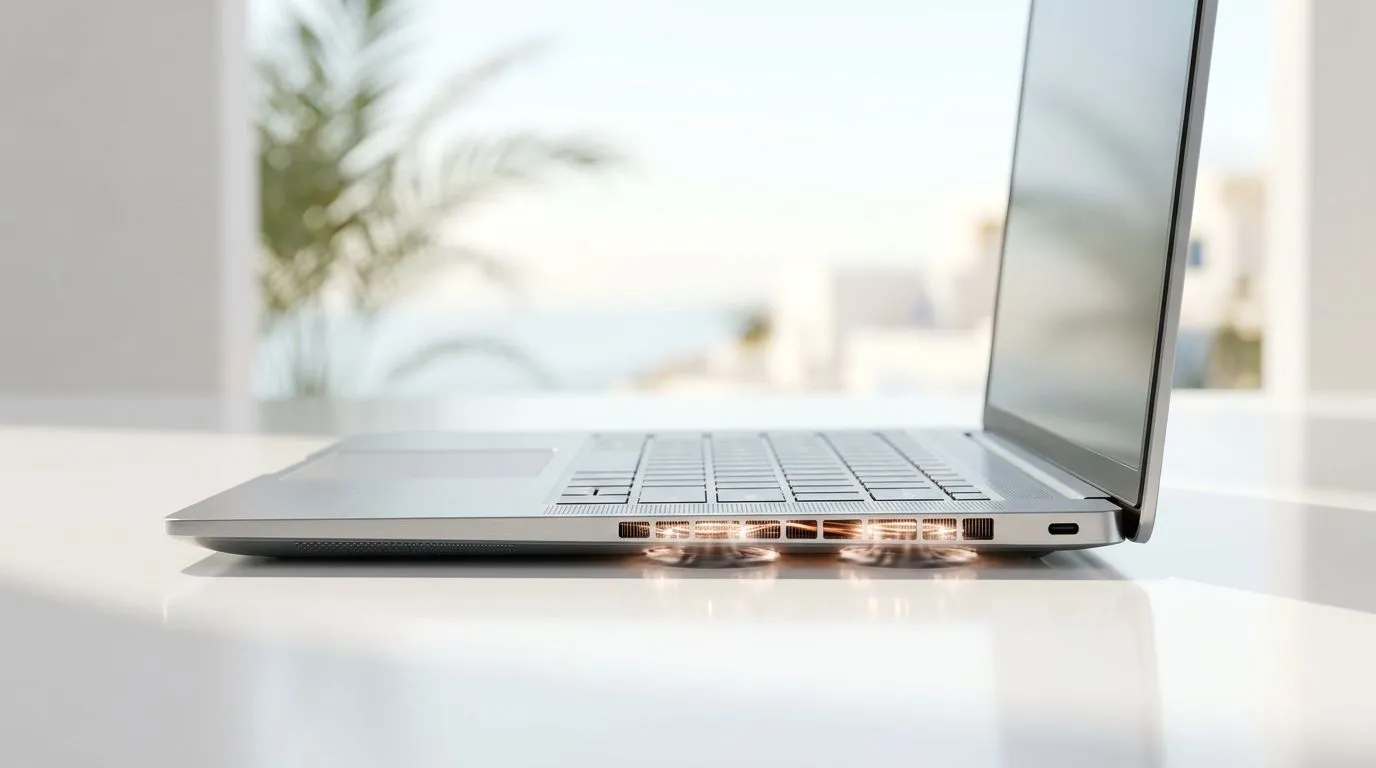
Laptop Overheating in Hot Weather: Keep Your Thin Laptop Cool: The Fix Before It Becomes a Problem
Jou dagboek van FPS dips en stutters… dit begin meestal met hitte. In South Africa, hot days and stuffy rooms turn thin laptops into little space heaters. The result? Thermal throttling, louder fans, slower game loads, and sometimes even sudden shutdowns.
The good news: with a few practical tweaks, you can keep performance stable and extend your laptop’s lifespan. Let’s make your thin laptop run cool, even when the weather doesn’t.
Laptop Overheating in Hot Weather: Keep Your Thin Laptop Cool Using Smart Cooling Habits
Where heat actually comes from (and why thin laptops suffer)
Thin laptops have less internal space for cooling. When CPU and GPU loads spike, heat builds faster than it can escape. Add hot ambient air, and the heat has nowhere to go.
You’ll usually notice:
- Fans ramping up during gaming or video calls 🔥
- Frame rate drops after 10–30 minutes
- Keyboard area feeling unusually hot
- Performance tanking even on “light” tasks
Build a cooling routine that takes 2 minutes
Try this sequence before gaming sessions:
- Clear air paths: Make sure the vents are not blocked by blankets, desk edges, or your lap.
- Elevate the base: A simple stand improves airflow dramatically.
- Re-seat expectations: Play a short test match. If temps climb quickly, adjust settings (below).
="Productivity Pro Tip 🔧" On Windows, make use of Windows’ built-in “Power mode” switch (Settings → System → Power & battery) and choose Balanced or Best power efficiency when you’re not gaming. It reduces sustained heat during browsing, and it’s an easy habit that stops unnecessary fan noise on hot days.
Laptop Overheating in Hot Weather: Keep Your Thin Laptop Cool with Settings That Lower Heat
Tune game and GPU settings for steady performance
You don’t always need lower resolution. Sometimes a few smarter changes keep temps down without ruining the vibe:
- Lock FPS slightly below peak (example: cap at 60 when you’d otherwise spike)
- Reduce shadow quality one step
- Lower draw distance modestly
- Avoid ultra settings that push sustained GPU load
If your laptop is built for gaming, the goal is “stable frames,” not “maxed out all the way.”
Keep your laptop clean (dust is the enemy)
Dust acts like insulation. It blocks airflow and forces fans to work harder. If you haven’t cleaned vents in a while, do it carefully. Compressed air used gently is often the safest option.
Use performance profiles instead of brute force
Many laptops include manufacturer tuning tools for performance vs cooling. Using a balanced profile often keeps the laptop from hitting high-heat limits constantly.
Laptop Overheating in Hot Weather: Keep Your Thin Laptop Cool When You Need a New Machine
Pick a laptop that’s designed for real sustained load
If overheating is frequent, the best “cooling upgrade” is choosing hardware with stronger cooling capacity and proper thermal design. For South African buyers, you also want to match the GPU and CPU to the games you actually play.
If you’re browsing deals right now, here are a few directions to check:
- If you’re considering Intel systems, have a look at Intel laptop deals here: Intel laptops on special.
- For AMD options, you can browse Ryzen laptop deals here: Ryzen laptop deals.
- If you want gaming-first options with dedicated graphics, start with: best gaming laptop deals.
- On a tighter budget, this is a solid place to shop with value in mind: buy gaming laptops under R20k.
- And if you want to hunt for GeForce RTX value, check: GeForce RTX gaming laptops on special.
Quick checklist before you buy (so you don’t regret it later)
When you compare models, look for:
- Dedicated GPU (for gaming laptops)
- Cooling-focused reviews or known thermal behaviour
- Enough RAM for your game + background apps
- Storage that supports fast loads
Want a laptop that stays cool in hot weather? It’s not only about software tweaks. Hardware matters too.
Laptop Overheating in Hot Weather: Keep Your Thin Laptop Cool Summary + What to Do Next
Here’s the short version:
- Improve airflow (elevate the laptop, keep vents clear) 🚀
- Use balanced power settings when not gaming ⚡
- Cap FPS and reduce the settings that cause sustained heat
- Clean vents and avoid blocked intakes
- If overheating keeps coming back, choose a model designed for gaming loads
If you’re buying soon, deals are often the easiest way to jump to better cooling capacity without paying full price.
Ready to Find Your Perfect Match? The Mac vs Windows debate is complex, but for maximum power, choice, and value in South Africa, Windows is hard to beat. Explore our massive range of laptop specials and find the perfect machine to conquer your world.











