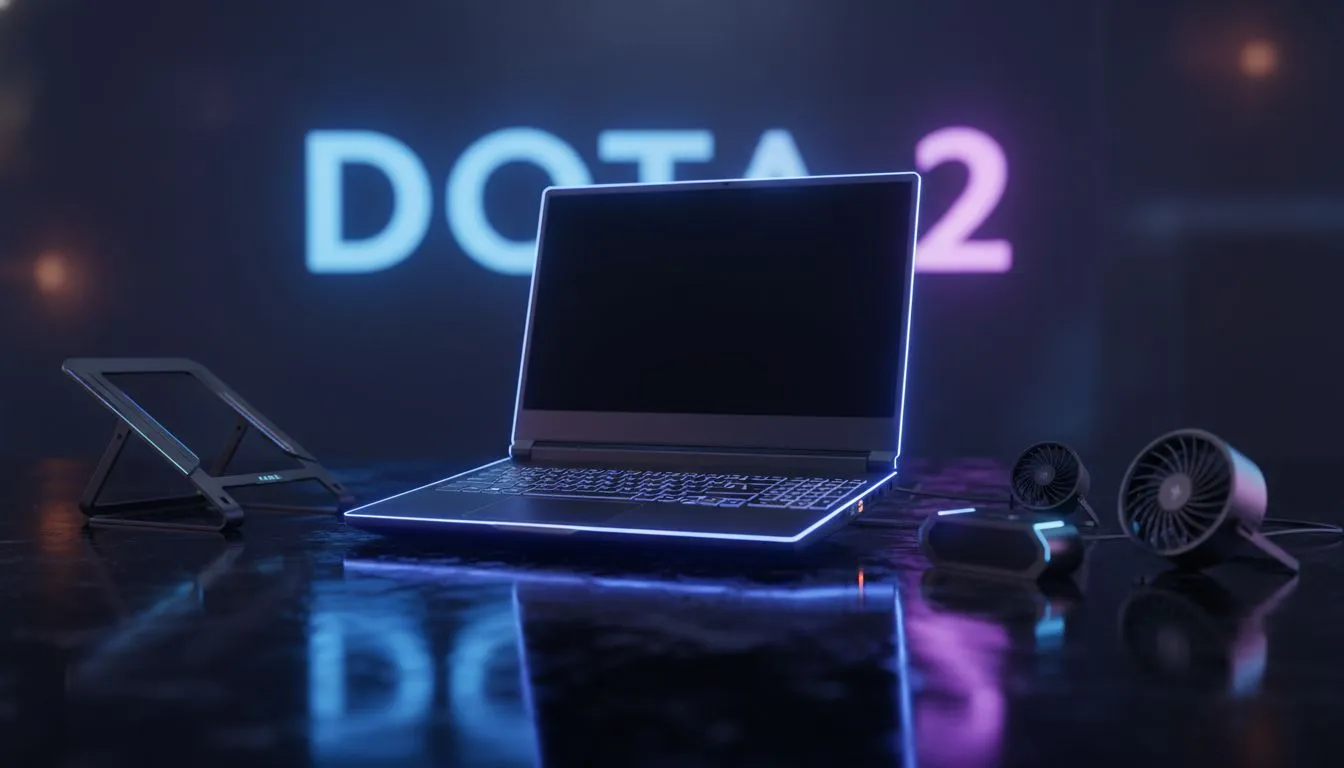
Nothing kills the vibe of a late-night Dota 2 session like a sudden frame drop. You are mid-teamfight... your fans are screaming... and your keyboard feels like a braai grid. Laptop overheating while gaming: Dota 2 cooling tips are essential for any South African gamer looking to protect their hardware. Our local summer heat is unforgiving, and when your CPU hits those thermal limits, your MMR is the first thing to suffer.
Why Your Laptop Overheats During Dota 2 Matches
Dota 2 might look simple compared to modern AAA titles, but it is surprisingly heavy on your processor. Managing dozens of units, spell effects, and physics calculations generates significant heat. If your vents are clogged with dust or your thermal paste has dried out, your system will throttle performance to save itself. Before you start your next ranked match, checking out Intel laptops on special can give you an idea of how modern cooling solutions have evolved to handle these loads.
Essential Dota 2 Cooling Tips for Better Performance
The first step is airflow. Never play on a bed or a couch. These soft surfaces block the intake vents at the bottom of your machine. Always use a hard, flat surface or a dedicated cooling pad. If you are currently rocking an entry-level machine and finding it struggles with heat, looking at gaming laptops under R20k might reveal newer models with much better heat pipe distributions.
Performance Pro Tip ⚡
Use the 'fps_max' command in the Dota 2 console to cap your frame rate to your monitor's refresh rate. If you have a 60Hz screen, there is no point in letting your GPU sweat to push 120 FPS. This simple tweak can drop your temperatures by 5 to 10 degrees instantly.
Software Optimisation and Power Management
Sometimes the heat comes from inefficient power usage. Windows "High Performance" mode isn't always the best for thermals. Try the "Balanced" profile to let your CPU clock down during less intense moments. For those who prefer Team Red, many Ryzen laptop deals feature processors that are incredibly power-efficient, meaning they produce less waste heat while you are busy micro-managing your illusions. 🔧
Hardware Upgrades to Beat the Heat
If your current rig is several years old, the internal components might be working too hard just to keep up with the latest Dota updates. Modern GPUs are far more efficient. Upgrading to one of the latest geforce rtx gaming laptops on special allows you to use features like DLSS, which can reduce the rendering strain on your hardware and keep things running cooler. ❄️
Choosing the Right Rig for the South African Climate
Living in SA means dealing with ambient temperatures that often exceed 30 degrees. You need a laptop designed with a "cooling first" mentality. When browsing the best gaming laptop deals, look for models with dual-fan setups and large exhaust ports. A well-cooled machine doesn't just perform better... it lasts longer. 🚀
Ready to Keep Your Cool?
Don't let thermal throttling hold back your Dota 2 performance. Whether you need a more efficient CPU or a chassis built for maximum airflow, we have the right gear for you. Explore our massive range of laptop specials and find the perfect machine to conquer your world.