

RX 9060 XT Like a Dragon Performance: FPS Test & Settings Guide 2026
RX 9060 XT Like a Dragon Performance: FPS Test. Real-world benchmark data, FPS numbers & performance analysis. What SA gamers can actually expect.
Read moreLossless Scaling Helldivers 2 boosts frame rates by rendering at a lower internal resolution and upscaling with minimal quality loss — learn steps, settings, and benchmarks 🎮⚡
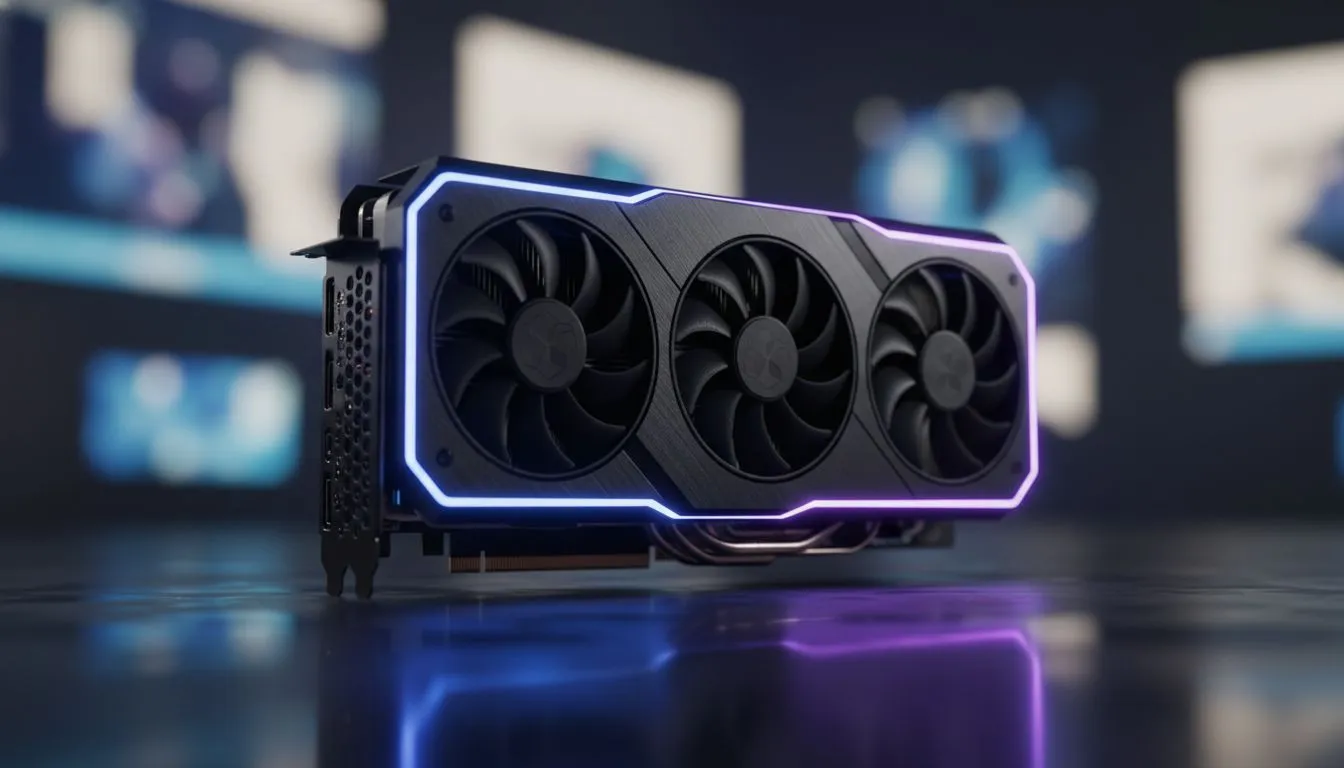
Dropping into Malevelon Creek only to find your frame rate stuttering is a quick way to end up as bug food. Helldivers 2 is notoriously heavy on hardware, especially when the stratagems start flying and the screen fills with bile titans. If your current rig is struggling to maintain a smooth experience, this Lossless Scaling Helldivers 2: Tripling FPS Guide is the reinforcement you need to stay in the fight for Managed Democracy. 🚀
South African gamers often deal with high hardware costs and the summer heat affecting thermal throttling. Instead of dropping R20,000 on a new build, many are turning to software solutions. Lossless Scaling (LS) is a utility available on Steam that uses advanced frame generation and upscaling algorithms to boost performance on almost any hardware.
If you are running older NVIDIA or ATI graphics cards, this tool is a total lifesaver. It works by capturing your game window and applying a frame generation layer on top. This means you can run Helldivers 2 at a lower base resolution or frame rate while the software "fills in the gaps" to deliver a much smoother visual output.
To get the best results, you need to configure the game and the app correctly. Start by setting Helldivers 2 to "Borderless Windowed" mode. This is crucial because Lossless Scaling cannot hook into a traditional full-screen application. Within the LS app, select the "LSFG 2.1" (Lossless Scaling Frame Generation) option.
For the best results with frame generation, try to lock your base in-game frame rate to exactly half or one-third of your monitor's refresh rate. If you have a 144Hz screen, locking Helldivers 2 to 48FPS and using the 'X3' mode in Lossless Scaling will result in a perceived 144FPS with minimal input lag.
While software can do wonders, having a solid foundation makes the process much more efficient. Modern MSI graphics cards feature excellent cooling solutions that prevent the thermal throttling often seen during intense South African afternoons.
If you prefer the Red Team, AMD Radeon graphics cards work exceptionally well with LS, providing a great alternative to native FSR 3 if you find the in-game implementation too blurry. Even budget-friendly Intel Arc graphics cards punch way above their weight class when paired with frame generation.
Interestingly, we have seen users repurposing workstation graphics cards for gaming rigs. While these cards are designed for CAD and rendering, the Lossless Scaling Helldivers 2: Tripling FPS Guide approach allows them to handle gaming workloads with surprising grace... proving that you do not always need the latest "gaming" branded gear to enjoy the latest titles. ✨
Before you dive back into the galactic war, ensure your Windows "Hardware-Accelerated GPU Scheduling" is turned on. This setting, found in your display options, helps the frame generation software communicate more effectively with your hardware. By following this guide, you can turn a sluggish 30FPS crawl into a fluid 90FPS experience, giving you the edge needed to spread liberty across the stars. 🔧
Ready to Find Your Perfect Match? The Mac vs Windows debate is complex, but for maximum power, choice, and value in South Africa, Windows is hard to beat. Explore our massive range of laptop specials and find the perfect machine to conquer your world.
Lossless Scaling renders the game at lower resolution then upscales with a sharp filter. It boosts FPS in Helldivers 2 while retaining much of the original detail.
Expect up to 2–3x FPS gains on mid-range GPUs; exact results vary by resolution, GPU, and internal render scale used for Helldivers 2.
Install the Lossless Scaling app, run it in borderless mode and set internal render scale. Use the overlay while running Helldivers 2 to toggle settings.
Start at 70–80% internal scale, enable sharp upscaler, and test vs native. Adjust based on GPU headroom for the best image-to-performance balance.
Properly configured, input lag is minimal. You may see mild softening or edge artifacts at extreme scales, but most players report acceptable tradeoffs.
It depends. Lossless Scaling can match performance gains on older GPUs without ML drivers, while DLSS/FSR may offer superior upscaling quality on supported hardware.
No. Mid-range GPUs gain the biggest relative boost. High-end cards benefit too, but the percentage improvement is typically smaller.
RX 9060 XT Like a Dragon Performance: FPS Test. Real-world benchmark data, FPS numbers & performance analysis. What SA gamers can actually expect.
Read more
Head-to-head comparison of RTX 5080 vs RTX 4070 Super: Gaming Performance for SA gamers. Performance benchmarks, Rand pricing & which delivers better value.
Read more
Ryzen 7 9800X3D + RTX 5060 Build: Bottleneck. Real-world benchmark data, FPS numbers & performance analysis. What SA gamers can actually expect.
Read more
RTX 4070 Super Linux Support: Benchmark. Real-world benchmark data, FPS numbers & performance analysis. What SA gamers can actually expect.
Read more
RTX 5080 CS2 FPS: Performance Benchmark & Settings. Real-world benchmark data, FPS numbers & performance analysis. What SA gamers can actually expect.
Read more
RX 9070 PUBG at 4K: FPS Benchmark & Optimal. Real-world benchmark data, FPS numbers & performance analysis. What SA gamers can actually expect.
Read more
Snapdragon X2 NPU Explained: How 80 TOPS Changes. Plain-English explanation of what it means, why it matters & how it affects your buying decisions in SA.

HBM? High Bandwidth Memory Used in GPUs and AI. Plain-English explanation of what it means, why it matters & how it affects your buying decisions in SA.

How much should you spend on sim racing accessories in South Africa for a realistic setup? We break down budgets by quality tiers, so you buy smart gear and avoid overspending 🎮💸

G-Sync and FreeSync? Variable Refresh Rate. Plain-English explanation of what it means, why it matters & how it affects your buying decisions in SA.

AMD Laptop: Value. SA-focused analysis with local pricing data, real-world insights & actionable buying advice.

How MacBook Neo Handles 30+ Chrome Tabs with Only. SA-focused analysis with local pricing data, real-world insights & actionable buying advice.

Why Apple Put 8GB RAM in MacBook Neo: The A18 Pro. SA-focused analysis with local pricing data, real-world insights & actionable buying advice.

Upgrade your work laptop with a New Motherboard. Step-by-step instructions with SA-specific tips, common pitfalls to avoid & expert recommendations.

Maintain wired headset — Checklist: • inspect cables • clean earpads • store properly 🔧🎧 Practical steps to preserve sound quality and avoid premature replacements.

Fix crackling headset fast: step-by-step checks for cables, connectors, drivers, and settings to remove static or distorted audio on wired headsets 🎧⚙️

Stereo vs mono headsets: learn which delivers clearer calls, better spatial music, or simpler mono voice performance — pick the right headset for meetings, music, or gaming 🎧💬

- Compare gaming headset vs studio headphones; - Assess comfort, mic and sound; - Recommend best daily picks. Gaming headset vs studio headphones: learn which suits work, music and casual gaming. 🎧⚖️