

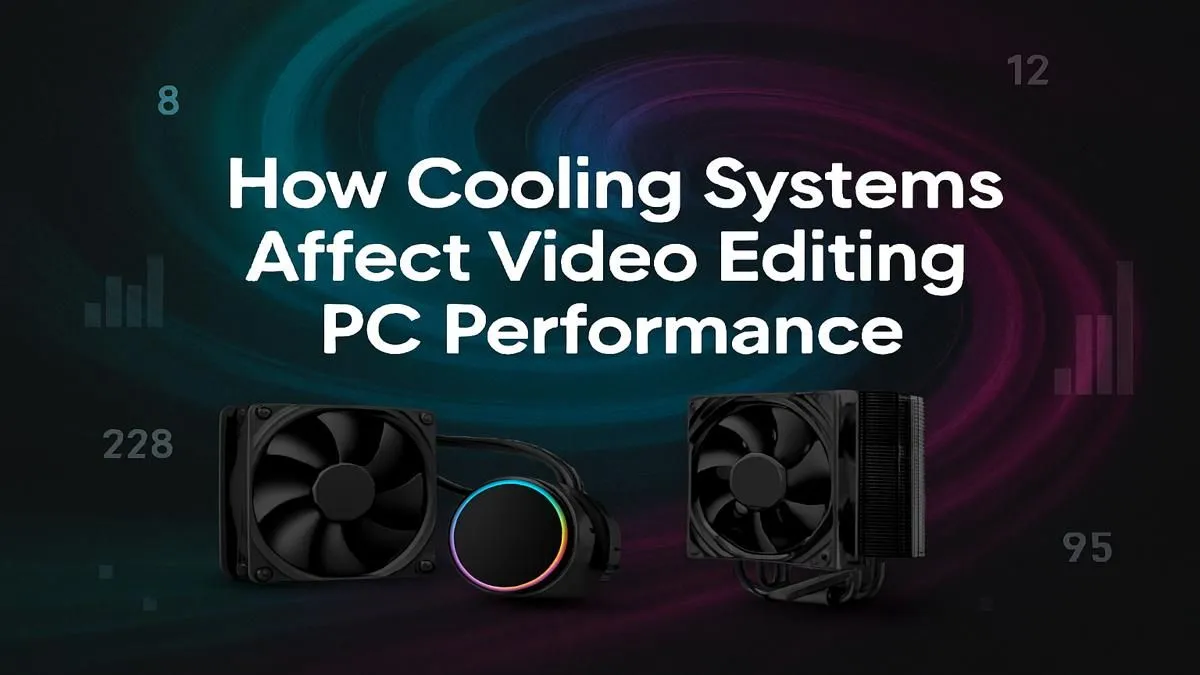
You’re staring at the render bar, and it’s barely moving. The deadline is creeping closer, and your PC’s fans are screaming like a jet engine. Sound familiar? For South African creators, turning a creative vision into a polished 4K video is a battle against time… and heat. This is where understanding PC cooling for video editing isn't just a techy detail; it’s the secret to unlocking faster renders, a smoother workflow, and hitting your deadlines without the stress.
The Heat is On: Why Video Editing Pushes Your PC to its Limits
Unlike gaming, which often has bursts of high intensity, video editing places your components under a heavy, sustained load for hours on end. Think about what’s happening when you click "Export":
- CPU Overload: Your processor is encoding gigabytes of data, calculating effects, and compressing your final file. This is a marathon, not a sprint, and it generates immense heat.
- GPU at Work: The graphics card isn't just for gaming. It’s accelerating visual effects, colour grading, and rendering complex timelines, also producing a significant amount of heat.
- NVMe SSDs Get Toasty: Even your super-fast storage can get hot during long read/write operations, potentially slowing down your media access.
This constant high-demand environment turns even the most powerful pre-built PCs into miniature space heaters if not managed correctly. 🔥
Meet Thermal Throttling: The Silent Performance Thief
So, your PC gets hot. What’s the big deal? The problem is a self-preservation mechanism called "thermal throttling." When your CPU or GPU hits a certain temperature, it automatically reduces its speed to prevent damage.
Imagine trying to run a marathon in the Karoo midday sun… you’d have to slow down to avoid collapsing. That’s exactly what your processor does.
This is the number one reason your renders take forever and your timeline feels sluggish. You might have paid for a top-of-the-line CPU, but without effective PC cooling for video editing, you're only getting a fraction of its true power. Investing in a system designed for these workloads, like our purpose-built Workstation PCs, ensures that thermal management is a top priority from the start.
Choosing Your Weapon: Air Coolers vs. Liquid AIOs
When it comes to cooling your video editing PC, you have two main choices. Neither is universally "better"; it's about matching the solution to your specific needs and processor.
Air Cooling: The Reliable Workhorse 🔧
An air cooler uses a metal heatsink with fins to draw heat away from the CPU, and a fan to blow that heat away.
- Pros: Highly reliable with few moving parts, generally more affordable, and modern high-end air coolers can compete with many liquid coolers.
- Cons: Can be very bulky, potentially interfering with tall RAM modules or case side panels. Their effectiveness can be limited with the most power-hungry CPUs.
Air cooling is a fantastic, no-fuss solution for many builds, and you'll find it in a wide range of Intel-powered PCs that are perfect for budding editors.
Liquid Cooling (AIOs): The High-Performance Option 💧
All-in-One (AIO) liquid coolers use a pump to circulate a liquid coolant between a block on your CPU and a radiator. Fans on the radiator then dissipate the heat.
- Pros: Superior cooling capacity, especially for high-core-count CPUs under sustained load. They also offer a cleaner, more modern aesthetic inside your case.
- Cons: More complex with more potential points of failure (though modern AIOs are extremely reliable), and they typically come at a higher price.
For serious creators working with 4K, 6K, or even 8K footage, an AIO is often the best choice to guarantee consistent performance. It's the kind of premium cooling you’ll see in many high-performance AMD Ryzen systems built for heavy lifting.
Case Airflow is King 👑
CPU cooler can't work effectively if it's just recycling hot air. Ensure your PC case has a clear airflow path: at least one intake fan at the front pulling cool air in, and one exhaust fan at the back or top pushing hot air out. This simple setup can drop your component temperatures by several degrees!
Beyond the CPU: A Holistic Approach to PC Cooling
Effective PC cooling for video editing is about more than just the CPU. Your graphics card is a massive heat source, and its own cooling solution is critical. High-end cards from both Team Green and Team Red come with sophisticated multi-fan coolers designed to keep them running at peak performance during long renders. Whether you opt for one of our NVIDIA GeForce gaming PCs or the latest AMD Radeon gaming PCs, you're getting a GPU built to handle the heat.
Ultimately, a cooler system is a faster, more reliable system. By prioritising cooling, you're not just buying hardware; you're investing in your own productivity and creativity. You're ensuring that when you hit that export button, your PC delivers every bit of performance you paid for. 🚀
Ready to Render Faster? A powerful processor is only half the story. A properly cooled rig ensures you get 100% of that performance, 100% of the time. Explore our range of purpose-built Workstation PCs and build a machine that won't buckle under pressure.











