

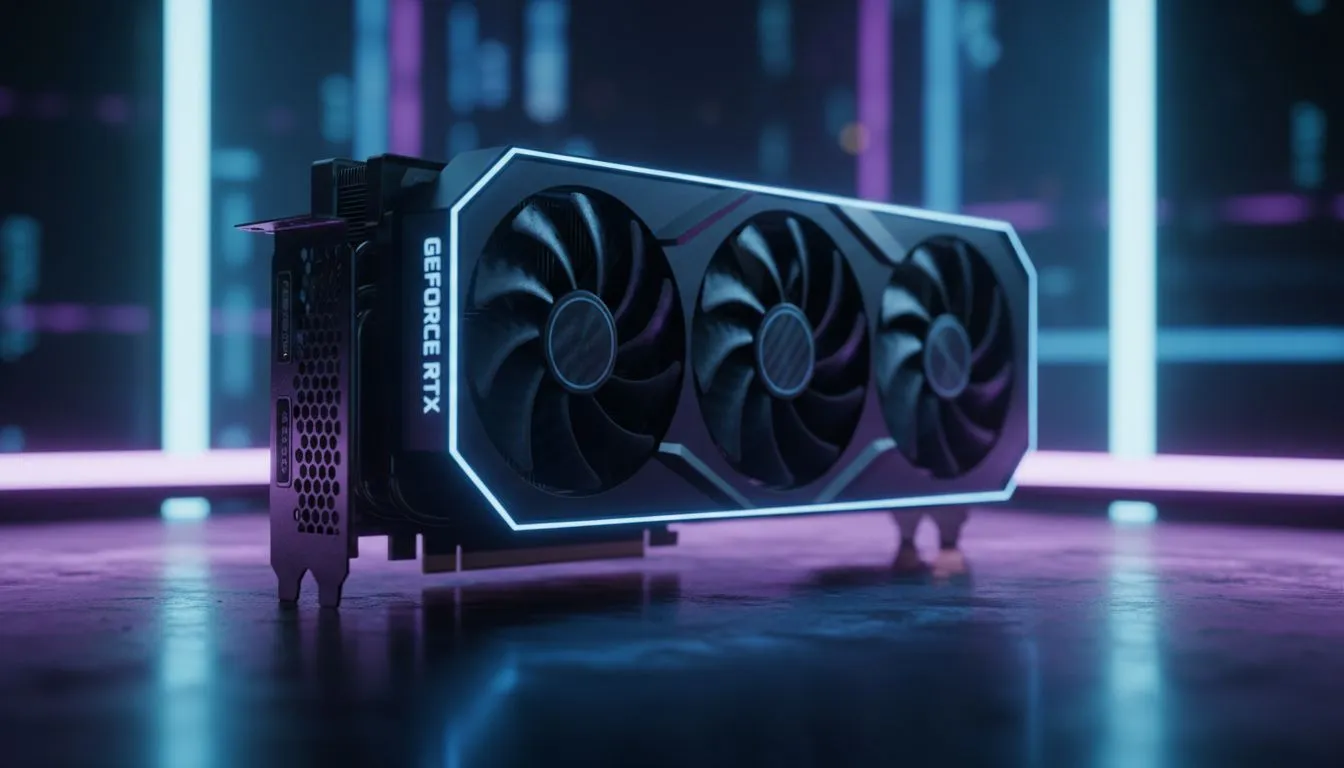
Keeping Your Rig Cool When the Power Returns
We all know the drill... the lights flicker, the router dies, and your PC shuts down mid-raid. When the power finally comes back on, your system often faces a secondary struggle: heat soak. Managing PC thermals after loadshedding is critical for South African gamers who want to avoid long-term hardware degradation. Sudden power loss prevents your fans from completing their cooling cycle, leaving your components to bake in stagnant air. 🔧
Optimising Airflow for Sudden Shutdowns
The most effective way to combat these thermal spikes is by ensuring your cooling solution is up to the task. If your CPU has been throttling during those post-outage boot-ups, it might be time to browse our comprehensive range of CPU coolers. Relying on stock cooling is often a recipe for disaster in our warm climate.
For those pushing high-end CPUs, a liquid cooler (AIO) provides the thermal mass necessary to absorb heat spikes more efficiently than traditional air towers. If you are brand loyal, we stock premium options like the Corsair liquid cooling series which are renowned for their reliability.
Thermal Maintenance Pro Tip ⚡
After a power cut, wait at least five minutes before booting your PC again. This allows the internal components to dissipate residual heat naturally, reducing the strain on your cooling fans and pump during the initial POST sequence.
Choosing the Right Radiator Size
Not every chassis can handle the same thermal load. If you are building for longevity, consider the Deepcool liquid coolers for a balance of price and performance. When selecting your cooling, ensure your case supports the radiator size. A 360mm radiator is the gold standard for high-TDP processors, while a 240mm radiator fits most mid-tower builds perfectly. 🚀
Stability Starts with Temperature Control
Monitoring your temperatures is the best defence against stability issues. If you notice your system stuttering after a power cycle, check your BIOS settings. Often, the abrupt shutdown resets fan curves to default, which might be too conservative for South African summer days. Keeping your thermals in check isn't just about speed... it's about protecting your investment from unnecessary wear and tear. ✨
Ready to Find Your Perfect Match? Managing PC thermals after loadshedding is the first step to a healthier rig. If your current cooling setup is struggling to keep up with the heat, explore our massive range of CPU coolers and find the perfect solution to keep your frame rates high and your temperatures low.











