

RTX 4060 Ti PUBG at 1440p: FPS Benchmark & Optimal Settings
RTX 4060 Ti PUBG at 1440p: FPS Benchmark. Real-world benchmark data, FPS numbers & performance analysis. What SA gamers can actually expect.
Read morePUBG VRAM checklist: - Audit VRAM usage - Tune textures/streaming - Upgrade smartly. PUBG VRAM affects texture pop-in and stutters; follow quick fixes, monitoring tips and upgrade advice 🎯⚙️
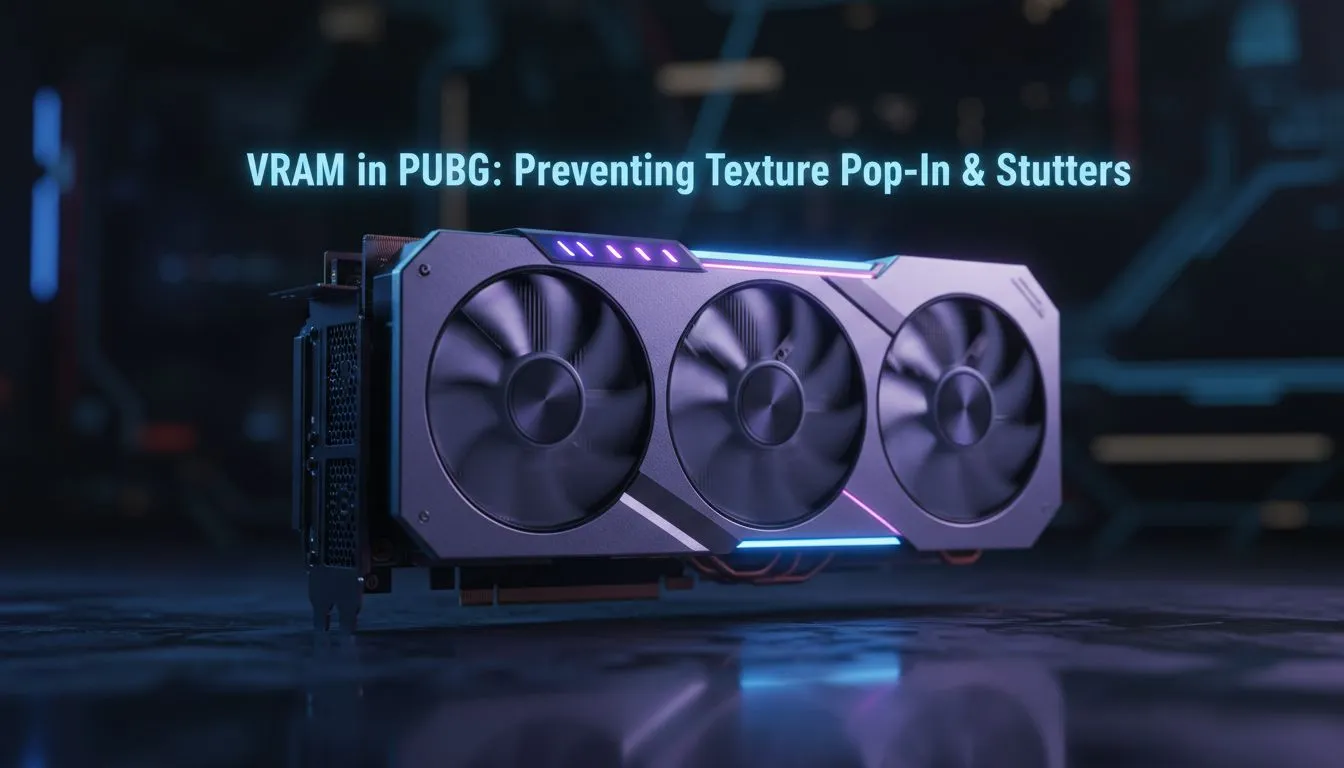
Landing in Pochinki only to see "play-doh" buildings is a classic PUBG experience. It is frustrating and often leads to a quick trip back to the lobby. If you want to fix PUBG VRAM: Prevent Texture Pop-In and Stutters, you need to understand how your GPU handles data. Low Video RAM causes those jagged frame drops and blurry textures that ruin your immersion... 🔧
PUBG is a massive game with sprawling maps like Erangel and Miramar. These environments require significant memory to store textures. When your graphics card runs out of dedicated VRAM, it starts using slower system RAM. This transition is what causes those annoying stutters. You can find a massive range of NVIDIA and AMD graphics cards that offer the high memory capacity needed to keep things smooth.
The quickest way to solve pop-in is adjusting your in-game settings. Lowering "Texture Quality" to Medium or Low can drastically reduce VRAM usage. If you are using premium MSI graphics cards, you can use monitoring software to see exactly how much memory the game consumes in real-time. Aim to keep your usage at least 1GB below your maximum capacity.
Always disable "Replay" and "Death Cam" settings if you are struggling with performance. These features consume extra system resources and can exacerbate VRAM-related stutters during intense final-circle gunfights.
Not all cards are created equal. While many gamers stick to traditional choices, Intel Arc graphics cards have entered the market with impressive VRAM offerings at great price points. For those who use their rigs for heavy rendering by day, specialised workstation graphics cards provide massive buffers, though they are usually overkill for just gaming. 🚀
If you want the most VRAM for your ZAR, the latest AMD Radeon graphics cards are often the go-to choice for South African gamers. They frequently offer higher memory counts than their competitors at similar price brackets. This extra headroom is vital for preventing texture pop-in as PUBG continues to receive visual updates... ✨
Ready to Eliminate the Stutter? Don't let hardware limitations cost you the win. Whether you need a budget-friendly upgrade or a high-end beast, we have the right GPU for your build. Explore our massive range of graphics card specials and upgrade your gaming experience today.
PUBG generally runs fine with 4–6GB at 1080p; 6–8GB or more helps prevent pop-in. Check how much vram for pubg for your texture preset.
Pop-in is often caused by aggressive texture streaming, low VRAM, or high presets. Adjust texture streaming pubg settings and monitor vram usage pubg.
Use MSI Afterburner or the in-game overlay to track GPU memory. Enable GPU metrics to monitor vram usage pubg and spot spikes.
Lower texture quality, reduce streaming, and disable heavy post-processing. Follow best vram settings pubg to balance visuals and performance.
Upgrading to a GPU with more VRAM typically reduces pop-in and stutters at higher texture settings. Consider increase vram for pubg if current GPU is limited.
Requirements vary by resolution and preset; high textures often need 6–8GB. Check vram requirements pubg pc and match settings to your GPU.
Yes—outdated drivers, background apps, or power settings can cause stutters. Update drivers and apply pubg textures stutter fix steps like disabling overlays.
RTX 4060 Ti PUBG at 1440p: FPS Benchmark. Real-world benchmark data, FPS numbers & performance analysis. What SA gamers can actually expect.
Read more
Head-to-head comparison of RTX 4080 Super vs RTX 3050: Gaming Performance for SA gamers. Performance benchmarks, Rand pricing & which delivers better value.
Read more
RTX 4080 Super for Scientific Computing. Real-world benchmark data, FPS numbers & performance analysis. What SA gamers can actually expect.
Read more
RTX 4060 Ti Star Wars Outlaws FPS: Performance. Real-world benchmark data, FPS numbers & performance analysis. What SA gamers can actually expect.
Read more
RTX 4060 Ti AV1 Encoding: Benchmark & Real-World. Real-world benchmark data, FPS numbers & performance analysis. What SA gamers can actually expect.
Read more
Snapdragon X2 NPU Explained: How 80 TOPS Changes. Plain-English explanation of what it means, why it matters & how it affects your buying decisions in SA.

HBM? High Bandwidth Memory Used in GPUs and AI. Plain-English explanation of what it means, why it matters & how it affects your buying decisions in SA.

How much should you spend on sim racing accessories in South Africa for a realistic setup? We break down budgets by quality tiers, so you buy smart gear and avoid overspending 🎮💸

G-Sync and FreeSync? Variable Refresh Rate. Plain-English explanation of what it means, why it matters & how it affects your buying decisions in SA.

AMD Laptop: Value. SA-focused analysis with local pricing data, real-world insights & actionable buying advice.

How MacBook Neo Handles 30+ Chrome Tabs with Only. SA-focused analysis with local pricing data, real-world insights & actionable buying advice.

Why Apple Put 8GB RAM in MacBook Neo: The A18 Pro. SA-focused analysis with local pricing data, real-world insights & actionable buying advice.

Upgrade your work laptop with a New Motherboard. Step-by-step instructions with SA-specific tips, common pitfalls to avoid & expert recommendations.

Maintain wired headset — Checklist: • inspect cables • clean earpads • store properly 🔧🎧 Practical steps to preserve sound quality and avoid premature replacements.

Fix crackling headset fast: step-by-step checks for cables, connectors, drivers, and settings to remove static or distorted audio on wired headsets 🎧⚙️

Stereo vs mono headsets: learn which delivers clearer calls, better spatial music, or simpler mono voice performance — pick the right headset for meetings, music, or gaming 🎧💬

- Compare gaming headset vs studio headphones; - Assess comfort, mic and sound; - Recommend best daily picks. Gaming headset vs studio headphones: learn which suits work, music and casual gaming. 🎧⚖️