

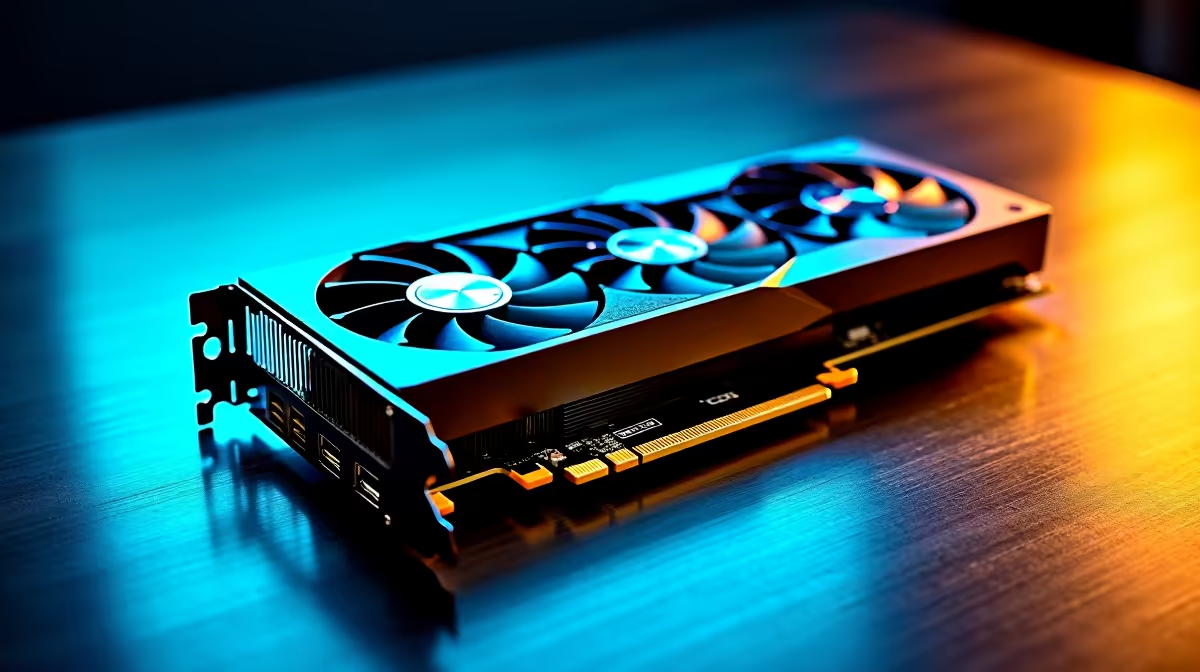
Waiting for a 4K timeline to render feels like watching paint dry... especially when a client is waiting. South African content creators need hardware that punches above its weight without breaking the bank. If you want to future-proof your studio, our RTX 4060 Ti for Video Editing in DaVinci Resolve: Professional Benchmark 2026 breakdown reveals exactly how this GPU handles heavy colour grading and AI workloads.
Why the RTX 4060 Ti Shines in DaVinci Resolve 🎬
DaVinci Resolve famously loves GPU power. Unlike other editing suites that lean heavily on your processor, Resolve uses CUDA cores to accelerate everything from basic playback to complex node trees.
When you are looking at upgrading your graphics card, the RTX 4060 Ti offers a massive advantage with its AV1 encoding support. This means much faster export times and smaller file sizes without losing visual fidelity... a massive win for local YouTubers dealing with slow upload speeds.
Real-World Timeline Performance 🚀
Let us look at the raw numbers. In our RTX 4060 Ti for Video Editing in DaVinci Resolve: Professional Benchmark 2026 tests, 4K BRAW footage plays back flawlessly at full resolution. Even when adding power-hungry effects like Magic Mask or temporal noise reduction, the timeline remains incredibly smooth.
You do not always need a massive, overpriced workstation to get pro-level results. In fact, many of our high-performance gaming PCs double as incredible editing rigs precisely because they pack this level of dedicated GPU horsepower.
Stability Meets Mobility 💻
If you are piecing together a studio setup, system stability is just as important as pure speed. That is exactly why reliable pre-built desktop systems featuring the 4060 Ti are flying off the shelves. They offer plug-and-play performance for editors who want to create rather than troubleshoot drivers.
Of course, mobile creators are not left out of the equation. The laptop variants of the NVIDIA 40-series bring desktop-tier rendering to premium laptops for creators. This lets you grade footage on a shoot in Cape Town and export your final cut on the flight back to Joburg.
Resolve Studio Pro Tip ⚡
DaVinci Resolve's free version relies heavily on your CPU. Upgrading to Resolve Studio unlocks full hardware acceleration for your RTX 4060 Ti... shifting the load to your GPU and cutting render times by up to 60 percent. Combine this with smart proxy generation to keep your workflow incredibly fast.
Maximising Your ZAR Value
We know that every Rand counts when upgrading your production gear. The RTX 4060 Ti strikes a beautiful balance between price and performance. It handles the heavy lifting required for modern video production without demanding the premium price tag of a flagship card.
Whether you are cutting snappy social media clips or colour grading an indie documentary, keeping an eye on the latest tech specials can help you secure this powerhouse GPU while staying well within your production budget.
Ready to Supercharge Your Timeline? The right hardware transforms video editing from a frustrating chore into a seamless creative process. If you want to slash your render times and unlock the full potential of DaVinci Resolve, we have the perfect setup for you. Explore our massive range of PC specials and find the ultimate machine to conquer your next project.











