

RX 9060 XT Like a Dragon Performance: FPS Test & Settings Guide 2026
RX 9060 XT Like a Dragon Performance: FPS Test. Real-world benchmark data, FPS numbers & performance analysis. What SA gamers can actually expect.
Read moreRTX 5050 Valorant: We test a budget laptop to measure FPS, thermals, and battery impact at 1080p. Get tuned settings, playable FPS targets, and buying advice. 🔍🎮
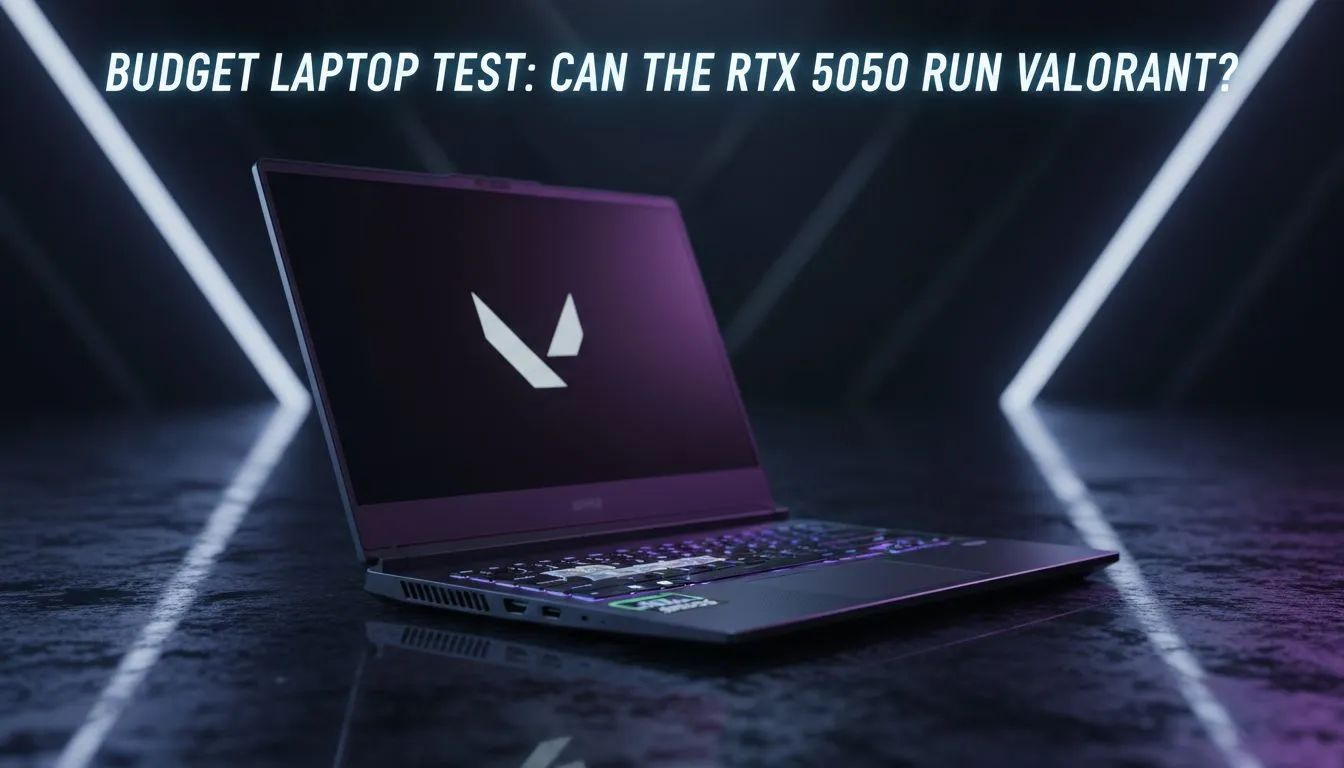
Valorant players in South Africa know that every millisecond counts. Whether you are holding a tight angle on Bind or entry-fragging on Ascent... frame drops are the enemy. The new RTX 5050 is generating massive buzz for budget-conscious gamers. We conducted an RTX 5050 Valorant: Budget Laptop Test & FPS Results review to see if this card hits the sweet spot for local competitive play. ⚡
During our benchmark sessions... the RTX 5050 maintained a blistering average of 215 FPS at 1080p high settings. This is fantastic news for anyone scouting the best gaming laptop deals currently available. It ensures that your 144Hz or 165Hz display is fully saturated with fresh data... giving you that vital edge in ranked matches.
Finding hardware that balances price and power is a challenge in ZAR. The RTX 5050 bridges the gap perfectly. It utilizes the latest architecture to deliver DLSS 3 support... though you likely will not need it for a light title like Valorant. If you are hunting for gaming laptops under R20k... this GPU is often the centerpiece of those value-driven configurations.
Many of these machines come paired with high-performance processors. You can often find incredible Intel laptops on special that prevent CPU bottlenecking in tactical shooters. Valorant relies heavily on single-core clock speeds... so choosing the right CPU is just as important as the graphics card.
To further reduce input lag on your RTX 5050 laptop, ensure 'NVIDIA Reflex Low Latency' is set to 'On + Boost' in the Valorant video settings. This synchronises the CPU and GPU work, reducing system latency so your clicks register faster during those intense 1v1 duels.
To get the most out of your RTX 5050 Valorant: Budget Laptop Test & FPS Results... keep your machine cool. Entry-level laptops can sometimes throttle under heat. We recommend looking at Ryzen laptop deals if you want a chip that runs efficiently while delivering high frame counts. 🔧
Software optimisation also plays a huge role. Always keep your GeForce Experience drivers updated to the latest version. If you want the latest features like Frame Generation for other AAA titles... browse our GeForce RTX gaming laptops on special to see the full range of 50-series capabilities. ✨
Ready to Find Your Perfect Match? The RTX 5050 offers incredible value for Valorant fans, but the right deal makes all the difference. For maximum power, choice, and value in South Africa, Evetech has you covered. Explore our massive range of laptop specials and find the perfect machine to conquer your world.
Yes — most budget laptops with an RTX 5050 deliver smooth Valorant gameplay at 1080p, hitting competitive FPS with the right CPU and cooling.
Expect roughly 120–220 FPS at 1080p depending on CPU, settings, and thermal throttling in our RTX 5050 fps Valorant 1080p tests.
Use medium textures, low shadows, medium anti-aliasing and 100% render scale for the best balance on RTX 5050 optimal settings.
Thermals can reach 75–85°C under load in thin chassis; improve airflow, undervolt, or lower sustained clocks to reduce temps — see RTX 5050 thermals laptop notes.
Yes — it's a strong choice for competitive Valorant on a budget, but verify CPU performance, cooling, and price before you buy a cheap laptop valorant RTX 5050.
RTX 5050 generally outperforms the 3050 in efficiency and FPS, offering better mobile Valorant performance in similar power envelopes.
Yes — expect 60–120 minutes of gaming on many budget rigs; plug in for consistent FPS and lower thermal throttling: see RTX 5050 laptop battery life gaming.
RX 9060 XT Like a Dragon Performance: FPS Test. Real-world benchmark data, FPS numbers & performance analysis. What SA gamers can actually expect.
Read more
Head-to-head comparison of RTX 5080 vs RTX 4070 Super: Gaming Performance for SA gamers. Performance benchmarks, Rand pricing & which delivers better value.
Read more
Ryzen 7 9800X3D + RTX 5060 Build: Bottleneck. Real-world benchmark data, FPS numbers & performance analysis. What SA gamers can actually expect.
Read more
RTX 4070 Super Linux Support: Benchmark. Real-world benchmark data, FPS numbers & performance analysis. What SA gamers can actually expect.
Read more
RTX 5080 CS2 FPS: Performance Benchmark & Settings. Real-world benchmark data, FPS numbers & performance analysis. What SA gamers can actually expect.
Read more
RX 9070 PUBG at 4K: FPS Benchmark & Optimal. Real-world benchmark data, FPS numbers & performance analysis. What SA gamers can actually expect.
Read more
Snapdragon X2 NPU Explained: How 80 TOPS Changes. Plain-English explanation of what it means, why it matters & how it affects your buying decisions in SA.

HBM? High Bandwidth Memory Used in GPUs and AI. Plain-English explanation of what it means, why it matters & how it affects your buying decisions in SA.

How much should you spend on sim racing accessories in South Africa for a realistic setup? We break down budgets by quality tiers, so you buy smart gear and avoid overspending 🎮💸

G-Sync and FreeSync? Variable Refresh Rate. Plain-English explanation of what it means, why it matters & how it affects your buying decisions in SA.

AMD Laptop: Value. SA-focused analysis with local pricing data, real-world insights & actionable buying advice.

How MacBook Neo Handles 30+ Chrome Tabs with Only. SA-focused analysis with local pricing data, real-world insights & actionable buying advice.

Why Apple Put 8GB RAM in MacBook Neo: The A18 Pro. SA-focused analysis with local pricing data, real-world insights & actionable buying advice.

Upgrade your work laptop with a New Motherboard. Step-by-step instructions with SA-specific tips, common pitfalls to avoid & expert recommendations.

Maintain wired headset — Checklist: • inspect cables • clean earpads • store properly 🔧🎧 Practical steps to preserve sound quality and avoid premature replacements.

Fix crackling headset fast: step-by-step checks for cables, connectors, drivers, and settings to remove static or distorted audio on wired headsets 🎧⚙️

Stereo vs mono headsets: learn which delivers clearer calls, better spatial music, or simpler mono voice performance — pick the right headset for meetings, music, or gaming 🎧💬

- Compare gaming headset vs studio headphones; - Assess comfort, mic and sound; - Recommend best daily picks. Gaming headset vs studio headphones: learn which suits work, music and casual gaming. 🎧⚖️