

RX 9060 XT Like a Dragon Performance: FPS Test & Settings Guide 2026
RX 9060 XT Like a Dragon Performance: FPS Test. Real-world benchmark data, FPS numbers & performance analysis. What SA gamers can actually expect.
Read moreIs RTX 5060 factory overclocking worth the extra cost? We test real-world frame rates and thermal efficiency to help you decide if an OC card provides a meaningful upgrade for your gaming rig. 🚀🎮
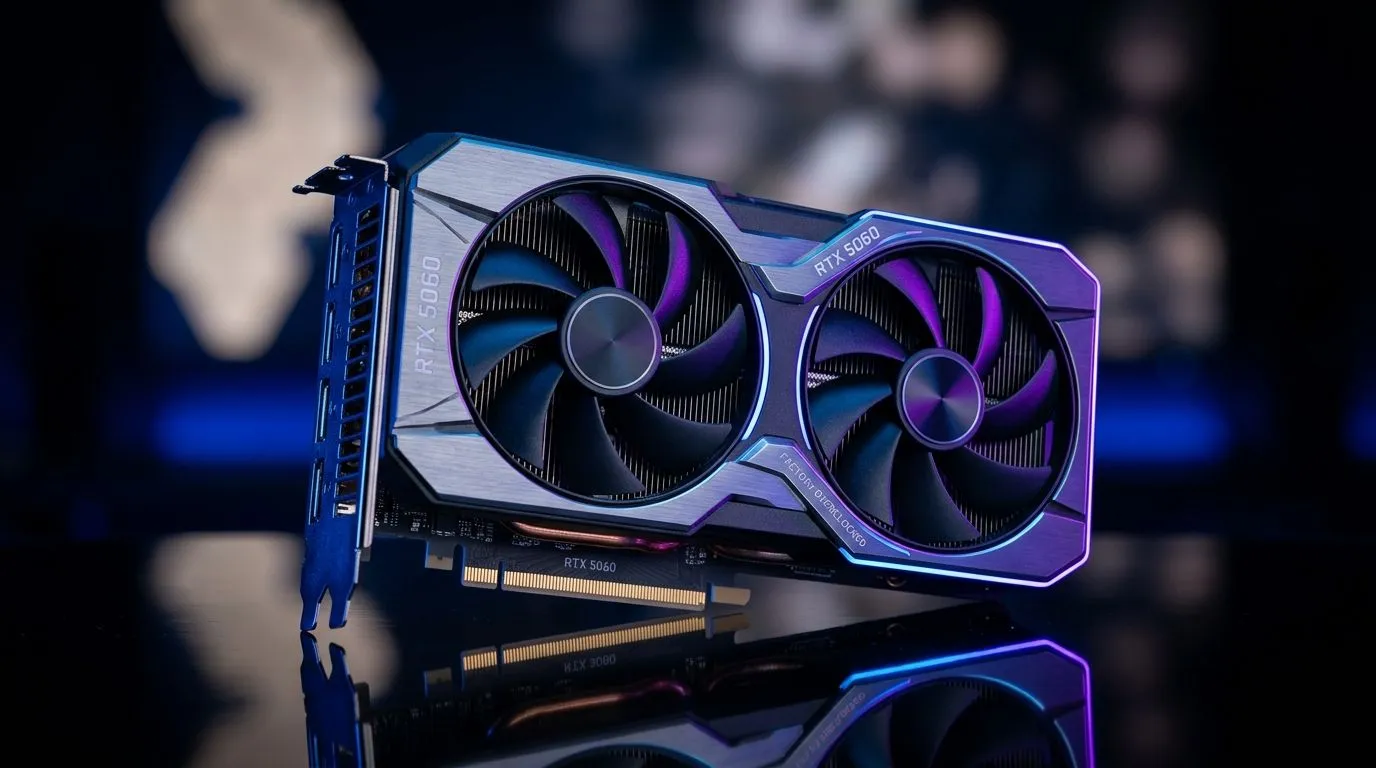
You’ve seen it in listings… “factory overclocked”, maybe a few extra MHz, and suddenly you’re thinking: Should I pay more for that? In SA, where every ZAR counts, this is the right question. ⚡
RTX 5060 Factory Overclocking can deliver smoother frame times and a small bump in average FPS, but only if the card’s cooling, power limits, and game settings line up. Let’s break down what “worth it” really means before you buy.
Factory overclocking usually means the GPU ships with:
In practice, the “extra performance” depends on how long the card can sustain boost under your workload. If your game pushes the GPU close to its limits, better cooling can keep clocks stable and reduce stutter. If you’re mostly CPU-limited (common in many SA builds at higher settings with older platforms), you may see less difference.
Here’s the honest expectation: factory OC benefits are often modest. The biggest wins usually show up as:
If you’re upgrading from a much older card, that bigger jump is more likely to matter than a +small% factory boost.
Pay extra when:
Don’t pay extra (or at least don’t overpay) when:
A good rule of thumb in SA: treat factory OC like an insurance policy for stability, not a guaranteed FPS leap. Cooler cards can hold boosts longer, but physics still wins.
Before you commit, compare the card’s:
If you’re unsure what model is best, browsing the full selection helps. Start by comparing brands and variants here:
In Windows, turn on Xbox Game Bar captures (Win + G) so you can quickly compare “factory OC” vs “default” in your actual games. Use the performance overlay for GPU clock and frametime checks, then keep a short notes list of your in-game settings.
Want to know if your card’s factory OC is “worth it”? Run a quick, repeatable test:
If you find temps are stable and clocks hold higher for longer, that’s your “worth it”. If clocks spike briefly then drop hard, you’re paying for marketing, not usable headroom.
Before checkout, ask:
If you want maximum value, compare several RTX 5060 variants side by side, then choose the one that fits your budget and your target resolution.
Ready to Find Your Perfect Match? The Mac vs Windows debate is complex, but for maximum power, choice, and value in South Africa, Windows is hard to beat. Explore our massive range of laptop specials and find the perfect machine to conquer your world.
Factory overclocking means the manufacturer has increased the GPU's clock speed beyond NVIDIA's reference specifications, often providing a slight performance edge.
In most titles, factory overclocking yields a 2-5% increase in frame rates, which is often imperceptible during standard gameplay.
No, factory-overclocked cards are validated by manufacturers to run safely within their power and thermal limits, ensuring long-term reliability.
Not necessarily. Many overclocked models feature improved cooling solutions, such as larger heatsinks or triple-fan arrays, to maintain quiet operation.
If you prioritize aesthetics, better thermal performance, and silence over raw FPS, the premium is often worth it for the improved build quality.
Yes, you can manually overclock a stock RTX 5060 using software like MSI Afterburner, often achieving results similar to factory-overclocked cards.
RX 9060 XT Like a Dragon Performance: FPS Test. Real-world benchmark data, FPS numbers & performance analysis. What SA gamers can actually expect.
Read more
Head-to-head comparison of RTX 5080 vs RTX 4070 Super: Gaming Performance for SA gamers. Performance benchmarks, Rand pricing & which delivers better value.
Read more
Ryzen 7 9800X3D + RTX 5060 Build: Bottleneck. Real-world benchmark data, FPS numbers & performance analysis. What SA gamers can actually expect.
Read more
RTX 4070 Super Linux Support: Benchmark. Real-world benchmark data, FPS numbers & performance analysis. What SA gamers can actually expect.
Read more
RTX 5080 CS2 FPS: Performance Benchmark & Settings. Real-world benchmark data, FPS numbers & performance analysis. What SA gamers can actually expect.
Read more
RX 9070 PUBG at 4K: FPS Benchmark & Optimal. Real-world benchmark data, FPS numbers & performance analysis. What SA gamers can actually expect.
Read more
Snapdragon X2 NPU Explained: How 80 TOPS Changes. Plain-English explanation of what it means, why it matters & how it affects your buying decisions in SA.

HBM? High Bandwidth Memory Used in GPUs and AI. Plain-English explanation of what it means, why it matters & how it affects your buying decisions in SA.

How much should you spend on sim racing accessories in South Africa for a realistic setup? We break down budgets by quality tiers, so you buy smart gear and avoid overspending 🎮💸

G-Sync and FreeSync? Variable Refresh Rate. Plain-English explanation of what it means, why it matters & how it affects your buying decisions in SA.

AMD Laptop: Value. SA-focused analysis with local pricing data, real-world insights & actionable buying advice.

How MacBook Neo Handles 30+ Chrome Tabs with Only. SA-focused analysis with local pricing data, real-world insights & actionable buying advice.

Why Apple Put 8GB RAM in MacBook Neo: The A18 Pro. SA-focused analysis with local pricing data, real-world insights & actionable buying advice.

Upgrade your work laptop with a New Motherboard. Step-by-step instructions with SA-specific tips, common pitfalls to avoid & expert recommendations.

Maintain wired headset — Checklist: • inspect cables • clean earpads • store properly 🔧🎧 Practical steps to preserve sound quality and avoid premature replacements.

Fix crackling headset fast: step-by-step checks for cables, connectors, drivers, and settings to remove static or distorted audio on wired headsets 🎧⚙️

Stereo vs mono headsets: learn which delivers clearer calls, better spatial music, or simpler mono voice performance — pick the right headset for meetings, music, or gaming 🎧💬

- Compare gaming headset vs studio headphones; - Assess comfort, mic and sound; - Recommend best daily picks. Gaming headset vs studio headphones: learn which suits work, music and casual gaming. 🎧⚖️