

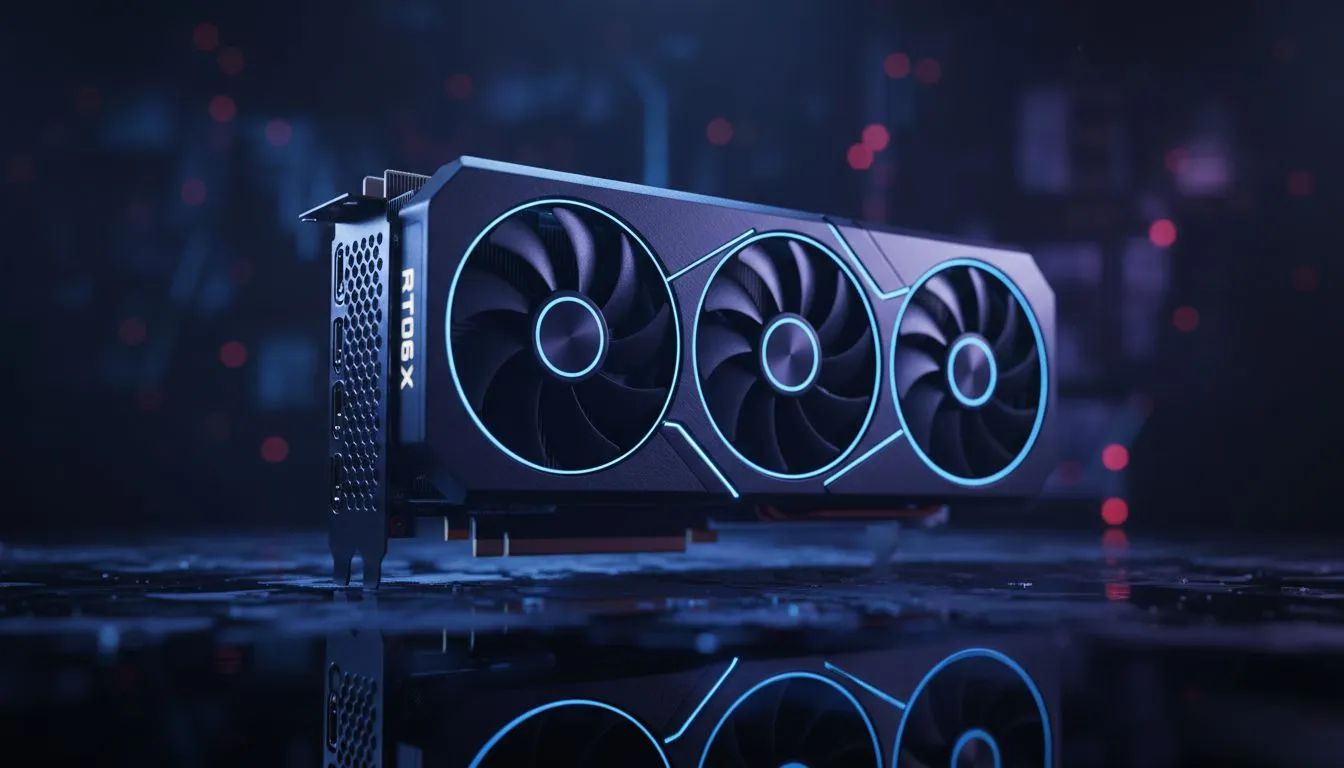
Are you tired of frame drops during intense firefights in King’s Canyon? Owning a mid-range powerhouse is only half the battle. This RTX 5060 Ti Autoexec Guide is designed to help South African legends squeeze every last frame out of their hardware. Whether you are pushing for Predator rank or just trying to survive the next ring... optimising your settings is the key to victory. ⚡
Maximising Performance with the RTX 5060 Ti
The RTX 5060 Ti is a beast for 1080p and 1440p gaming, but Apex Legends can be notoriously finicky with frame pacing. To get that buttery smooth 240Hz experience, you need more than just the in-game "Low" preset. Most professional players use an autoexec file to disable hidden post-processing effects that eat away at your 0.1% lows.
When browsing the latest NVIDIA graphics cards, users often overlook how much software customisation impacts the final result. By forcing certain commands through a configuration file, you ensure your GPU focuses entirely on rendering player models and environments without the clutter.
Creating Your Custom Autoexec File
To start, navigate to your Apex Legends "cfg" folder. Create a new text file and name it autoexec.cfg. Inside, you will want to add commands like fps_max 0 and mat_disable_bloom 1. These small tweaks reduce the load on your VRAM, allowing MSI-specific models to maintain higher clock speeds without thermal throttling during those final circle chaotic moments.
Apex Launch Options ⚡
After creating your autoexec file, right-click Apex Legends in Steam or EA App, go to Properties, and add '+exec autoexec' to your launch options. This ensures the game loads your custom performance profile every time you drop into the Outlands.
Comparing the Competition in South Africa
While NVIDIA remains the king of features like Reflex and DLSS, it is always worth looking at the broader market. Some gamers might find better raw price-to-performance ratios with AMD Radeon graphics cards, especially for titles that rely heavily on traditional rasterisation.
However, if you are transitioning from entry-level Intel Arc graphics cards, the driver stability and ecosystem of the RTX 5060 Ti provide a much more seamless experience for the average Jozi gamer. Even those using workstation graphics cards for 3D rendering during the day will find the 5060 Ti a capable dual-purpose component for a home setup. 🚀
Final Tweaks for the Ultimate Edge
Don't forget to disable "Full-screen Optimisations" in the Windows executable properties. This, combined with our RTX 5060 Ti Autoexec Guide, creates a low-latency environment that feels instantaneous. In a game where milliseconds determine who wins the 1v1... every configuration matters.
Ready to Find Your Perfect Match? The RTX 5060 Ti is a performance titan, but finding the right deal in South Africa is the real victory. For maximum power, choice, and value, our range of GPUs is hard to beat. Explore our massive range of graphics card specials and find the perfect machine to conquer your world.











