


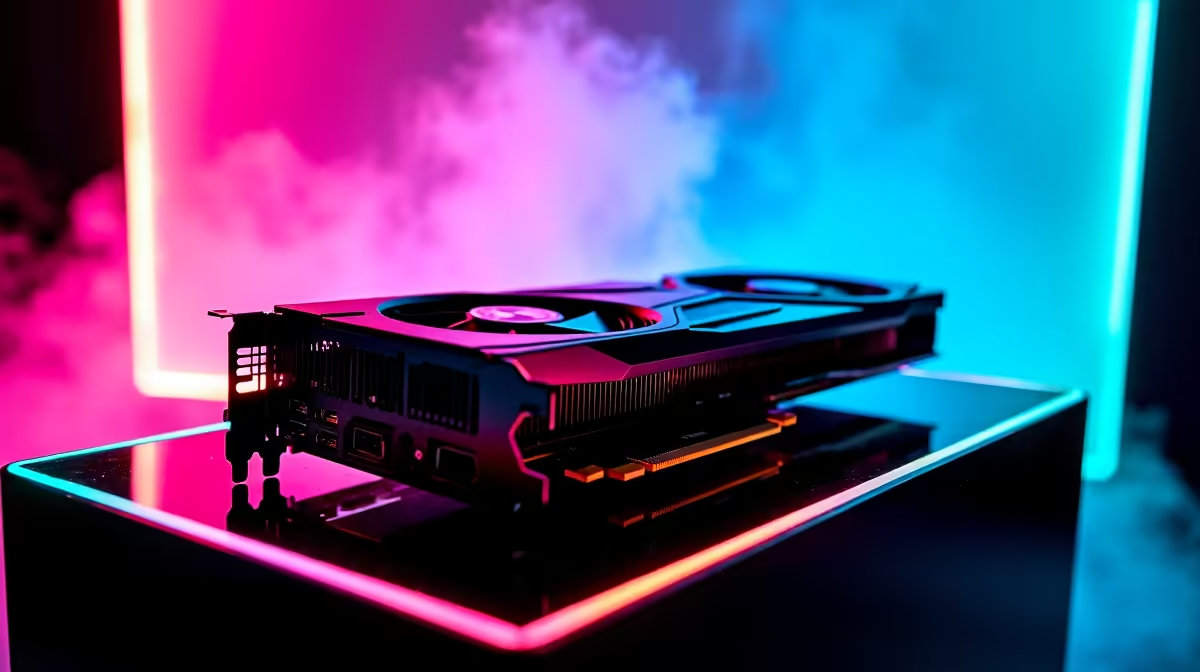
South African Counter-Strike players know the struggle... dodging load shedding while trying to hold A-site with 150 ping. But when your connection is stable, your hardware should never be the bottleneck. If you want to dominate Premier mode, the RTX 5060 Ti CS2 at 1440p performance is looking absolutely lethal. Let us dive into the expected FPS benchmarks and the optimal settings to maximise your competitive edge.
Expected FPS Benchmarks for the RTX 5060 Ti 🚀
Counter-Strike 2 demands sky-high frame rates for that buttery-smooth input response. Running the RTX 5060 Ti CS2 at 1440p is expected to easily push past the golden 240 FPS mark on competitive settings. Based on Nvidia's recent architectural leaps, we anticipate 1% lows hovering around 180 FPS... ensuring your crosshair placement remains flawless during chaotic smoke executes.
Playing at 1440p offers a massive visual advantage over standard 1080p monitors. Player models appear sharper at long distances... making those pixel-perfect headshots on Dust 2 significantly easier to hit. If your current rig is choking on the new Source 2 water and Molotov effects, it might be time to browse the latest graphics cards to keep your frames safely in the green.
Finding the Best Hardware Balance
A powerhouse GPU is only half the battle. CS2 is notoriously CPU-bound, meaning your fancy new graphics card needs a capable processor to truly stretch its legs. Pairing it with a modern Ryzen 5 or Core i5 ensures you avoid frustrating bottlenecks.
For gamers looking to upgrade their entire setup without the hassle of building from scratch, checking out the best gaming PC deals is a highly strategic move. Upgrading does not have to cost R40,000 either. If you want something ready to plug and play right out of the box, exploring reliable pre-built PC deals can save you thousands of ZAR while delivering top-tier performance.
Optimal Settings for CS2 at 1440p 🔧
To get the absolute best RTX 5060 Ti CS2 at 1440p experience, you need to optimise your video settings. We recommend keeping Global Shadow Quality on High so you can spot enemy shadows around corners before they swing. Set Model and Texture Detail to Medium, and drop Particle Detail to Low to minimise frame drops during heavy utility usage.
NVIDIA Reflex Pro Tip ⚡
Always enable NVIDIA Reflex Low Latency in your CS2 video settings. Setting it to "Enabled + Boost" forces your GPU to maintain higher clock speeds in CPU-bound scenarios, drastically reducing input lag for those crucial AWP flick shots.
Taking High-FPS Gaming on the Go
You do not have to be chained to a desk to enjoy premium 1440p gaming. Modern mobile GPUs are closing the desktop performance gap incredibly fast. If you travel frequently or simply prefer a portable setup to easily move around during power outages, modern laptops for sale in South Africa pack more than enough punch to run CS2 flawlessly. Just keep an eye on the latest tech specials to snag a high-refresh-rate machine without breaking the bank.
Ready to Dominate the Server? Achieving flawless 1440p performance is the ultimate competitive advantage. Whether you are upgrading your GPU or buying a whole new rig, Evetech has the hardware you need to climb the CS2 ranks. Explore our massive range of gaming PC specials and find the perfect machine to conquer your world.









