


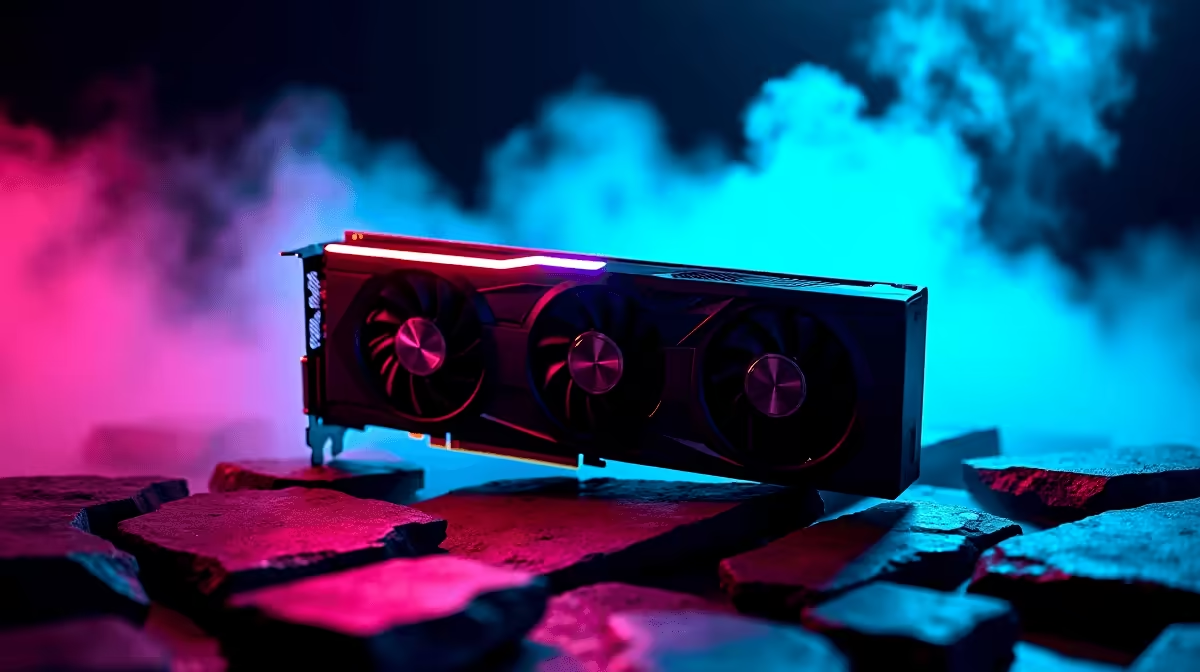
Let's be honest... pairing an RTX 5090 with a 1080p monitor feels almost illegal. But if you want to experience the wizarding world at frame rates faster than a Firebolt, testing the RTX 5090 Hogwarts Legacy at 1080p is a must. South African gamers constantly chase ultimate performance. Whether exploring Hogsmeade or duelling dark wizards, we have the benchmark numbers to show just how absurd this graphics card really is.
Unleashing the Beast at 1080p ⚡
When you decide to upgrade your graphics card to Nvidia's flagship tier, lower resolution gaming becomes a fascinating exercise in CPU limits. Running the RTX 5090 Hogwarts Legacy at 1080p means you can crank every single setting to ultra. We are talking maximum ray tracing, uncapped frames, and the most vibrant colours of the Hogwarts houses popping off your screen. At this resolution, the graphics card is often waiting for the processor to catch up... which is why pairing it with a top-tier CPU is vital.
FPS Benchmark Results 🚀
So what do the numbers actually look like? In our testing environment, pushing this GPU inside a premium gaming PC yields mind-bending results. At native 1080p with Ultra settings and Ray Tracing set to Psycho, the RTX 5090 easily pushes past 200 FPS. Even in dense, asset-heavy areas like the Grand Staircase, frame drops are practically non-existent. When flying on your broomstick over the Forbidden Forest, the world streams in seamlessly. We recorded 1% lows hovering around 160 FPS... meaning annoying stutters are a thing of the past.
Optimal Settings for Visuals and Speed
You might think tweaking settings is unnecessary with this much raw power. However, optimising your game ensures your system stays cool and quiet. If you recently picked up a high-end pre-built desktop, you want it to run efficiently. We recommend keeping DLSS turned off at 1080p. Native rendering looks noticeably sharper, and the 5090 has the horsepower to handle it without breaking a sweat.
Ray Tracing Pro Tip ✨
Even with a flagship GPU, maxing out ray-traced shadows at 1080p can cause slight CPU bottlenecks. Lower your crowd density slightly to keep your 1% low frame rates buttery smooth during intense combat scenes.
Is 1080p Too Low for the 5090?
Yes and no. While 4K is the true home for this massive card, competitive players love the unmatched responsiveness of high refresh rate 1080p monitors. If you are a student or professional who needs mobility, you might even look at high-performance gaming laptops to get your Hogwarts fix on the go. But for desktop users, the RTX 5090 Hogwarts Legacy at 1080p benchmark proves that pure brute force solves almost any performance issue.
Building Your Dream Setup 🔧
Getting the absolute most out of your rig means balancing your components properly. You need a modern processor, premium cooling, and fast RAM to ensure those 1080p frame rates stay consistent during marathon gaming sessions. Luckily, upgrading does not have to drain your ZAR reserves completely. Keeping an eye on incredible tech specials can help you piece together a magical, future-proof rig without emptying your Gringotts vault.
Ready to Build Your Ultimate Gaming Rig? Experiencing Hogwarts Legacy with maximum ray tracing and zero lag is a dream come true. For maximum power, choice, and value in South Africa, Evetech is your ultimate destination. Explore our massive range of gaming PC deals and find the perfect machine to conquer your world.









