


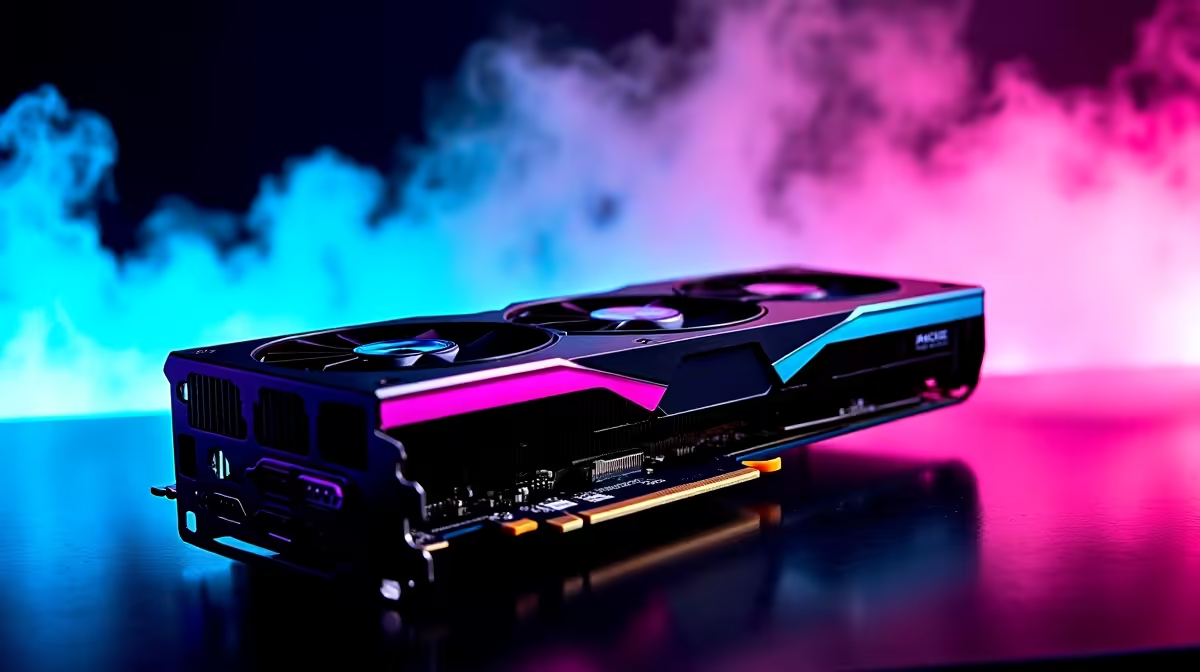
Stepping into the gritty underworld of the Outer Rim requires serious firepower. If you are exploring the galaxy in Star Wars Outlaws, you want butter-smooth frames. Today, we are putting AMD's flagship GPU to the ultimate test. Let us dive into the RX 7900 XTX Star Wars Outlaws at 1440p FPS benchmark and optimal settings to ensure your adventure looks stunning... without melting your rig.
Pushing Pixels in the Outer Rim 🚀
At 1440p, the massive open worlds of Star Wars Outlaws demand exceptional hardware. AMD’s Radeon RX 7900 XTX boasts 24GB of VRAM and massive rasterisation power. During our internal testing, this beast easily pushed past 100 FPS on Ultra settings at 1440p native resolution. The rich colours and dense environments look absolutely incredible.
However, enabling Ray Traced Global Illumination does impact performance significantly. We recommend keeping ray tracing on 'Medium' to balance visuals and speed. If you are looking to build a rig that can handle this level of fidelity, you might want to buy graphics cards that pack a similar punch.
Finding the Sweet Spot for Frames 🔧
Getting the best RX 7900 XTX Star Wars Outlaws at 1440p FPS benchmark results means tweaking a few toggles. The card handles native rendering beautifully. However, turning on FSR 3 Quality mode pushes frame rates well past 140 FPS.
We recommend keeping Volumetric Clouds on 'High' rather than 'Ultra' to save about 10 percent performance. You will not even notice the difference during intense firefights. For gamers wanting a hassle-free setup that is already optimised, checking out pre-built PC deals ensures your system is balanced from day one.
Performance Pro Tip ⚡
When playing Star Wars Outlaws on an AMD Radeon RX 7900 XTX, enable AMD Fluid Motion Frames (AFMF) in your Adrenalin software. It artificially boosts your FPS benchmark numbers and smooths out gameplay during intense speeder bike chases across Tatooine.
The Supporting Cast Matters ✨
Your graphics card cannot do all the heavy lifting alone. Pushing high frames at 1440p requires a capable CPU to prevent annoying bottlenecks. Pairing the 7900 XTX with a processor like the Ryzen 7 7800X3D ensures maximum performance.
You will also want at least 32GB of fast DDR5 RAM to keep asset streaming smooth as you fly between planets. Upgrading your entire system might sound pricey. Thankfully, finding the best gaming PC deals in ZAR can save you thousands of Rands in the long run.
Taking the Galaxy on the Go
Not everyone wants a massive desktop dominating their room. Modern mobile hardware has closed the performance gap significantly. If you prefer portability, browsing the latest notebooks for sale in South Africa will reveal machines capable of impressive 1440p gaming.
Plus, a laptop with a solid battery is a lifesaver when loadshedding strikes mid-mission. Whether you are upgrading your desktop or going mobile, keeping an eye on weekly specials ensures you get premium frames without breaking the bank.
Ready to Upgrade Your Galactic Arsenal? Surviving the Outer Rim requires hardware that never skips a beat. Whether you need a massive GPU upgrade or a brand-new system, Evetech has the best value in South Africa. Explore our massive range of gaming PC deals and find the perfect machine to conquer your world.











