

RX 9060 XT Like a Dragon Performance: FPS Test & Settings Guide 2026
RX 9060 XT Like a Dragon Performance: FPS Test. Real-world benchmark data, FPS numbers & performance analysis. What SA gamers can actually expect.
Read moreMaster your STALKER 2 handheld optimization with our ultimate guide. Boost FPS and battery life on Steam Deck, ROG Ally, and Legion Go to survive the Zone lag-free! ☢️🎮
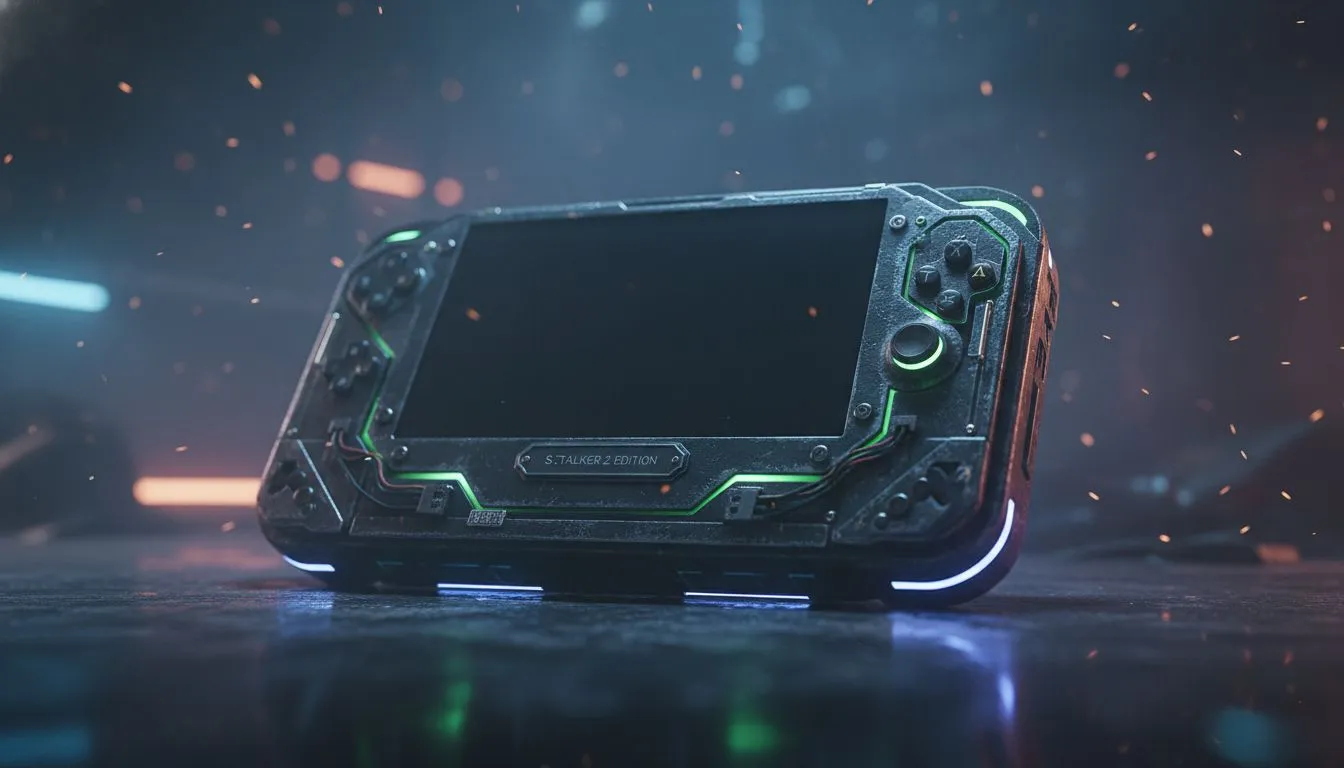
The Zone is calling, Stalker... but is your hardware ready to answer? STALKER 2: Heart of Chornobyl is a visual masterpiece built on Unreal Engine 5, meaning it’s incredibly demanding. If you are trying to survive anomalies during load shedding or a long commute, you need the right tweaks. Here is how to achieve the best STALKER 2 handheld optimization for a stable, playable experience.
Before we dive into the settings, we need to manage expectations. You won't be running this at native 1080p Ultra settings on a portable device. The goal here is a rock-solid 30FPS to 40FPS with visuals that still look gritty and immersive on a 7-inch screen.
The modern crop of handheld gaming consoles are powerful, but UE5's Lumen (lighting) and Nanite (geometry) technologies are heavy hitters. To maintain smooth framerates, we have to rely heavily on upscaling technologies like FSR 3.
Regardless of which device you own, these baseline settings offer the best balance between battery drain and visual fidelity.
When you first load into the Zone, you might experience heavy stuttering. This is usually shader compilation. Don't panic and change your settings immediately; stand still for a minute or two and let the device process the assets. It usually smooths out quickly.
The Z1 Extreme chip inside the ASUS ROG Ally family gives you a bit more headroom than the Steam Deck.
With its massive screen, the Lenovo Legion Go makes the UI much easier to read, but that higher native resolution requires care.
The Intel Core Ultra architecture in MSI handhelds handles UE5 differently.
STALKER 2 will drain your battery faster than a Geiger counter clicks in a radiation hotspot. Expect about 60 to 90 minutes of gameplay on standard batteries.
With these settings, you can hunt artifacts and fight bandits anywhere in South Africa. Good hunting, Stalker.
Gear Up for the Zone Whether you need the raw power of the ROG Ally or the massive display of the Legion Go, we have the portable power you need. Shop our full range of Handheld Gaming Consoles and take your gaming anywhere.
Yes, with proper STALKER 2 handheld optimization, the Steam Deck can maintain a stable 30-40 FPS using FSR scaling and a mix of low-medium settings.
Set your resolution to 720p with RSR or 1080p with FSR Performance mode to maximize framerates on the Z1 Extreme chip while maintaining visual clarity.
Cap your framerate to 30 FPS, lower screen brightness, and use TDP limits suitable for your device to extend playtime during deep Zone exploration.
Absolutely. Enabling FSR 3.0 or DLSS is crucial for handheld optimization to render at lower resolutions and upscale for smooth performance.
Yes, the game features native controller support and aim assist, making it ideal for handheld play on the Legion Go, Steam Deck, and ROG Ally.
The MSI Claw can run the game, but it requires specific Intel XeSS adjustments and the latest driver updates to ensure stability and playable framerates.
RX 9060 XT Like a Dragon Performance: FPS Test. Real-world benchmark data, FPS numbers & performance analysis. What SA gamers can actually expect.
Read more
Head-to-head comparison of RTX 5080 vs RTX 4070 Super: Gaming Performance for SA gamers. Performance benchmarks, Rand pricing & which delivers better value.
Read more
Ryzen 7 9800X3D + RTX 5060 Build: Bottleneck. Real-world benchmark data, FPS numbers & performance analysis. What SA gamers can actually expect.
Read more
RTX 4070 Super Linux Support: Benchmark. Real-world benchmark data, FPS numbers & performance analysis. What SA gamers can actually expect.
Read more
RTX 5080 CS2 FPS: Performance Benchmark & Settings. Real-world benchmark data, FPS numbers & performance analysis. What SA gamers can actually expect.
Read more
RX 9070 PUBG at 4K: FPS Benchmark & Optimal. Real-world benchmark data, FPS numbers & performance analysis. What SA gamers can actually expect.
Read more
Snapdragon X2 NPU Explained: How 80 TOPS Changes. Plain-English explanation of what it means, why it matters & how it affects your buying decisions in SA.

HBM? High Bandwidth Memory Used in GPUs and AI. Plain-English explanation of what it means, why it matters & how it affects your buying decisions in SA.

How much should you spend on sim racing accessories in South Africa for a realistic setup? We break down budgets by quality tiers, so you buy smart gear and avoid overspending 🎮💸

G-Sync and FreeSync? Variable Refresh Rate. Plain-English explanation of what it means, why it matters & how it affects your buying decisions in SA.

AMD Laptop: Value. SA-focused analysis with local pricing data, real-world insights & actionable buying advice.

How MacBook Neo Handles 30+ Chrome Tabs with Only. SA-focused analysis with local pricing data, real-world insights & actionable buying advice.

Why Apple Put 8GB RAM in MacBook Neo: The A18 Pro. SA-focused analysis with local pricing data, real-world insights & actionable buying advice.

Upgrade your work laptop with a New Motherboard. Step-by-step instructions with SA-specific tips, common pitfalls to avoid & expert recommendations.

Maintain wired headset — Checklist: • inspect cables • clean earpads • store properly 🔧🎧 Practical steps to preserve sound quality and avoid premature replacements.

Fix crackling headset fast: step-by-step checks for cables, connectors, drivers, and settings to remove static or distorted audio on wired headsets 🎧⚙️

Stereo vs mono headsets: learn which delivers clearer calls, better spatial music, or simpler mono voice performance — pick the right headset for meetings, music, or gaming 🎧💬

- Compare gaming headset vs studio headphones; - Assess comfort, mic and sound; - Recommend best daily picks. Gaming headset vs studio headphones: learn which suits work, music and casual gaming. 🎧⚖️