

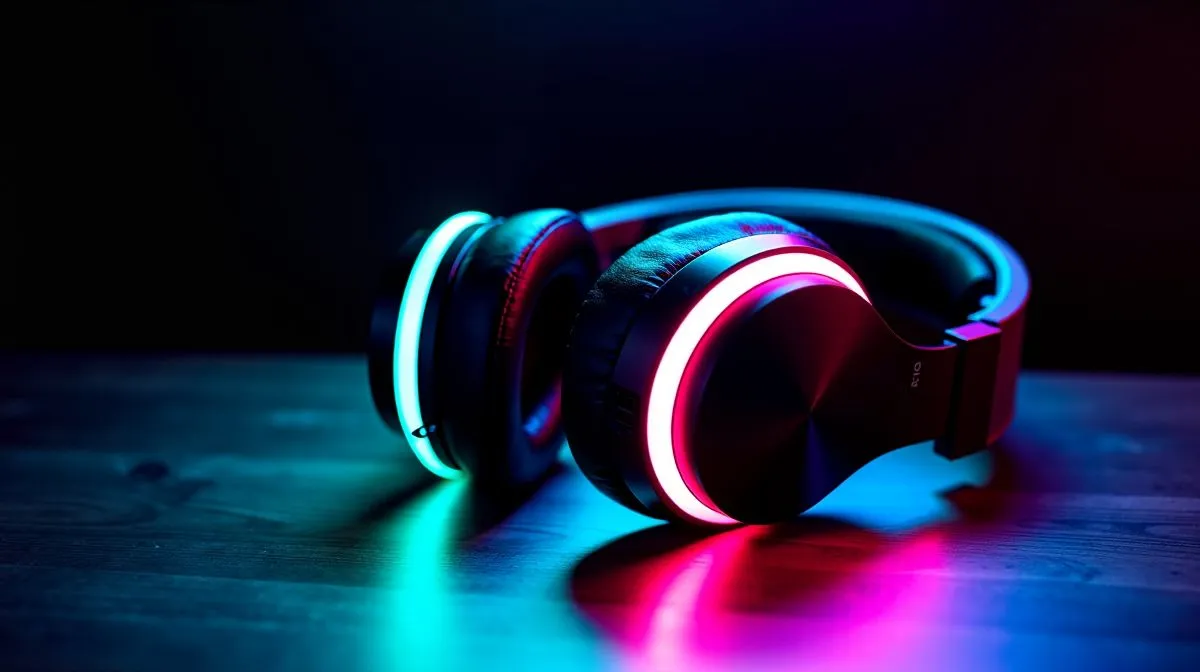
Surround Sound Settings for Footsteps in Competitive Play: Why it matters for SA ranks 🎧
If you’ve ever lost a gunfight because someone “somehow” appeared behind you… it might not be your aim. In competitive shooters, footsteps are your early warning system. In South Africa’s fast-paced lobbies, small audio advantages add up: you can pre-aim, reposition, and call out more confidently.
The right mix of surround settings helps footsteps feel more directional… clearer… and easier to track.
Getting Surround Sound Settings for Footsteps in Competitive Play right (without breaking stereo) 🔧
Before you change anything, choose a goal:
- Footstep positioning: “Where is that sound coming from?”
- Distance cues: “How far are they?”
- Clean mids: Keep footsteps readable over gunfire.
In Windows audio settings, keep formats consistent and avoid stacking “effects” that fight each other. If your headset supports surround or virtual channels, you still need a stable baseline.
Start with your headset’s channel mode (Stereo vs 7.1)
A common mistake is running virtual surround with stereo profiles (or vice versa). Decide:
- Use Stereo when you want natural imaging and fewer processing layers.
- Use 7.1 when you specifically need more directional emphasis (some players prefer it for footsteps).
If you’re shopping, Evetech’s headset category pages make it easy to compare options across modes:
- Explore general headset picks here: Headphones & headsets for competitive comfort
- Browse specifically 7.1 options: Headphone & headsets with 7.1 audio
- Compare stereo-focused models: Headphone & headsets with Stereo audio
Surround Sound Settings for Footsteps in Competitive Play: In-game tweaks that actually help ⚡
Now tune the game, not just the headset.
Use these steps in most competitive shooters
- Lower master volume slightly (so footsteps don’t mask under gunfire).
- Raise effects or footsteps emphasis only if the game offers a dedicated slider.
- Set equaliser (EQ) lightly. Overdoing bass can bury footstep texture.
- Turn off extra “spatial enhancements” inside the game if your headset software already handles spatial audio.
A lot of gamers only test once. Do a proper loop instead:
- Go into a private match.
- Walk slowly, then sprint.
- Test behind you, to the left, and at different distances. If the sound direction flips or feels smeared, dial back processing until it’s stable.
TipBox
Competitive Audio Pro Tip ⚡
Windows, set your headset as the default playback device, then test a “single source” moment: play a short footstep audio sample while turning your head slowly left to right. If the perceived direction doesn’t follow your head, you’ve likely got conflicting surround virtual settings. Reduce effects in one place, then re-test until direction stays consistent.
Surround Sound Settings for Footsteps in Competitive Play: A quick buying checklist ✨
If you’re upgrading, look for three things:
- Stable positioning (virtual surround should feel consistent).
- Clear mids (footsteps live in mid frequencies; muddy bass is risky).
- Comfort for long ranked sessions.
For wireless options with competitive focus, check the Razer Barracuda X Chroma in white:
And if you want to compare a wider range of gaming headsets:
- Browse Evetech’s Razer headphone and headset range
- See more headphone and headset options from Evetech
Surround Sound Settings for Footsteps in Competitive Play: The final 10-minute routine 🚀
Here’s a realistic routine you can do before ranked:
- Set your channel mode (Stereo or 7.1).
- Pick one EQ plan and stick to it for the session.
- Run 3 tests: near-left, far-right, behind.
- Only change one setting at a time.
Once your audio cues feel “locked in”, you’ll notice faster pre-aims… fewer panicked checks… and smoother rotations.
Ready to Find Your Perfect Match? The Mac vs Windows debate is complex, but for maximum power, choice, and value in South Africa, Windows is hard to beat. Explore our massive range of laptop specials and find the perfect machine to conquer your world.











