

RTX 4060 Ti PUBG at 1440p: FPS Benchmark & Optimal Settings
RTX 4060 Ti PUBG at 1440p: FPS Benchmark. Real-world benchmark data, FPS numbers & performance analysis. What SA gamers can actually expect.
Read more- Assess root causes - Compare HDD vs SSD impact - Test fixes and upgrade options - Recommend settings and hardware texture streaming lag hdd vs ssd: a concise MH Wilds guide to diagnose stutter, benchmark drives, tweak streaming settings, and choose SSD upgrades to reduce pop-in. 🔧⚡
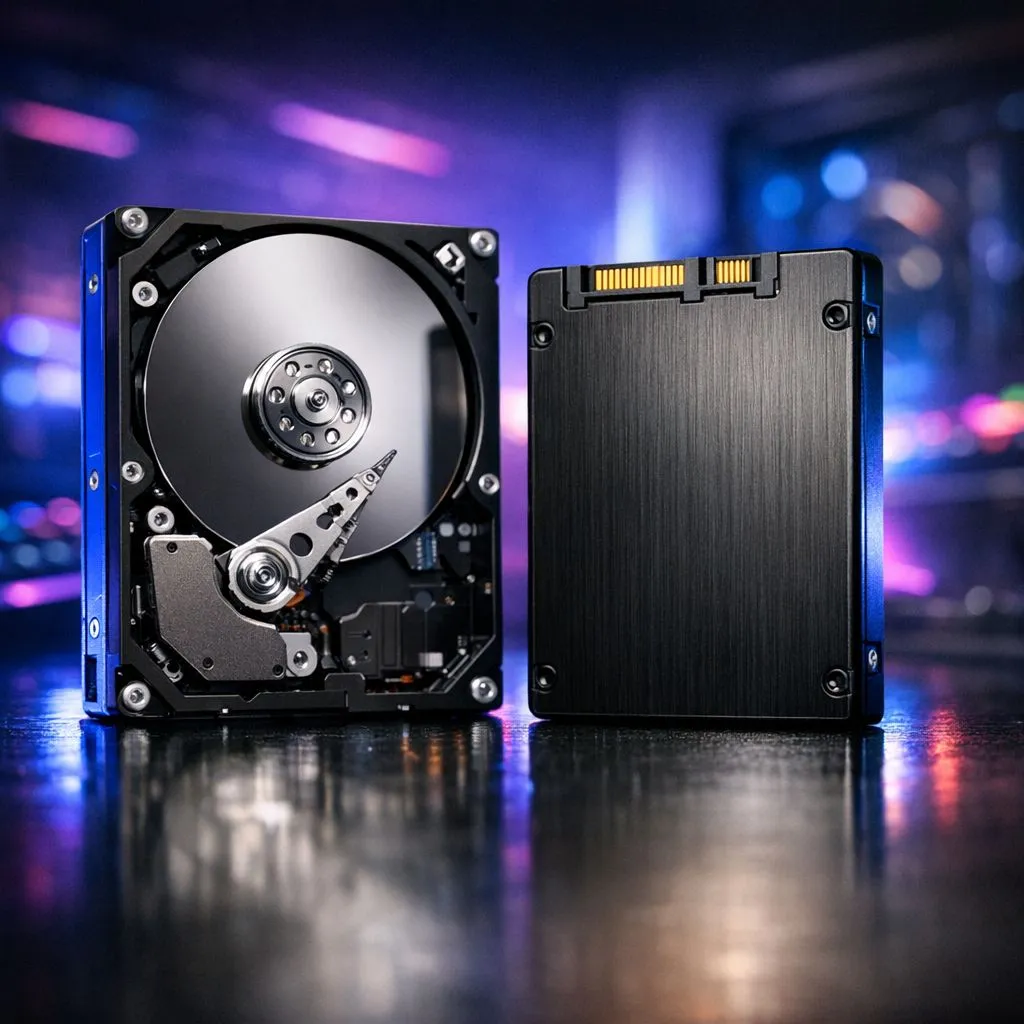
Staring at a muddy Rathalos while your PC gasps for air isn't the hunt you signed up for. As Monster Hunter Wilds pushes graphical boundaries, the battle between storage types is critical. Using an old mechanical drive causes texture streaming lag HDD vs SSD in MH Wilds issues. This happens before the monster even roars. Upgrading your storage is the fastest way to sharpen those blurry visuals... ⚡
Mechanical hard drives rely on spinning platters and physical needles. This technology is decades old. Monster Hunter Wilds uses high-resolution assets that need instant loading. When the game asks for a texture, the HDD simply cannot spin fast enough. This leads to the infamous "pop-in" effect where armour looks like clay for several seconds.
By browsing a wide variety of ssds, you can eliminate these data bottlenecks. Modern engines expect data at speeds exceeding 500MB/s. Most HDDs struggle to hit even 150MB/s. The math just doesn't add up for a smooth hunt.
Texture streaming lag HDD vs SSD in MH Wilds is not just about looks. It affects how the world feels as you traverse the Forbidden Lands. An SSD allows the game to swap assets in and out of memory seamlessly. This keeps your frame rates stable during intense fights.
If you are on a budget, you can find the best SSD deals starting under R500. Even a basic SATA drive is a massive leap over any HDD. You will notice the difference the moment you load into the base camp.
Ensure your Windows Page File is set to your fastest drive. This helps prevent micro-stutters when your system RAM is full during intense hunts in the Forbidden Lands.
While any flash storage is better than a spinning disk, not all solid state drives are equal. SATA drives are great for older systems. However, NVMe drives connect directly to the motherboard via PCIe lanes.
For the most demanding gamers, you should buy NVMe SSDs to future-proof your rig. These drives offer speeds up to 7,000MB/s. This makes texture streaming lag HDD vs SSD in MH Wilds a thing of the past. Your hunter will look crisp from the first frame to the last. ✨
Many South African gamers use laptops with limited internal space. If your internal drive is full, don't worry. A high-speed external SSD via USB-C can still outperform an internal HDD. It is a simple plug-and-play solution. 🚀
Ready to End the Lag? Don't let slow storage ruin your Monster Hunter Wilds experience. For maximum speed, choice, and value in South Africa, our storage range is hard to beat. Explore our massive range of SSD specials and find the perfect drive to conquer the Wilds.
Yes — upgrading from an HDD to an SSD often reduces texture streaming lag and pop-in by improving read speeds and streaming performance.
NVMe offers faster sequential and random reads than SATA SSDs; it can further reduce texture streaming lag in heavy open-world scenes.
Lower texture streaming distance and enable asynchronous streaming where available; adjusting streaming settings can cut stutter without new hardware.
Expect smoother texture loads, less pop-in and shorter stream-related hitching; exact gains depend on drive speed and CPU/GPU balance.
Yes — update storage drivers, enable write caching, and use latest OS patches to improve streaming performance and reduce stutter.
More RAM can help by allowing larger texture caches, reducing repeated streaming from disk and improving overall texture streaming performance.
A high-performance NVMe SSD with strong random read performance is best for cutting texture pop-in and improving streaming behavior.
RTX 4060 Ti PUBG at 1440p: FPS Benchmark. Real-world benchmark data, FPS numbers & performance analysis. What SA gamers can actually expect.
Read more
Head-to-head comparison of RTX 4080 Super vs RTX 3050: Gaming Performance for SA gamers. Performance benchmarks, Rand pricing & which delivers better value.
Read more
RTX 4080 Super for Scientific Computing. Real-world benchmark data, FPS numbers & performance analysis. What SA gamers can actually expect.
Read more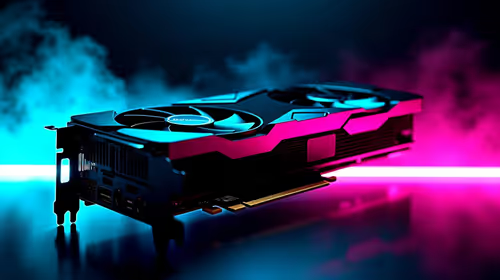
RTX 4060 Ti Star Wars Outlaws FPS: Performance. Real-world benchmark data, FPS numbers & performance analysis. What SA gamers can actually expect.
Read more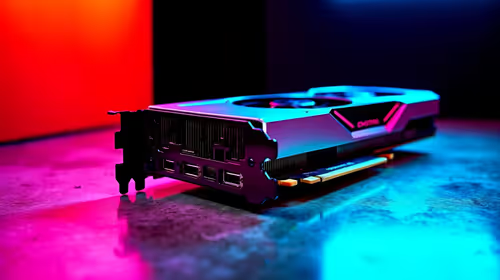
RTX 4060 Ti AV1 Encoding: Benchmark & Real-World. Real-world benchmark data, FPS numbers & performance analysis. What SA gamers can actually expect.
Read more
Snapdragon X2 NPU Explained: How 80 TOPS Changes. Plain-English explanation of what it means, why it matters & how it affects your buying decisions in SA.

HBM? High Bandwidth Memory Used in GPUs and AI. Plain-English explanation of what it means, why it matters & how it affects your buying decisions in SA.

How much should you spend on sim racing accessories in South Africa for a realistic setup? We break down budgets by quality tiers, so you buy smart gear and avoid overspending 🎮💸

G-Sync and FreeSync? Variable Refresh Rate. Plain-English explanation of what it means, why it matters & how it affects your buying decisions in SA.

AMD Laptop: Value. SA-focused analysis with local pricing data, real-world insights & actionable buying advice.

How MacBook Neo Handles 30+ Chrome Tabs with Only. SA-focused analysis with local pricing data, real-world insights & actionable buying advice.

Why Apple Put 8GB RAM in MacBook Neo: The A18 Pro. SA-focused analysis with local pricing data, real-world insights & actionable buying advice.

Upgrade your work laptop with a New Motherboard. Step-by-step instructions with SA-specific tips, common pitfalls to avoid & expert recommendations.

Maintain wired headset — Checklist: • inspect cables • clean earpads • store properly 🔧🎧 Practical steps to preserve sound quality and avoid premature replacements.

Fix crackling headset fast: step-by-step checks for cables, connectors, drivers, and settings to remove static or distorted audio on wired headsets 🎧⚙️

Stereo vs mono headsets: learn which delivers clearer calls, better spatial music, or simpler mono voice performance — pick the right headset for meetings, music, or gaming 🎧💬

- Compare gaming headset vs studio headphones; - Assess comfort, mic and sound; - Recommend best daily picks. Gaming headset vs studio headphones: learn which suits work, music and casual gaming. 🎧⚖️