

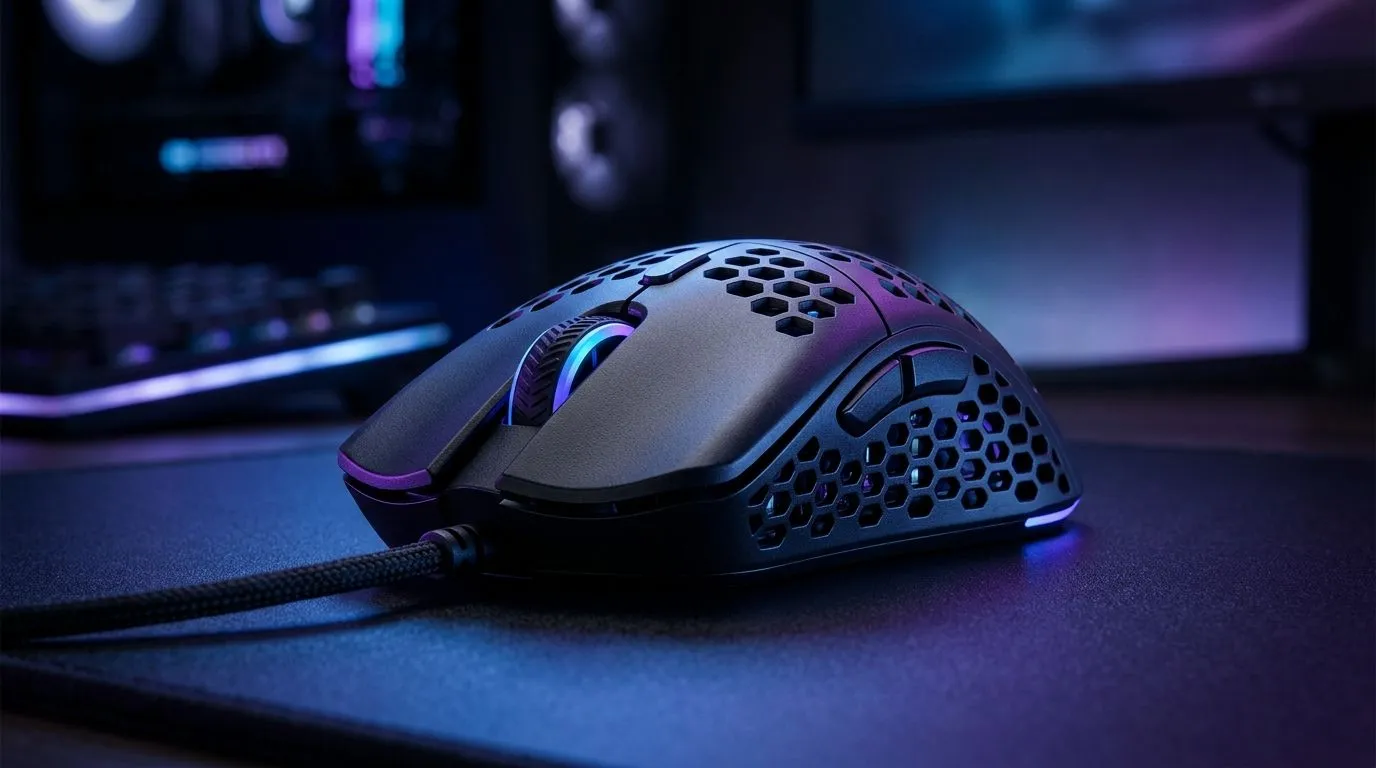
Ultra-Light Mice for Long Sessions: Stop Hand Fatigue in South Africa
If your gaming sessions end with a sore thumb or a cramped wrist… you’re not alone. In South Africa, loadshedding keeps schedules tight, so when you finally get time to play, you want zero distractions. That includes hand fatigue. Ultra-light mice help reduce the load of constant micro-movements, especially during long ranked grinds and desktop work.
The best part? You don’t need a “pro setup” to feel the difference. Start by choosing the right weight, grip style, and sensor configuration that fits how you actually play.
Ultra-Light Mice for Long Sessions: Stop Hand Fatigue (Why weight matters)
Long sessions are mostly small movements: aiming corrections, flicks, drag adjustments. When your mouse is heavier, your forearm and hand often compensate with extra tension. Over time, that tension can become fatigue.
Ultra-light mice typically feel easier to control for two reasons:
- Less mass means less force needed for quick changes in direction.
- Many ultra-light models are balanced so your hand doesn’t “work” to keep the sensor steady.
For buyers, focus on practicality first: your grip (palm, claw, fingertip), your desk space, and the games you play. If you’re switching between FPS and MOBAs, your hand mechanics change. A lighter mouse can smooth those transitions.
Choose your grip first, then the mouse
Most “best mouse” advice assumes one grip. Don’t. Pick the grip that matches your natural hold:
- Fingertip: often benefits from very low weight and low lift-off effort.
- Claw: likes a shape that supports the back of the hand.
- Palm: might need comfort curves more than ultra-light hype.
If you’re unsure, compare a few shapes rather than chasing numbers.
Productivity Pro Tip 🔧
the first week, track fatigue by time: note how many minutes you can play before hand discomfort starts. Then test one variable at a time (weight first, then grip height, then cable drag). Consistent notes beat guesswork and help you pick a mouse you’ll actually enjoy daily.
Ultra-Light Mice for Long Sessions: Stop Hand Fatigue with the right setup
Even with a great lightweight mouse, the rest of your setup can make fatigue worse.
Cable vs wireless: comfort is more than freedom
For some players, cable drag causes subtle tension. For others, battery anxiety affects focus. The compromise depends on your desk and your habits.
If you want to compare connection styles, browse:
- wired options for a consistent feel: gaming wired mice
- wireless options when you want less resistance during large swipes: gaming wireless mice
- accessories that help manage movement and comfort: mouse accessories
You can also shop deals to land something you’ll keep. Look for current specials here: best gaming mouse deals. In ZAR, it’s often the quickest way to upgrade without overspending.
Sensor and control: smooth aim reduces micro-strain
Fatigue isn’t just “weight.” When aim correction is messy, your hand works harder. A stable sensor and predictable tracking reduce frantic adjustments.
To explore models that fit a performance-first mindset, check gaming mouse options. Try focusing on:
- comfortable buttons placement
- scroll feel you can trust mid-fight
- a shape that lets you relax your palm
Ultra-Light Mice for Long Sessions: Stop Hand Fatigue (What to look for when buying)
Here’s a simple checklist before you buy:
- Weight feel: test comfort during slow movements, not only fast flicks.
- Grip fit: the mouse should support your hand, not force your fingers to grip harder.
- Session reality: if you play 2+ hours, prioritise comfort over “spec bragging.”
Quick micro-goal: switch your mouse today and keep your hand relaxed at the start of a match. If you notice less tension within a week, you’ve made the right call. ✨
If you’re ready to stop babying your wrist and start playing longer, the upgrade is usually straightforward.
Ready to Find Your Perfect Match? The Mac vs Windows debate is complex, but for maximum power, choice, and value in South Africa, Windows is hard to beat. Explore our massive range of laptop specials and find the perfect machine to conquer your world.











