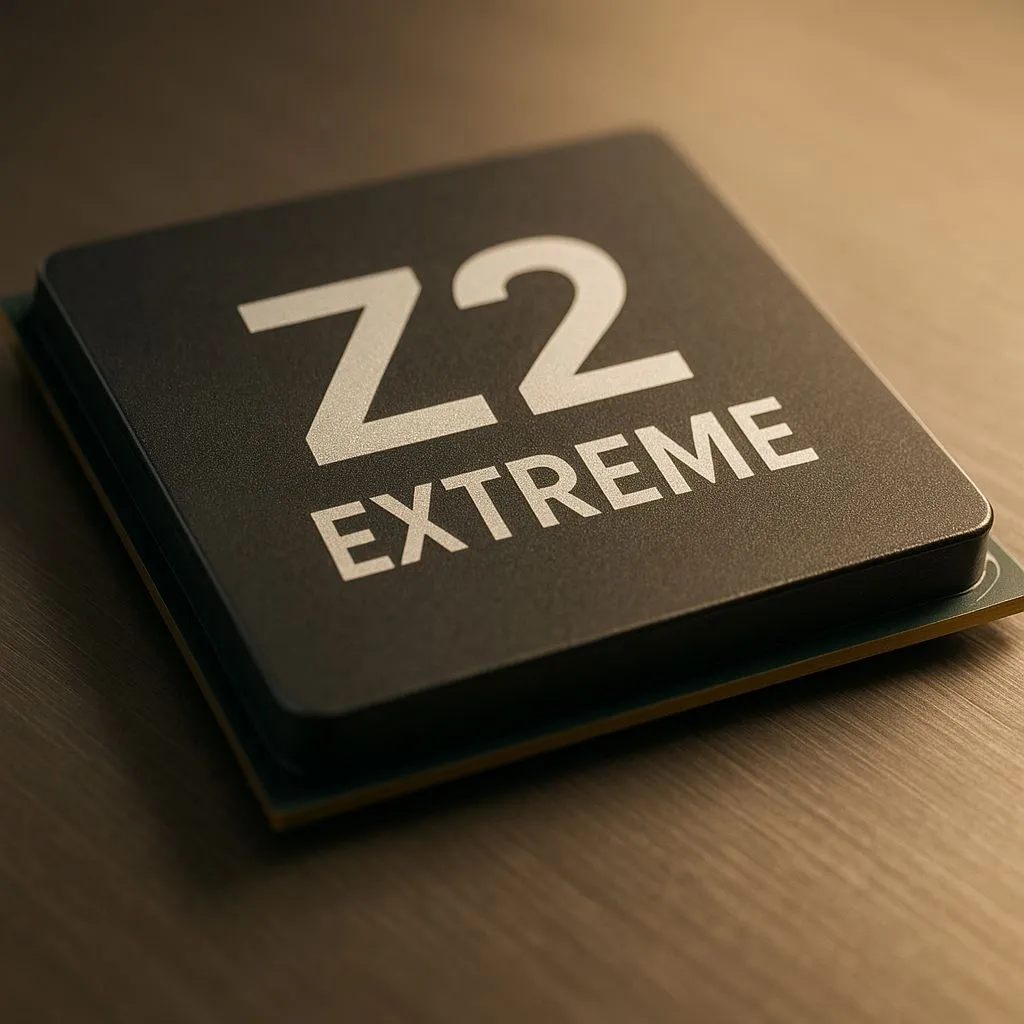
Battery anxiety on portable devices is forever. If you are eyeing the next generation of portable power, the AMD Ryzen Z2 Extreme is the silicon beast you have been waiting for. But stock settings are just the starting line. Let’s unlock the full potential of your device with our Z2 Extreme overclocking guide to maximise your frames in 2025. 🚀
Understanding the Beast: Z2 Extreme Architecture
Before you start sliding frequency bars, you need to know what makes this chip tick. The Z2 Extreme builds on the success of its predecessor, blending Zen 5 CPU cores with RDNA 3.5 graphics. This combination offers incredible efficiency, but manufacturers often cap performance to preserve battery life.
For enthusiasts browsing modern handheld gaming consoles, the goal isn't just raw speed... it is finding the perfect balance between high FPS and thermal stability. In our warm South African climate, managing heat is just as critical as pushing clock speeds.
The TDP Sweet Spot
Overclocking a handheld isn't like pushing a desktop PC with a 360mm AIO cooler. You are working with limited airflow. The secret lies in manual TDP (Thermal Design Power) management.
Most devices ship with preset profiles (Silent, Balanced, Turbo). To get max performance, you will want to use custom TDP tools usually found in the manufacturer's software command centre.
Tuning for ASUS Devices
If you are rocking one of the ASUS ROG devices, the Armoury Crate SE software allows you to create manual operating modes.
- Safe Zone: 25W is often the sweet spot for AAA gaming without thermal throttling.
- Max Push: Pushing to 30W+ yields diminishing returns on the Z2 Extreme and drains the battery in under an hour. Only go here if you are plugged into mains power.
Cooling Pro Tip ❄️
Don't rely solely on auto-fan curves in South African summers. If you are pushing your TDP above 25W, manually set your fan curve to hit 80% speed at 70°C. It might be louder, but it prevents the Z2 Extreme from downclocking due to heat soak during long gaming sessions.
Memory Tuning and Frame Buffers
It is not just about the processor core. The Z2 Extreme relies heavily on fast memory because the GPU shares system RAM. Increasing the UMA Frame Buffer size can significantly smooth out 1% lows in demanding titles like Cyberpunk 2077 or Call of Duty.
For owners of the Lenovo Legion Go successors, check your BIOS settings. allocating 6GB or 8GB of RAM specifically to VRAM (video memory) often provides a smoother experience than the default 4GB, especially at 1080p resolutions.
The Software Factor: FSR and RSR
Hardware overclocking gives you raw power, but software upscaling gives you "free" performance. AMD's FidelityFX Super Resolution (FSR) 3.1 is a game-changer on the Z2 Extreme.
Even MSI's latest handhelds utilise these upscaling technologies to render the game at 720p or 900p and upscale it to 1080p. When combined with a mild GPU overclock (approx +100MHz), you can often lock games to 60FPS that would otherwise stutter.
Is It Worth The Effort?
Absolutely. By fine-tuning your TDP and memory settings, you aren't just getting higher numbers in a benchmark; you are getting a smoother, more responsive experience. In the South African context, where hardware prices can be steep, squeezing every drop of performance out of your ZAR investment just makes sense. ✨
Ready to Level Up Your Portable Play?
Whether you need the raw power of the Z2 Extreme or a budget-friendly entry into handheld gaming, we have the gear to suit your style. Browse our complete range of handheld consoles and take your gaming anywhere in SA.