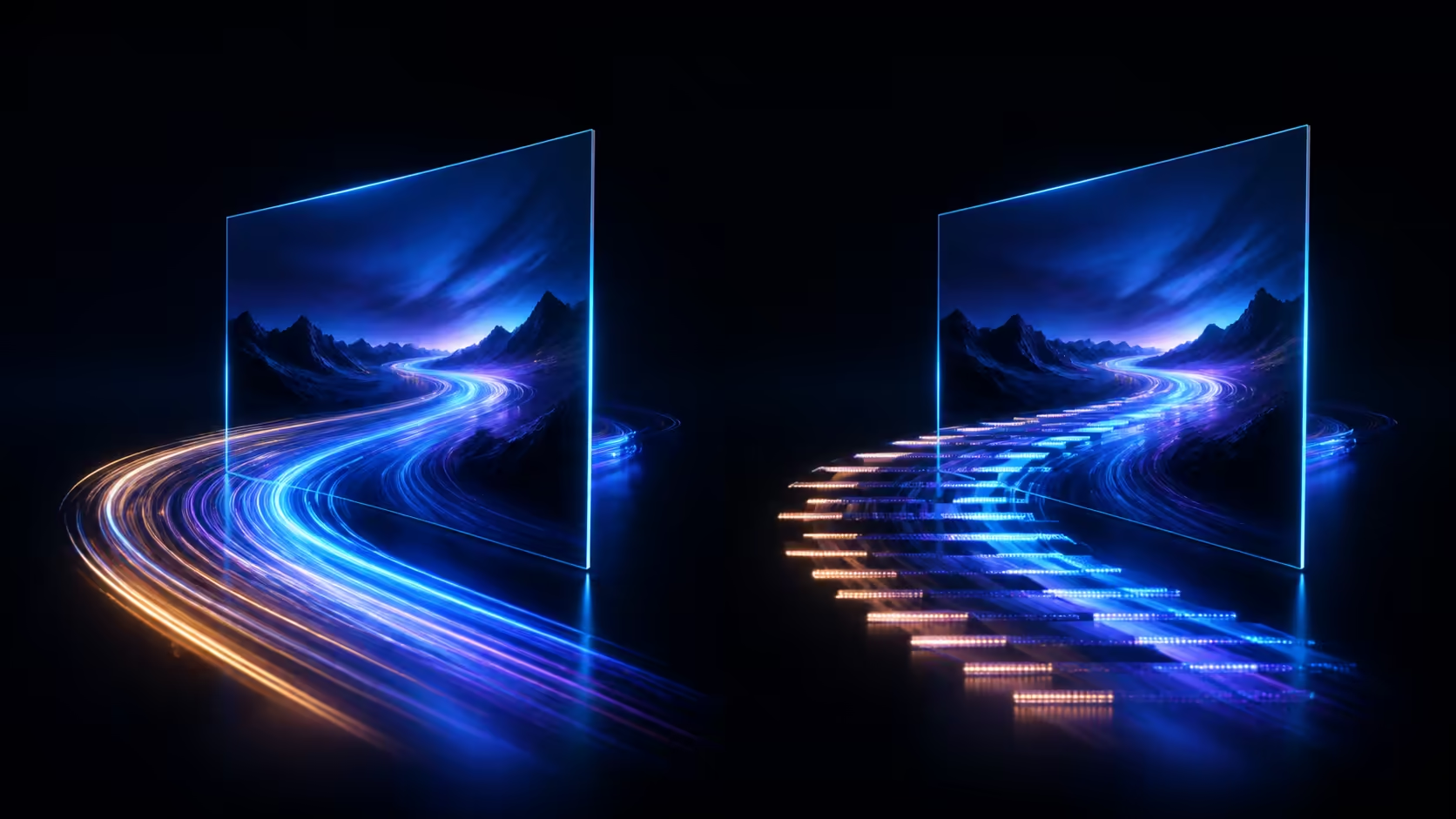
Refresh rate is easiest to notice in motion, yet its value changes by task and user. A 120Hz versus 60Hz laptop display test should compare scrolling, animation, pointer movement and application timelines at fixed settings. The MSI Prestige 16 Flip AI+ offers a 120Hz 2.8K OLED touchscreen at R37,999.
Quick Answer
Choose 120Hz when smoother compatible motion improves navigation or creative timing; 60Hz may remain sufficient for static documents and less motion-sensitive work. The R37,999 Prestige includes a 16-inch 120Hz OLED touch display. Test the real applications because refresh rate alone does not establish performance, colour or battery duration.
🧭 Run an immediate side-by-side motion check
Open a long web page, a smooth animation and the timeline used in normal work. Switch between available refresh settings while holding resolution, scaling and application content constant. Ask whether the difference improves comprehension or only feels briefly novel.
Use another viewer where possible. Do not announce the setting before each run, since expectations can influence the report.
🧭 Keep system performance separate
A 120Hz panel can present more updates when the application and system deliver them. It does not guarantee that every workload renders at that rate. General compute comes from the Prestige's Core Ultra 9 386H, and active memory totals 32GB LPDDR5X. Exact software behaviour still needs a project test.
Its 90-TOPS AI PC figure concerns supported AI computation, not display refresh. Use Evetech's MSI professional notebook selection for whole-system comparisons.

🧭 Evaluate resolution, OLED and touch independently
The 2.8K resolution determines the screen's pixel grid, OLED describes panel operation and touch adds direct input. None is a substitute for the 120Hz motion test. Select Windows scaling before judging how much workspace the 16-inch display provides.
Creative colour metrics are not implied by refresh or OLED. Use model-specific measurements where colour delivery matters.
🧭 Include mobile and docked use
Higher refresh can affect the complete power workload, but no battery-life number should be inferred for this laptop. Repeat a normal unplugged session at the settings you plan to keep and record duration directly.
Thunderbolt 4 is available for a tested dock or display path. The creator laptop range at Evetech helps broaden the shortlist, while each external display must support the required resolution and refresh through the selected cable chain.
Measure refresh value over a full session
Use each setting for an ordinary working block rather than a thirty-second scroll. Record visual comfort, navigation errors, timeline precision and any application that fails to present smoother motion. Keep brightness and power mode documented.
Ask whether the higher refresh changed a completed outcome, reduced fatigue or simply felt pleasant. All three observations are valid, but they deserve different weights in a premium purchase. Repeat the mobile block to capture actual battery behaviour instead of converting refresh rate into an assumed duration.
Decide through the task that repeats most
Give scrolling, pointer movement, animation preview and timeline navigation separate scores. A smoother feel during one demonstration may matter less than reduced strain across hours of reading; another user may value precise motion while editing. Weight each observation by how often that operation appears in the week.
Keep a lower-refresh comparison available after the novelty period. The useful setting is the one that improves the dominant task without creating an unacceptable mobile or application trade-off.
Keep motion testing honest
Avoid comparing different documents, zoom levels or performance modes. Use the same long page or timeline and ask another person to switch the setting without announcing it. A blind comparison can reveal whether the preference is visible after the label disappears. Record comfort after sustained work as well as the instant impression, since the purchase serves complete sessions.
Frequently Asked Questions
Is 120Hz twice as productive as 60Hz?
No. The number describes refresh frequency, not work output. Measure whether the user's tasks become easier or more accurate.
Does 120Hz make static text sharper?
Sharpness mainly relates to resolution, scaling and rendering. Refresh rate is most apparent during motion.
Will every application use the full refresh rate?
Not necessarily. Application rendering and system behaviour determine the frames delivered to the display.
Can refresh rate predict battery runtime?
No complete duration follows. Test the actual laptop with the intended setting, applications and brightness during a representative mobile session.
Ready to decide whether 120Hz improves your actual screen work?
Compare Evetech laptops with fixed scrolling, animation and timeline tests rather than choosing from refresh numbers alone.