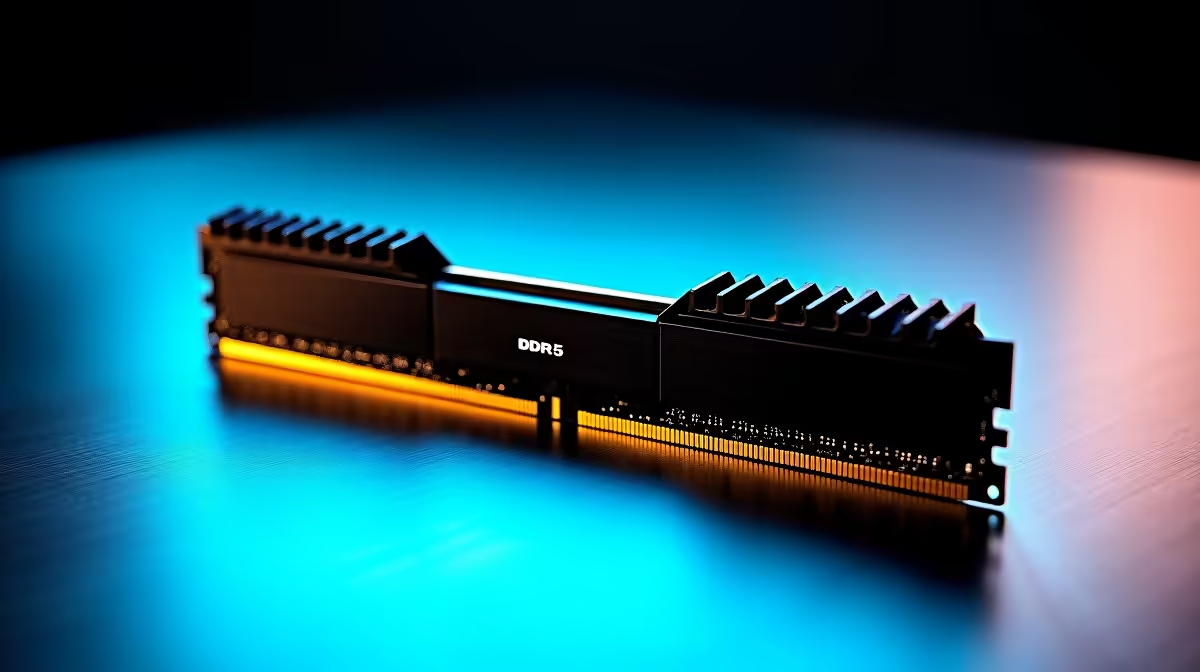
Kingston 16GB current-gen SODIMM at R741 suits a student laptop used mainly for Zoom classes, browser tabs, notes, and a learning portal. A 16GB RAM kit is worth it when the machine is short on memory, but desktop buyers should look closely at 32GB options because the price gap can be surprisingly small.
Best RAM choice for online classes
For a laptop upgrade, Kingston 16GB current-gen SODIMM at R741 is the practical pick. The real spec that matters here is 16GB in a laptop memory format, which is enough for a video call, a browser, PDF notes, and a few background apps without turning the session into a slow tab-closing routine.
For a desktop study PC, TEAMGROUP VULCAN 32GB current-gen 6000 at R1,460 is the stronger value play. It gives you 32GB memory and 6000 speed, so the system has more room for assignments, research tabs, cloud storage sync, and a call running at the same time.
Kingston FURY 32GB current-gen 6400 at R2,300 is better suited to a newer desktop where you want 32GB memory with 6400 speed and a little more headroom. Kingston FURY 32GB 5600 at the stated budget,100 still gives the same 32GB capacity with 5600 speed, but the value case is harder unless it matches a specific build requirement.
Student Desk Setup In South Africa
At a student desk, the best memory choice depends on the machine. A laptop that accepts Kingston 16GB current-gen SODIMM at R741 can become far more usable for classes, while a desktop study setup makes more sense with TEAMGROUP VULCAN 32GB current-gen 6000 at R1,460 because the extra 32GB capacity supports heavier multitasking.
Ready to choose the right memory?
Let the 16gb current-gen memory attending brief start with TEAMGROUP VULCAN 32GB current-gen 6000 speed at R1,460, then confirm its listed spec fits the room or workload.