If you're building around several graphics cards, count their power connectors before selecting a supply. The Seasonic PX-3200 sits in that workstation category. For a South African buyer replacing the PSU in a single-card gaming PC, the announcement is a reminder to count the parts and connectors you actually need before buying the largest number available.
Quick Answer
Seasonic has teased the 3,200W PRIME ENTERPRISE PX-3200 with six 12V-2x6 GPU connectors for multi-GPU workstations. For a gaming build, use the power recommendation and connectors for your exact graphics card and processor. Evetech's 20 November in-stock comparisons included a Gamemax MAX P850B 850W PSU at R999 and an Antec CSK 1000W PRO at R1,499.
⚡ Why the connector count matters
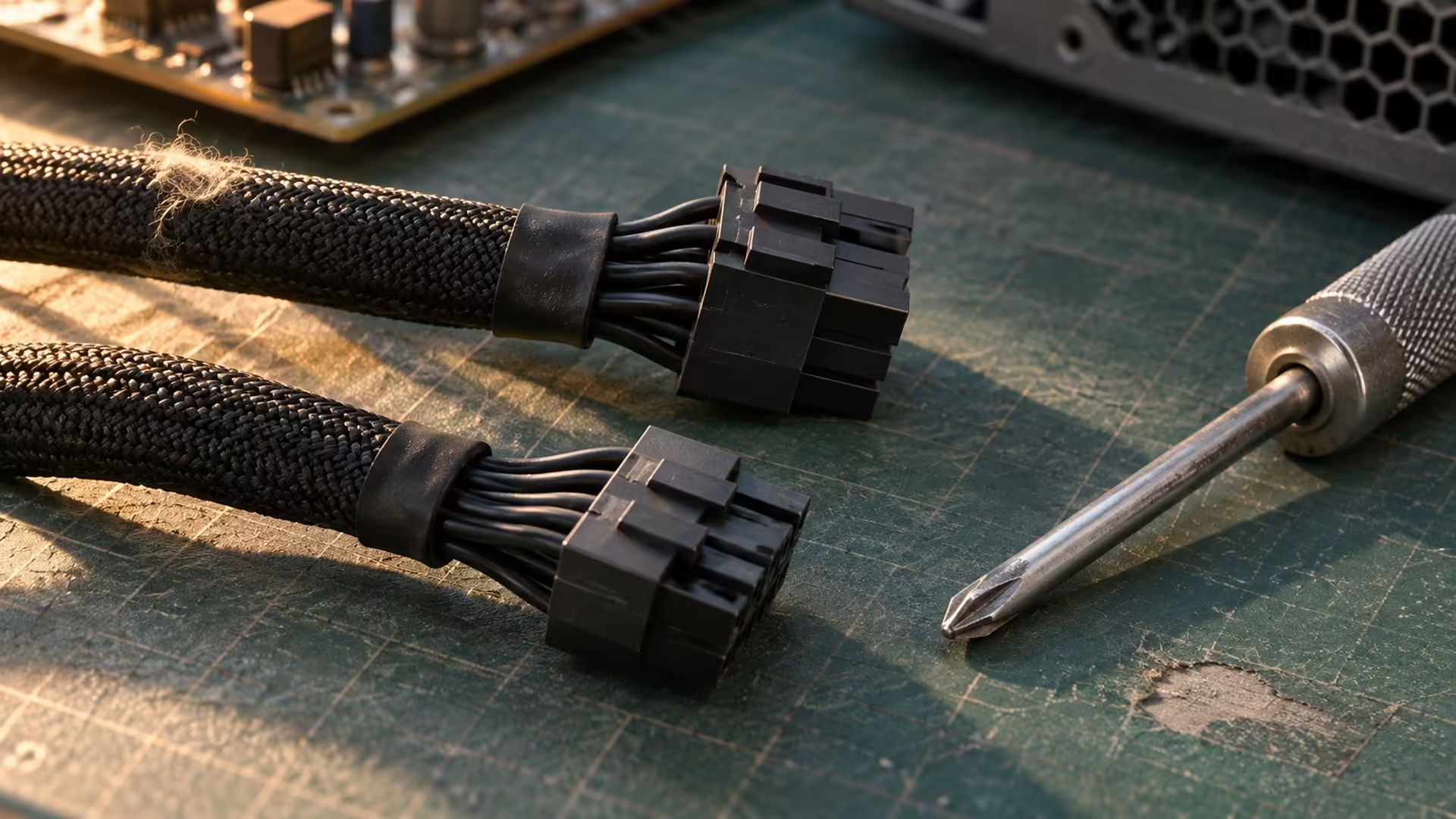
The PX-3200's six GPU connectors are a clue to its audience. The launch coverage places it with high-power workstation supplies shown earlier in the year, with the 3,200W version still being teased. A workstation planned around several cards involves decisions about available connectors, room for the cards and heat removal across the whole system. Check all of those against the workstation plan before the PSU becomes the first purchase.
A gaming PC with one graphics card has a different starting point. Find the graphics card maker's system power recommendation and check the card's connector requirement. A power supply listing may show more than one cable in a photo, so open the specification and confirm what comes in the box. For an upgrade, keep the old cables with the old unit. Connect the new one using its supplied cables or replacements the manufacturer lists for that exact model.
🛠️ Look past the number on the side
Measure the available room in the case, including space for plug housings and cable bends behind the PSU compartment. Decide where the graphics power cable can go without the side panel pressing against it. Check any specified cable clearance in the card or cable maker's instructions. An otherwise sensible wattage choice can be the wrong purchase if you have nowhere to route those cables.
For an installation at workstation scale, ask the supplier for the unit's documented input requirements and input cord before you plan the location. Show the requirements to a qualified electrician who can assess the site and advise whether it is suitable. Include the rest of the equipment on the workstation in that conversation. The model's rated output alone tells you too little about how the completed system should be installed.
💸 Use local prices to test the shortlist
The R999 Gamemax was listed as an 850W ATX 3.1 model. The R1,499 Antec was listed as a 1000W ATX 3.1 model. Those two prices let you put a number on a local single-system comparison, but use the full specifications and the board partner's PSU requirements before treating either as suitable. Most of the evaluation comes down to your exact GPU, room in the case, the cable set and whether you expect to change the graphics card within the life of the power supply.
Compare All Power Supply once those needs are written down. The Power Supply Above 700W selection is useful if your parts list leads you there. A local price comparison between units with adequate capacity tells you more about a gaming budget than a launch report for enterprise hardware. If you are planning a genuinely multi-card system, hold off on price comparisons until the supplier has confirmed specifications, input requirements and a local quote for the exact unit.
Frequently Asked Questions
How much power is the PX-3200 rated for?
Seasonic's teaser describes a 3,200W PRIME ENTERPRISE model.
How many GPU connectors were shown?
The teaser reports six 12V-2x6 GPU connectors for a multi-GPU workstation.
Will a single gaming GPU need 3,200W?
Size your PSU from the recommendation for its exact model and the other parts in your PC.
Can I reuse the modular cables from my old unit?
Use the supplied cables or units that the PSU maker confirms are compatible with the replacement model.
Are these two local prices for enterprise units?
They were prices for in-stock 850W and 1000W comparison models at Evetech on 20 November.
What should I check for a multi-GPU station?
Ask the supplier for the input and connector requirements and have the intended installation assessed by an electrician.
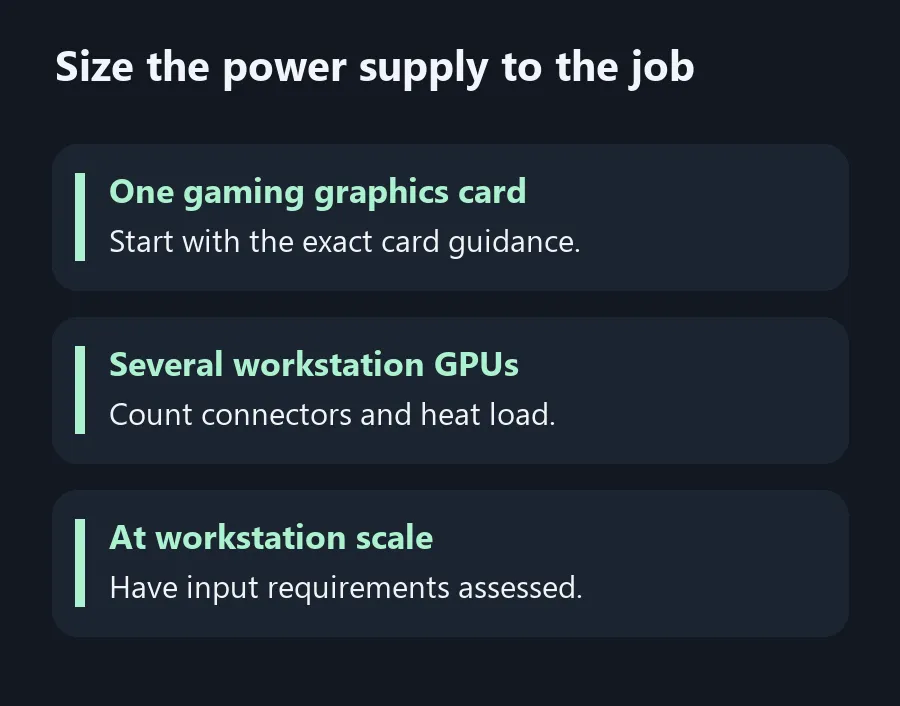
Size the power supply to the job
Size a local gaming PSU from the parts you own and treat a multi-GPU installation as a separate project.