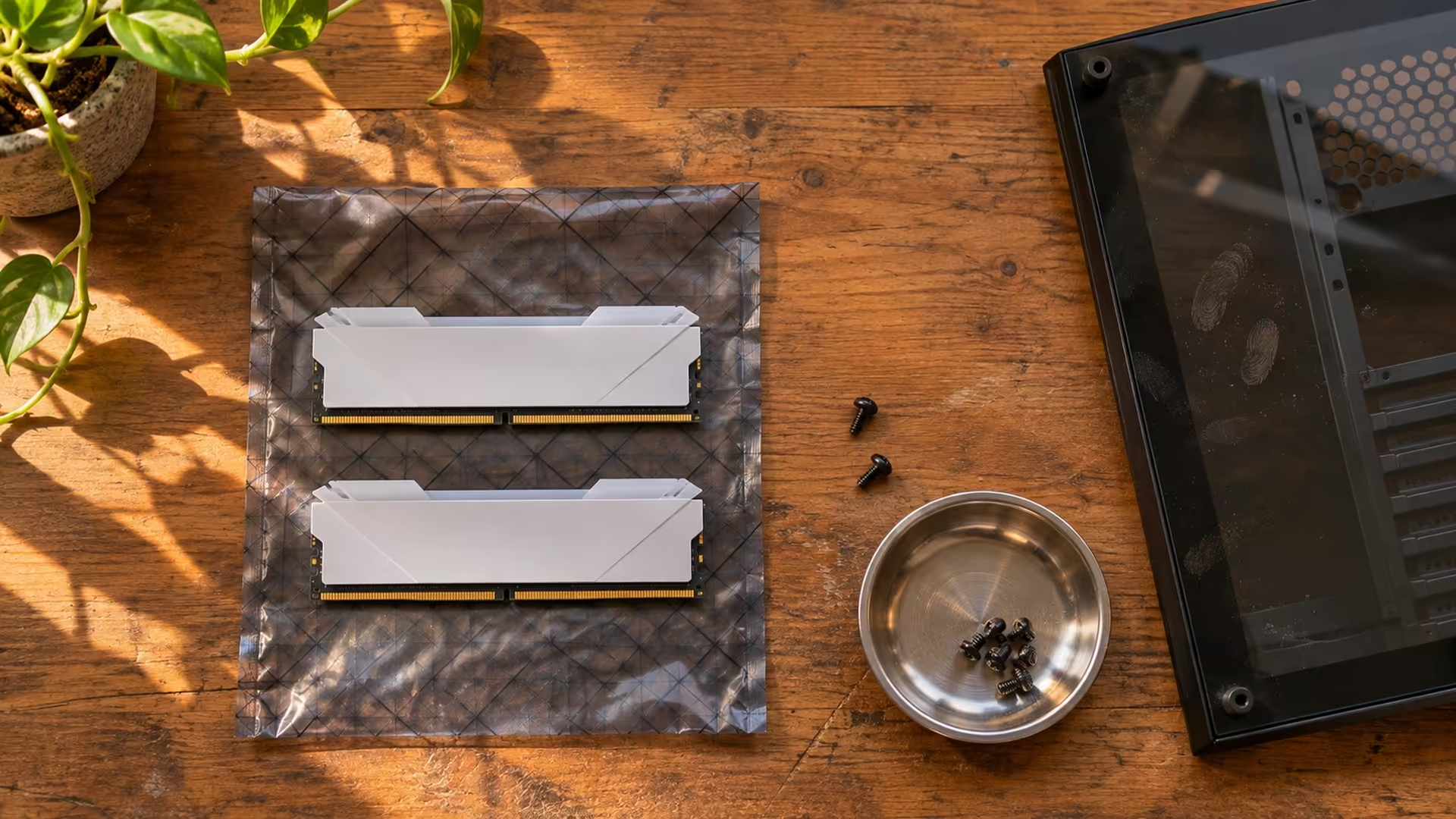
Matching white parts saves time on finishes. Choose the motherboard and memory configuration before you commit to the colour. Gigabyte has extended its AORUS ARI DDR5 lineup with co-branded memory and cases. The useful questions for a South African buyer are what fits the board, which parts earn their place in the build, and how much of the budget goes on the look.
Quick Answer
Start with the motherboard and the memory capacity you want. On 20 November, Evetech listed an in-stock KingSpec 16GB DDR5 desktop module at R4,499 and an XPG Lancer Blade 16GB DDR5-5600 module at R4,999. Those are comparison prices for single modules. Check current South African listings for the exact ARI kit and case before paying for a matching build.
🧩 What's new in the ARI lineup
Gigabyte's November announcement expands a themed range that had already covered motherboards and graphics cards. The addition of DDR5 memory and chassis gives builders more places to repeat the white finish and the ARI artwork. The announcement discusses different boards in the range, including the B850 AORUS ELITE-P ICE and the B760M AORUS ELITE WIFI6E-P GEN5. Those board names matter because they represent different CPU platforms. Choose the processor and socket first, then check the board's supported memory configurations.
A box that says DDR5 establishes the memory generation. Before you pick a kit, check its exact part number against the board's memory support list and note the BIOS version used in that list. Treat the advertised memory profile as a setting to verify with your particular CPU and configuration. Running two modules from one kit also lets you assess a single listed configuration rather than guessing whether independently bought sticks will behave together.
📏 Measure before you match colours
Look at the case specification with the proposed build on the table. Match the board size to the supported standards. Support for a long card can depend on whether you mount a radiator at the front or side, so write down the full length and thickness of the card and use the case's clearance for that arrangement. Leave room for its power connector and cable bend as directed by the card and cable manufacturers.
Memory clearance also matters if a large air cooler overhangs the slots. Compare the RAM height with the cooler's drawing and check whether the front fan can move without hitting the case window. If you can buy the case and memory separately, these measurements will tell you which piece to substitute before committing the rest of the budget. Browse the Mid Tower Cases by board support and check DDR5 for the capacity and kit layout you need.
🧾 Where the Rand budget does the most work
At the November price check, the R500 difference between the two 16GB single-module listings bought a different product and memory profile, with no extra capacity. Compare like-for-like kits before using those prices as a spending target. A pair listed as a kit and a lone module can have similar names on a search page. Make the quantity and capacity explicit in your shortlist so a low sticker price doesn't change the build you meant to order.
If you already own stable DDR5 and plan to reuse the same board, build around the parts you have. Spend time matching case dimensions and airflow to the existing cooler and graphics card. For a new platform, lock in the CPU, board and memory configuration in that order. Then see what difference the themed edition makes to the total and whether you actually see the matching parts from your desk. Take a measurement from the proposed case position too. When the glass faces a wall, the finish may matter less than where you can route the cables and reach the filters.
Frequently Asked Questions
Does the ARI theme change the motherboard socket?
No. Read the exact board model and match its socket to the processor.
Should I choose RAM by its fastest advertised profile?
Pick the capacity and kit configuration first. Then match the exact kit to the board's supported memory profiles.
Are the R4,499 and R4,999 prices for ARI kits?
They were Evetech comparison prices for other single 16GB DDR5 modules on 20 November.
Can a front radiator affect graphics card fit?
Yes. Check the clearance for your chosen radiator and fan position as well as the card length.
Can I reuse a DDR5 kit in the build?
Check the exact kit, motherboard support and clearances before switching platforms.
Should I buy the case or memory first?
Decide on the processor, motherboard and memory requirement first. Use those choices to check the case and cooler fit.
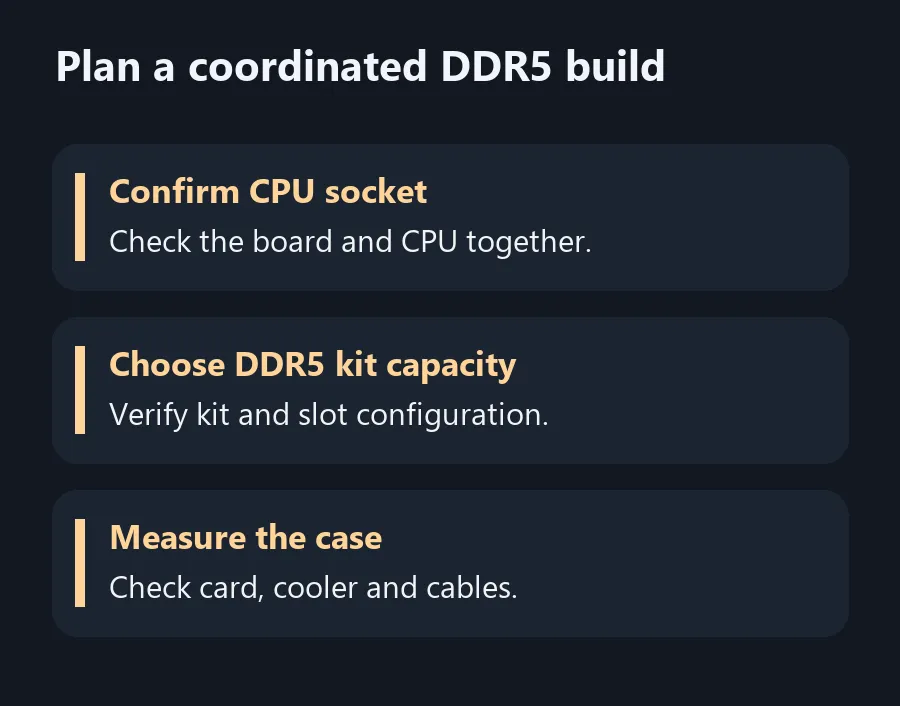
Plan a coordinated DDR5 build
Match memory capacity, motherboard support and case clearance before paying for a coordinated finish.