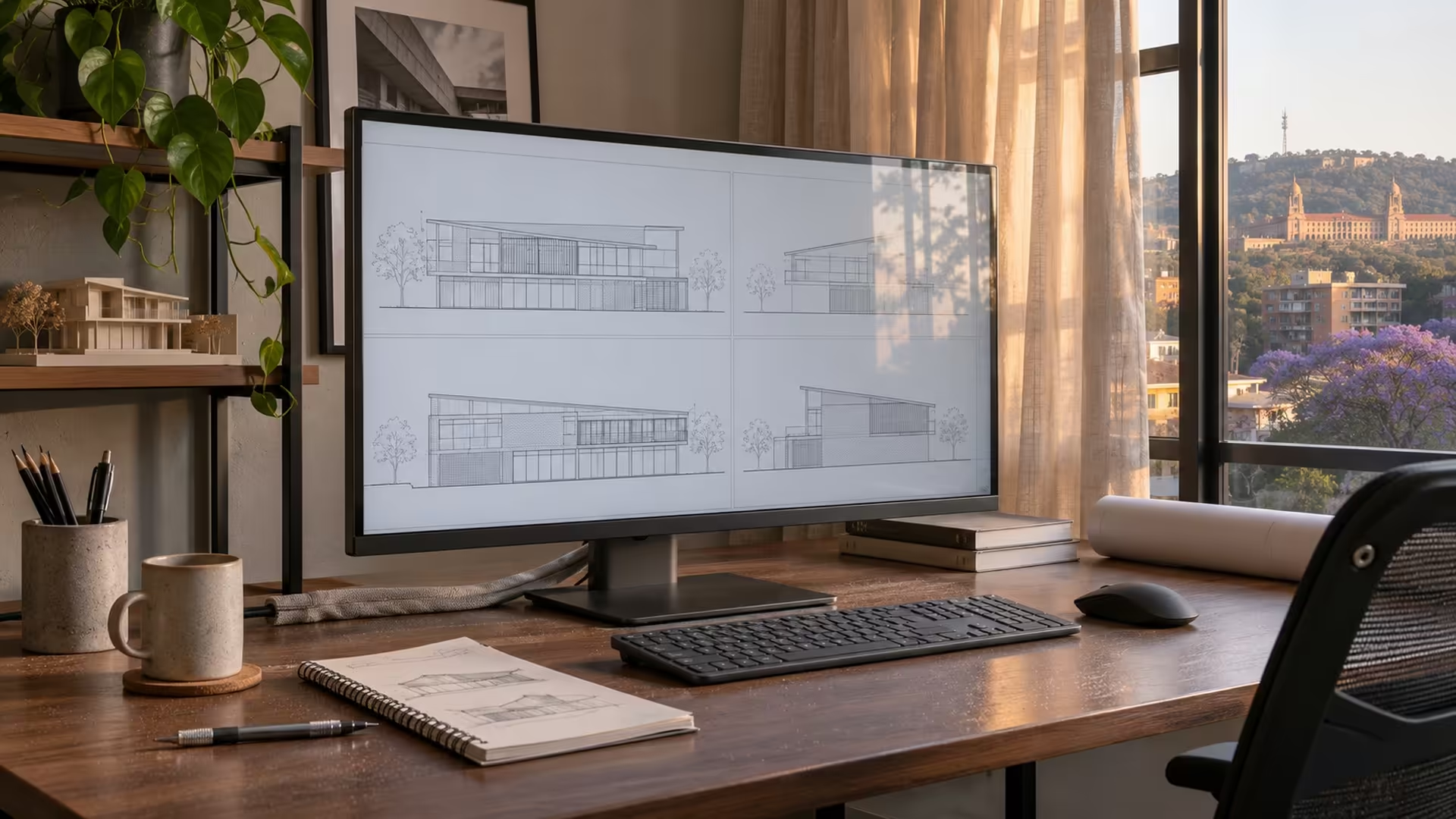
Try putting two spreadsheets and a proof image on your current screen. If you keep hiding a window, extra resolution may help. The JAPANNEXT JN-X6K2 targets that kind of work with a 31.5-inch 6K IPS display. Its launch gives local buyers a concrete way to decide whether to wait for more pixels or buy a 4K screen they can use now.
Quick Answer
The JAPANNEXT JN-X6K2 is a 31.5-inch 6016 x 3384 IPS monitor running at 60Hz. Check that your computer and cable support its intended 6K mode before waiting for it. Evetech's 20 November catalogue had an in-stock ViewSonic VA2708-4K-MHD at R4,799 and a Dell S2725QC at R7,799 as local 4K comparison points.
🖥️ More pixels and the same number of frames
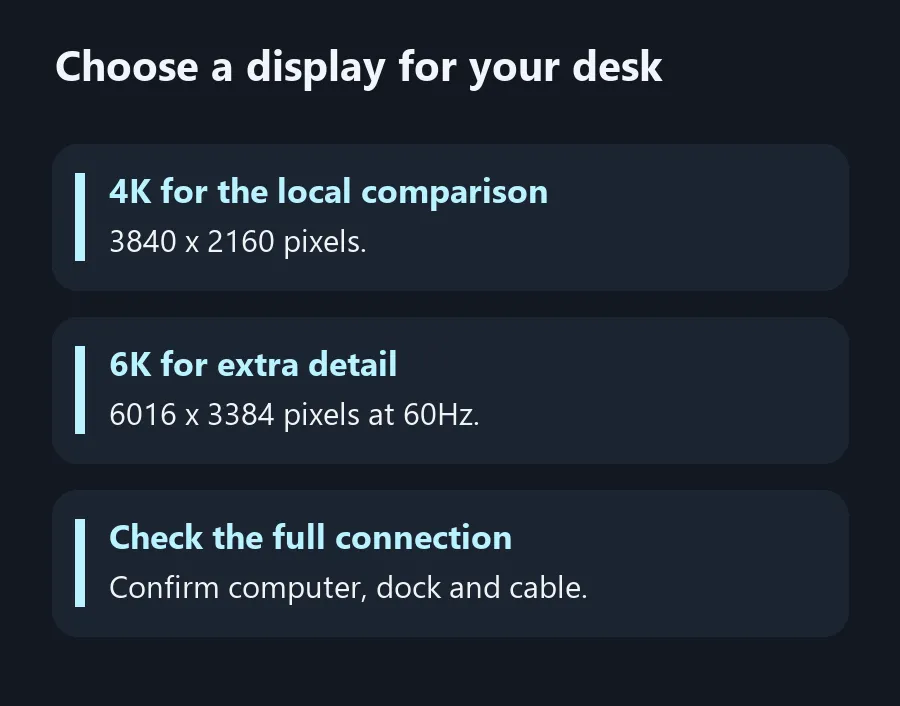
A 6016 x 3384 display draws just over 20 million pixels, against about 8.3 million for 3840 x 2160. You can use that extra detail for small type and image work, but how much desktop space you gain depends on the scaling you choose. Put an editor and a reference window side by side on your current screen and note which one runs out of room first. That gives you a better test than the row of resolution badges on a product list.
The new panel is rated at 60Hz. That can suit work with still images, documents and design tools. If you also plan to play games that already run above 60 frames per second on your computer, consider whether you'd rather spend on a faster 4K or QHD display. The decision changes when the same monitor has to handle both jobs. Map out a normal day's use before putting screen resolution at the top of the list.
🔌 Check the complete connection
JAPANNEXT lists DisplayPort with display stream compression and USB-C with up to 90W of power delivery. Start with the exact outputs documented for your laptop or graphics card and read the monitor's supported mode for each input. If a dock sits between the computer and display, it forms part of the connection and has its own published limit. A device that passes 4K to a screen may have a different limit at 6K.
Decide what you want the cable to accomplish. If you need display, data and charging together, check all three functions on the USB-C port and the cable. A computer that ships with a higher-rated charger may still benefit from a single-cable desk setup for lighter work. Check the laptop maker's adapter guidance before assuming the monitor can replace its power brick. Test the actual combination with your preferred scaling and a typical workload before reorganising the whole desk around it.
🧮 Put the local options next to it
The ViewSonic VA2708-4K-MHD in the 20 November Evetech snapshot had a 27-inch 3840 x 2160 panel, so it offers a starting point if high-DPI work matters more than desk size. The Dell S2725QC added USB-C with listed 65W charging in the same snapshot, which makes it a more direct comparison for a laptop desk. Neither number establishes a South African launch price for the JAPANNEXT. Use both figures to judge what a working 4K setup costs today.
Stand height and room for a second screen are easy to overlook if the decision starts and ends at 6K. Measure the desk depth, check how far you sit from the monitor and see whether moving the panel forward would crowd a keyboard or drawing tablet. Then compare ViewSonic Monitors with the higher-refresh options under Gaming Monitors. Wait for a confirmed local listing if the extra resolution solves a problem those screens leave open. Otherwise, use the local comparison to pick a connection and resolution your existing computer can drive.
Frequently Asked Questions
What resolution is the JN-X6K2?
The native resolution is 6016 x 3384 on a 31.5-inch IPS panel.
Is it a high-refresh gaming screen?
Its 60Hz specification suits buyers who value more pixels over a higher refresh ceiling.
Will every USB-C port run it at 6K?
Check video support and the maximum supported mode on the exact computer, dock and cable.
How much power can its USB-C input provide?
JAPANNEXT lists up to 90W. Check whether your computer's charging requirements fit.
Does 6K give everyone more usable desktop space?
The extra pixels add detail. Actual workspace also depends on operating system scaling and the size at which you read text.
Were the local monitor prices for the JAPANNEXT?
No. They were in-stock 4K comparison listings from Evetech on 20 November.
Choose a display for your desk
Compare pixel density and your laptop's display output before waiting for a 6K screen.