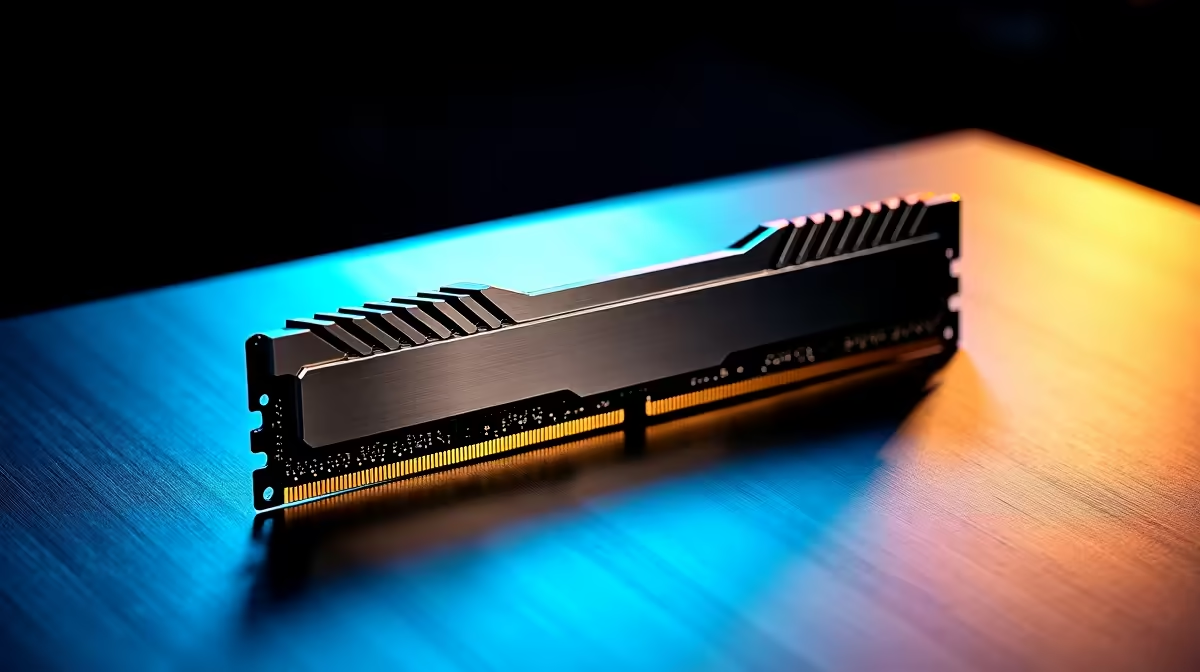
TEAMGROUP VULCAN 32GB current-gen 6000 at R1,460 suits a new entry-level streaming desktop better than a 16GB RAM kit because it gives the game, OBS, browser tabs, chat, and background tools more breathing room from day one. A 16GB option can work for light play, but streaming makes memory pressure show up quickly when scenes, alerts, and a web browser stay open.
Better memory value for a starter stream setup
The TEAMGROUP VULCAN 32GB current-gen 6000 at R1,460 is the sensible starting point for most desktop builds. The 32GB capacity is the key upgrade here, while the 6000 speed keeps the system feeling modern without pushing the budget into enthusiast territory.
Kingston FURY 32GB current-gen 6400 at R2,300 is worth considering if the build already has a stronger CPU and board pairing. You still get 32GB memory, but the 6400 speed gives a little extra headroom for a cleaner multitasking setup during a stream.
Kingston 16GB current-gen SODIMM at R741 is the budget-friendly pick for a compatible laptop upgrade. It is still useful for a student or casual creator machine, but it is less comfortable when streaming, browser tabs, and recording tools are all open together.
Creator desk decision for South African entry-level streamers
For a small creator desk, memory should protect the session from stutter before it adds flash. Kingston FURY 32GB 5600 at the stated budget,100 gives 32GB capacity with 5600 speed, while KLEVV CRAS V 32GB 7200 RGB at R6,400 is the showier high-speed option for a build where visual style matters as much as overhead.
Ready to choose the right memory?
For the 16gb current-gen memory entry brief, shortlist TEAMGROUP VULCAN 32GB current-gen 6000 speed at R1,460 because its listed spec is the practical check.