Kingston 16GB current-gen SODIMM at R741 suits a laptop user who mainly needs smoother spreadsheet-heavy office work without jumping straight to a larger desktop kit. A 16GB RAM kit can be enough when the machine is used for browser tabs, email, PDF exports, and everyday workbook edits, but big pivot tables, several open files, and accounting apps can make 32GB feel far calmer.
Best first memory move
For many laptops, the Kingston 16GB current-gen SODIMM at R741 is the practical starting point because it targets the exact 16GB upgrade question. It is the sensible choice when the current machine is short on memory but still fast enough in the processor and storage departments.
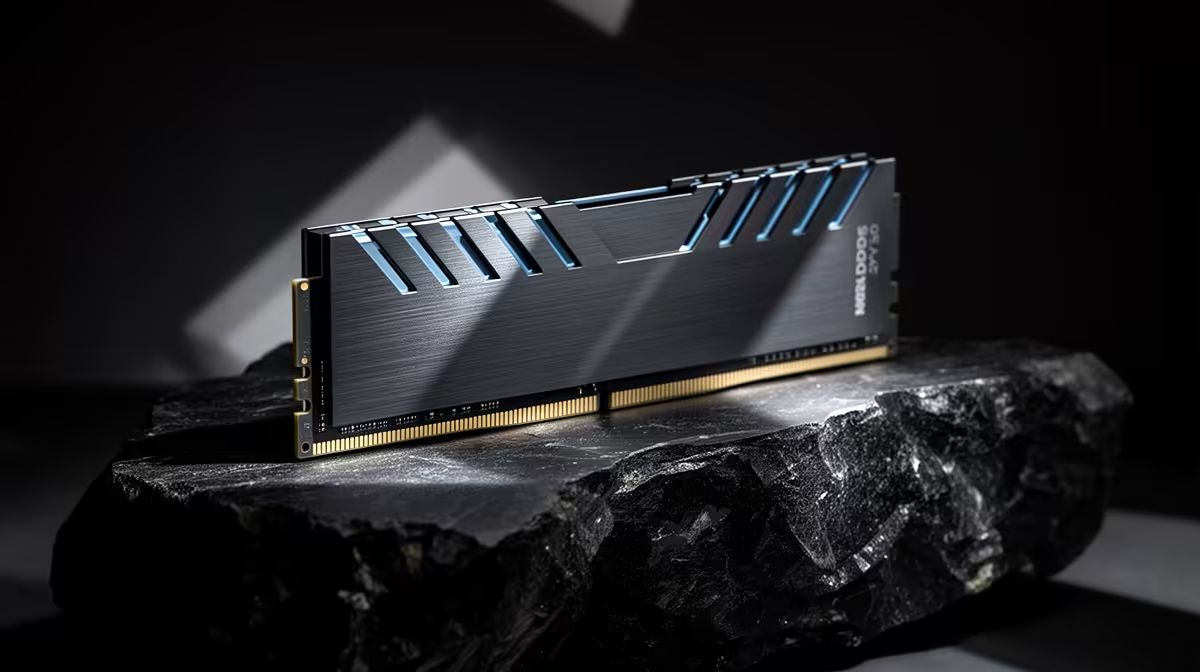
If the workstation can take desktop memory, TEAMGROUP VULCAN 32GB current-gen 6000 at R1,460 is the cleaner long-term answer. The 32GB capacity gives heavier workbooks more breathing room, and the 6000 speed keeps the upgrade focused on current-gen performance without overbuying.
Kingston FURY 32GB current-gen 6400 at R2,300 is the step up for a desktop that handles frequent multi-file analysis. Compared with the TEAMGROUP VULCAN 32GB current-gen 6000 at R1,460, it keeps the same 32GB capacity but raises the speed to 6400 for users who want a stronger spec.
SA small-business counter check
At a reception desk, admin counter, or back-office invoicing PC, the upgrade should reduce pauses during month-end rather than chase RGB looks. Kingston FURY 32GB 5600 at R5,100 gives a 32GB capacity with 5600 speed, while KLEVV CRAS V 32GB 7200 RGB at R6,400 makes more sense only when the build also values a higher 7200 speed and visible lighting.
Ready to choose the right memory?
If the brief is the 16gb upgrade enough brief, TEAMGROUP VULCAN 32GB current-gen 6000 speed at R1,460 is the listed option to test against its listed spec.