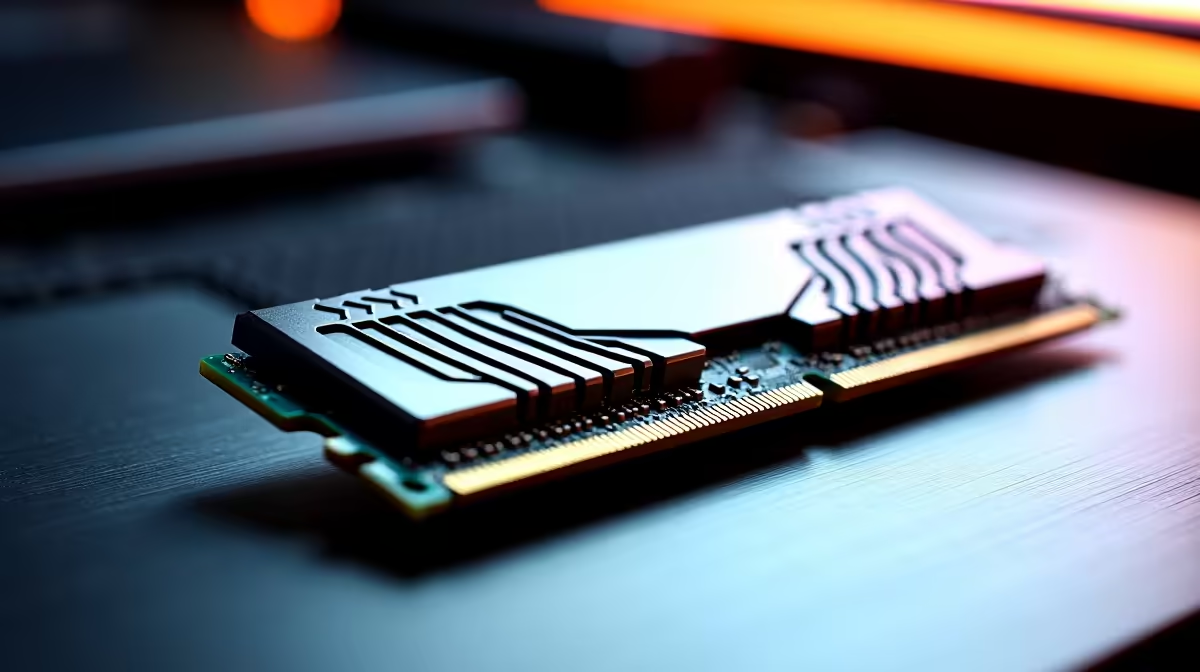
Kingston 16GB current-gen SODIMM at R741 suits a student laptop that feels slow during Zoom, browser tabs, notes, and portal work, especially when the machine already has a decent processor but not enough memory headroom. A 16GB RAM kit is worth it when the laptop starts freezing as soon as a call, PDF reader, and learning platform run together.
Best memory upgrade for online classes
For most student laptops, the Kingston 16GB current-gen SODIMM at R741 is the cleanest first move because it targets the exact bottleneck: too little working memory. It is not about chasing extreme speed. It is about keeping the class, browser, and documents responsive at the same time.
If the desk setup is a newer desktop used for study and light content work, the TEAMGROUP VULCAN 32GB current-gen 6000 at R1,460 gives far more breathing room. Its 32GB capacity is useful when lecture recordings, spreadsheets, research tabs, and messaging apps stay open for long sessions.
Student Desk Upgrade For SA Online Learning
A small student desk needs fewer interruptions, not a flashy build. Kingston FURY 32GB current-gen 6400 at R2,300 is a strong fit for a current-gen desktop where the extra 32GB capacity and 6400 speed support smoother multitasking across classwork, assignments, and browser-heavy research.
For a higher-end desktop, KLEVV CRAS V 32GB 7200 RGB at R6,400 makes more sense when the same machine also handles creative work after class. The 32GB capacity and 7200 speed are overkill for basic calls alone, but useful for a broader creator desk.
Ready to choose the right memory?
Compare the listed memory range and match the capacity to the way the study desk is actually used.