Kingston 16GB current-gen SODIMM at R741 suits a laptop editor who is moving from basic memory to a more workable setup for DaVinci Resolve. A 16GB upgrade can be worth it when the machine is struggling with timelines, browser tabs, and exports at the same time, but a 32GB RAM kit is the stronger target for heavier media work.
Best RAM upgrade path for editing
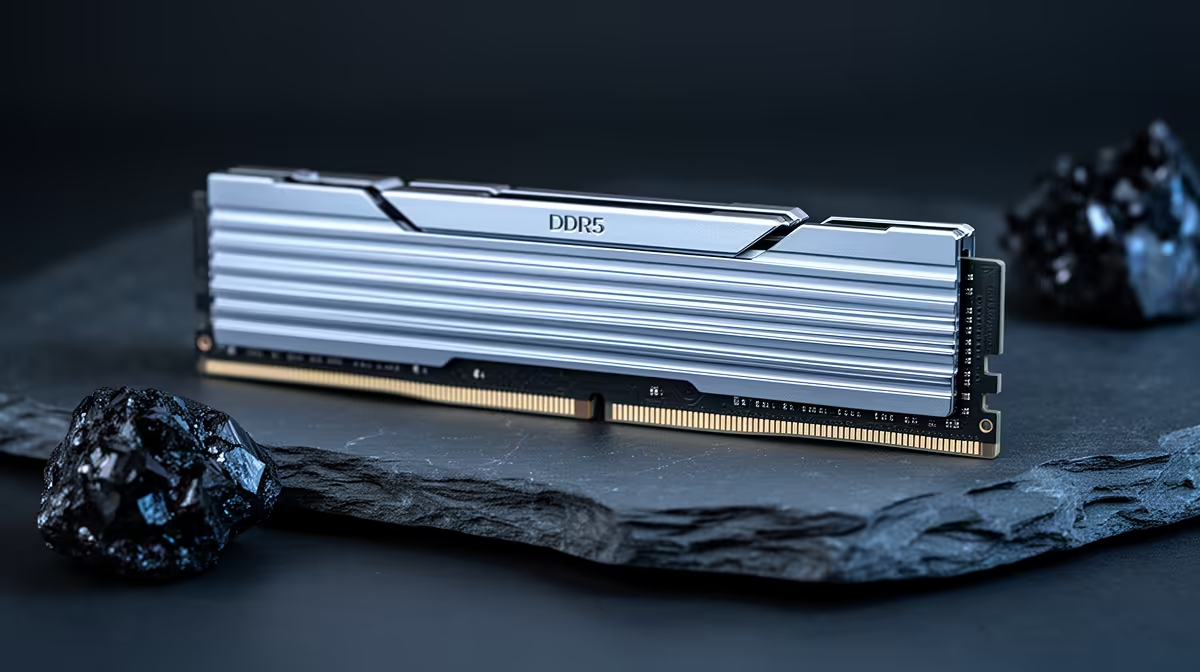
TEAMGROUP VULCAN 32GB current-gen 6000 at R1,460 is the value pick for a desktop creator desk. The 32GB capacity gives more breathing room for editing projects than a single 16GB upgrade, while the 6000 speed keeps the build aligned with current-gen memory platforms.
Kingston FURY 32GB current-gen 6400 at R2,300 is a better fit if the editing PC is already a capable system and the memory upgrade should feel less like a basic repair and more like a proper workstation refresh. Its 32GB capacity and 6400 speed make sense for multitasking around project files, preview windows, and background apps.
SA creator desk reality
For a compact home editing desk, Kingston 16GB current-gen SODIMM at R741 is the practical laptop option when the machine has an open slot and the budget is tight. For a tower under the same desk, Kingston FURY 32GB 5600 at R5,100 gives a larger 32GB pool, while KLEVV CRAS V 32GB 7200 RGB at R6,400 is the premium choice when speed and visible RGB styling matter.
Ready to choose the right memory?
Choose TEAMGROUP VULCAN 32GB current-gen 6000 speed at R1,460 for the DaVinci Resolve edit bay when its listed spec matters more than adding extra desk clutter.