


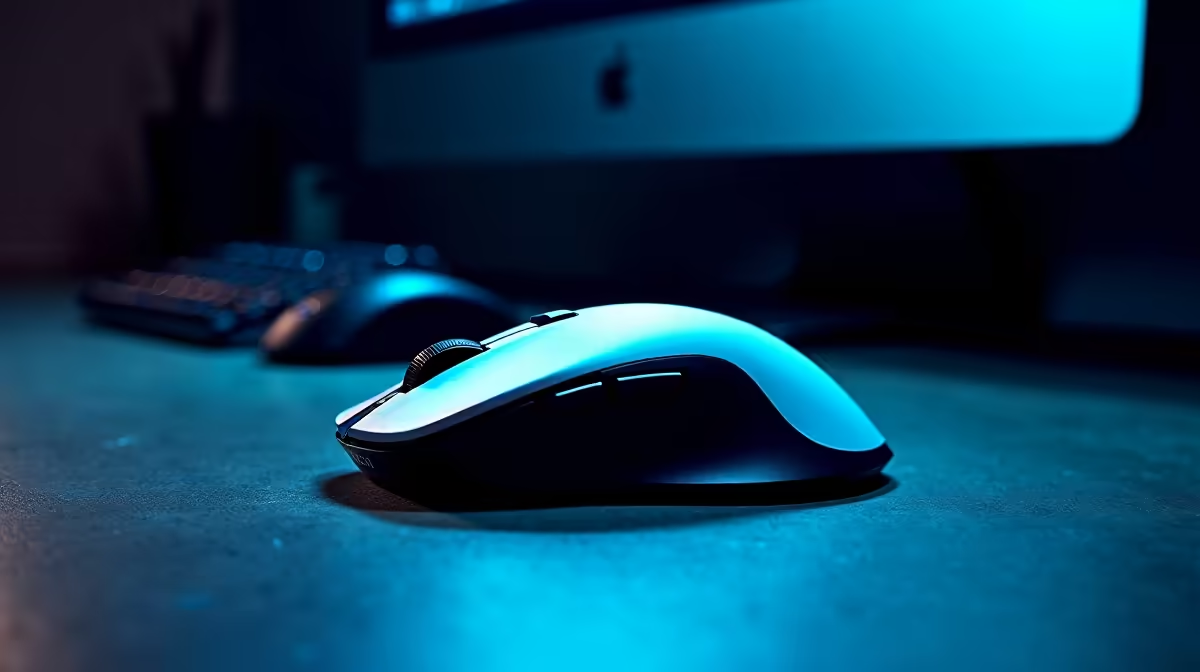
Spec sheets love to lead with sensor ceiling, and 4K DPI optical sensors get a lot of column space in product listings. The number sounds impressive, but for office navigation it means something specific and surprisingly limited. Understanding what those four thousand dots per inch actually do to your cursor makes it much easier to decide whether the spec is relevant to your desk.
Quick Answer
A 4K DPI sensor moves your cursor 4000 screen pixels for every inch of physical mouse travel. On a single 1080p monitor that feels twitchy and most users dial it back below 1600 DPI. The high ceiling genuinely helps on a 4K display or across multiple monitors where the cursor has far more screen real estate to cross.
🔆 What the Number Actually Measures
DPI stands for dots per inch. The figure tells you how many pixels the cursor travels for every inch your hand moves across the mat. At 4000 DPI, a one-centimetre hand movement sends the pointer roughly 157 pixels. At 800 DPI the same hand movement moves about 31 pixels.
Higher DPI does not mean more precise. Precision comes from the sensor's optical quality, its lens, and how accurately it reads surface texture. The DPI figure is purely about speed: how far the cursor jumps relative to your hand's displacement. A sensor running at 4K DPI is no more accurate than one at 800 DPI; it simply covers more screen for the same hand effort.
📺 Where a 4K Sensor Actually Earns Its Keep
The mismatch between a 4K sensor and a single 1080p screen is straightforward arithmetic. A 1920 by 1080 monitor has 1920 pixels across its width. At 4000 DPI, you cross the full width with roughly 12mm of hand movement. That is barely a thumb-width, which makes controlled navigation feel skittish during spreadsheet editing or careful reading.
The equation changes on larger canvases. A 3840 by 2160 panel has twice the horizontal pixels, so the same 4K sensor now needs 25mm to sweep the screen -- far more manageable. Add a second monitor beside the first and you are crossing 7680 pixels horizontally. At that scale, a sensor ceiling well above 1600 DPI is genuinely practical, reducing the arm fatigue that comes from long glides during a full workday.
🎯 DPI in Daily Office Tasks
Reading documents, entering data into cells, and writing emails do not benefit from a high DPI ceiling. These tasks involve small, controlled cursor movements where a lower sensitivity gives you better authority over exactly where the pointer lands. Most SA office users who buy a 4K sensor mouse settle on 1000 to 1200 DPI in practice after a week of use.
A dedicated DPI cycle button changes this quickly on mice that include one. Pressing it steps through preset sensitivity levels without opening any software. That physical button is arguably more useful to an office user than the 4K ceiling itself: you can drop to 800 DPI for careful cell work and jump to 2400 DPI when you want to move across two screens fast.
Frequently Asked Questions
What does 4000 DPI mean in plain terms?
It means the cursor covers 4000 screen pixels for each inch your mouse travels. A brief wrist flick at that setting sends the pointer a long way, which is fast but can feel difficult to control on screens with fewer total pixels to cross.
Does 4K DPI feel twitchy on a single screen?
On a single 1080p monitor, yes. The pointer overshoots targets easily because the full screen width takes only a short hand movement to traverse. Most users running one standard monitor work more comfortably between 800 and 1200 DPI.
How does monitor resolution change the picture for DPI?
A 4K display has four times the total pixels of a 1080p panel. Crossing the screen takes proportionally more hand movement, so higher DPI is genuinely useful rather than a nuisance. The sensor ceiling that feels excessive on one HD display becomes practical when the workspace expands.
Can I switch DPI without opening any software?
Yes, on mice with a dedicated DPI button. Pressing it steps through preset sensitivity levels, typically cycling through values like 800, 1600, and 3200. The current step often shows on a small LED indicator. No drivers or apps need to be open for this to work.
Is a 4K DPI sensor the same as 4K display resolution?
No, these are completely separate specifications. Mouse DPI measures pointer speed relative to hand movement. Display 4K refers to a pixel grid of 3840 by 2160, which is a screen resolution standard with no connection to mouse sensitivity figures.
Ready to match your mouse spec to your actual setup? Browse the full office mouse range at Evetech and find a sensor that fits your monitor count and daily workflow rather than just looking good on a spec sheet.









