


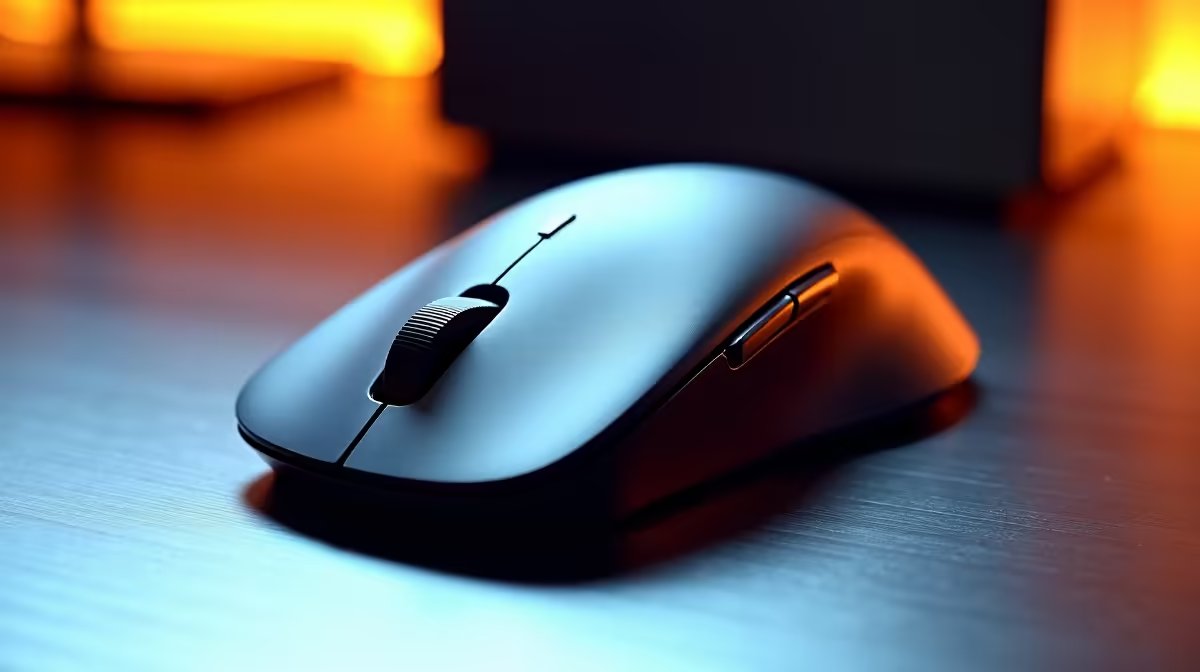
Spec sheets for vertical office mice increasingly advertise sensors with 4,000 DPI or higher, and it is easy to assume a bigger number means a better mouse for productivity. For most South African office desks, that assumption does not hold. A 4K DPI optical sensor is not necessary for a vertical office mouse used primarily on documents, email, and spreadsheets. The ceiling only becomes useful in specific, higher-end display configurations that a minority of users are running.
Quick Answer
For standard office tasks on a single 1080p or 1440p display, 800 to 1600 DPI is sufficient in a vertical mouse. A 4K DPI sensor only adds genuine value on 4K monitors or dual-screen setups where the cursor has more distance to cross with each hand movement.
🔧 What DPI Actually Controls at the Desk
DPI describes how far the cursor moves on screen for each physical centimetre you move the mouse across a surface. At 800 DPI a 25mm movement shifts the cursor a moderate distance. At 4,000 DPI the same physical movement sends the cursor roughly five times as far.
Office work does not demand high DPI. Clicking a spreadsheet cell, selecting text in a document, or moving between browser tabs requires deliberate, controlled cursor movement. At very high DPI settings, that control becomes harder to maintain, because small involuntary hand movements cause larger cursor jumps than intended.
This is why most productivity users who own a high-DPI sensor immediately configure it to a lower setting. The sensor ceiling is irrelevant to actual use; what matters is sensor quality at the working DPI, which is typically 800 to 1600 for office tasks.
🎯 When a High-DPI Sensor Is Genuinely Worth It
A 4K monitor at 3840 by 2160 has four times as many pixels as a 1080p display. If you are using the operating system at native scaling without DPI scaling enabled, the cursor needs to travel far more pixels to reach the opposite corner of the screen. At 800 DPI the hand movement required becomes effortful across an eight-hour day. Stepping up to 1600 or 2000 DPI on a 4K panel restores comfortable cursor travel without overcooking responsiveness.
A dual-monitor workstation in a Cape Town or Joburg office spanning two 1440p displays has effectively 5120 pixels of horizontal real estate. Crossing from a far corner of monitor one to a far corner of monitor two at low DPI means lifting and repositioning the mouse repeatedly. A higher DPI setting reduces that physical travel.
Outside these specific scenarios, the 4K DPI sensor adds cost without adding usable performance.
💰 The Budget Reality for SA Vertical Mouse Shoppers
Vertical mice with basic optical sensors in the 1000 to 1600 DPI range are available locally under R600 and perform excellently for admin, document work, and email. The ergonomic benefit of the vertical grip is identical regardless of sensor spec -- the 57-degree forearm position that reduces wrist strain does not change because the sensor ceiling is 4,000 DPI instead of 1,000 DPI.
Mice with 4K-plus sensors and full customisation software typically sit between R1,200 and R2,500 locally. That premium is justified on a 4K or multi-monitor desk. It is not justified for a single standard-resolution display used for productivity. Match the sensor spec to your actual display configuration rather than paying for ceiling performance you will never use.
Frequently Asked Questions
What DPI is sufficient for standard office work?
Most document editing, spreadsheet navigation, email, and browsing sits comfortably within 800 to 1600 DPI on a single 1080p or 1440p display. There is no practical gain from pushing higher for these workflows on standard resolution monitors.
When does a 4K DPI sensor actually earn its cost?
Running a 4K monitor at native resolution without OS scaling is the most common scenario. A dual-monitor setup spanning two 1440p displays also benefits, reducing hand travel to move the cursor from one screen edge to the other. If neither applies to your setup, the sensor ceiling is marketing rather than utility.
Does a higher DPI sensor make a vertical mouse more accurate?
Not directly. Tracking accuracy depends on sensor quality, meaning how precisely it reads the surface and translates movement into cursor position. Raw DPI is about movement ratio, not accuracy. A good-quality lower-DPI sensor outperforms a poor-quality high-DPI one. Sensor stability at your working DPI range matters more than the maximum specification.
Can a 4K DPI mouse be stepped down for desk work?
Yes. Driver software for most mid-range and premium mice lets you configure multiple DPI steps, accessible via a button on the mouse body or inside the configuration app. A 4,000 DPI maximum can be set to operate at 600, 800, or 1200 DPI for day-to-day use.
Is a basic R600 vertical mouse good enough for most SA office workers?
For a single 1080p or 1440p display used for admin, email, and spreadsheets, yes. The sensor performance in that price range handles office navigation reliably, and the ergonomic benefit of the vertical grip is the same regardless of sensor ceiling. Spending more only makes sense when your display configuration genuinely demands it.
Ready to find the right vertical mouse for your display and desk setup? Browse the Evetech vertical mouse range and match sensor spec to the actual screen configuration you are running.










