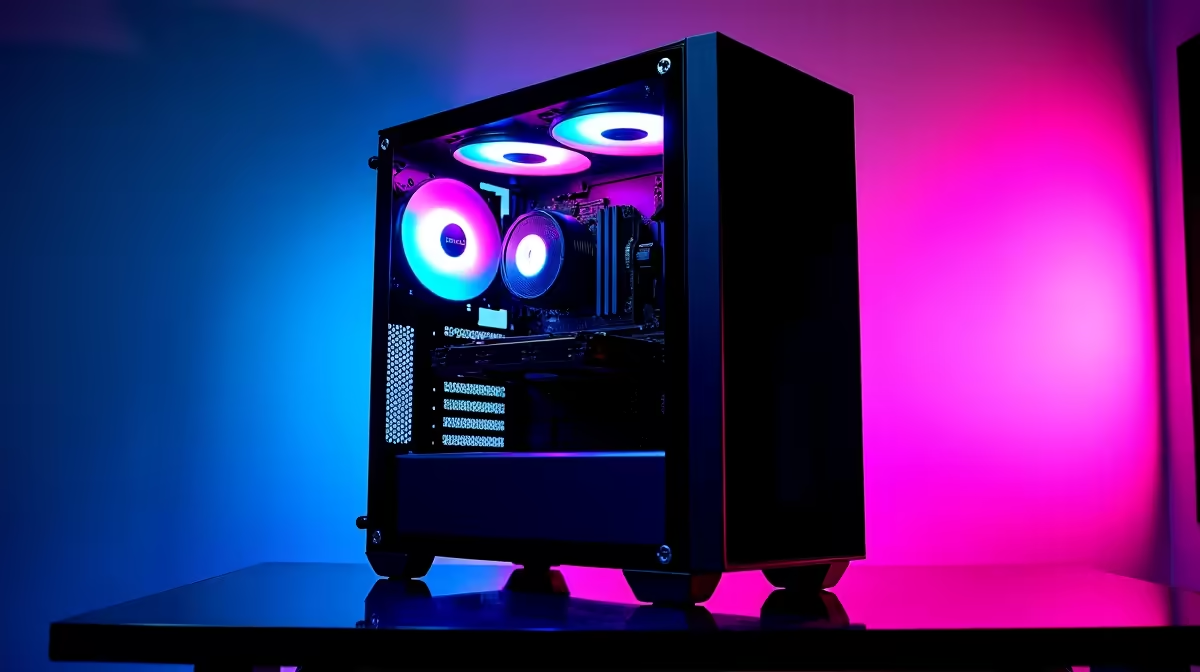
A 4K editing rig can be enough for live streaming when it has a supported hardware encoder and performance headroom after the production software opens. Editing a 4K timeline and broadcasting a live scene are different tests. Upload stability, audio routing, camera support and thermal behaviour can limit a powerful creator computer.
Set the broadcast target deliberately
Choose the stream resolution and frame rate from platform needs and available upload capacity, not from the editing monitor. A 4K source can be scaled to a lower broadcast resolution. Build scenes with the real overlays, browser sources and clips, then leave headroom for transitions. Hide project names and private notifications from captured windows.
The GEEKOM A8 Max mini PC has a verified R12,900 price as a compact creator reference, subject to encoder and application tests. The Logitech Brio 100 Full HD webcam is verified at R458. The NearStream AM10X-P USB/XLR microphone carries a verified R730 price. Check ports and audio routing with every device connected together.
Stream the hardest production privately
Run an unlisted hour-long session while playing a prepared 4K clip, switching scenes and creating a local archive. Monitor encoder load, dropped frames, audio sync, storage use and temperature. Ask a viewer on another connection to judge motion and speech. Repeat the test at the busiest normal time for the internet connection.
Use the rig when the complete rehearsal stays stable. If it fails, isolate rendering, encoding, USB, audio or upload as the first broken link before spending on hardware.
Turning an editing rig into a studio? > Ask Evetech to compare creator PCs, webcams and USB/XLR microphones.