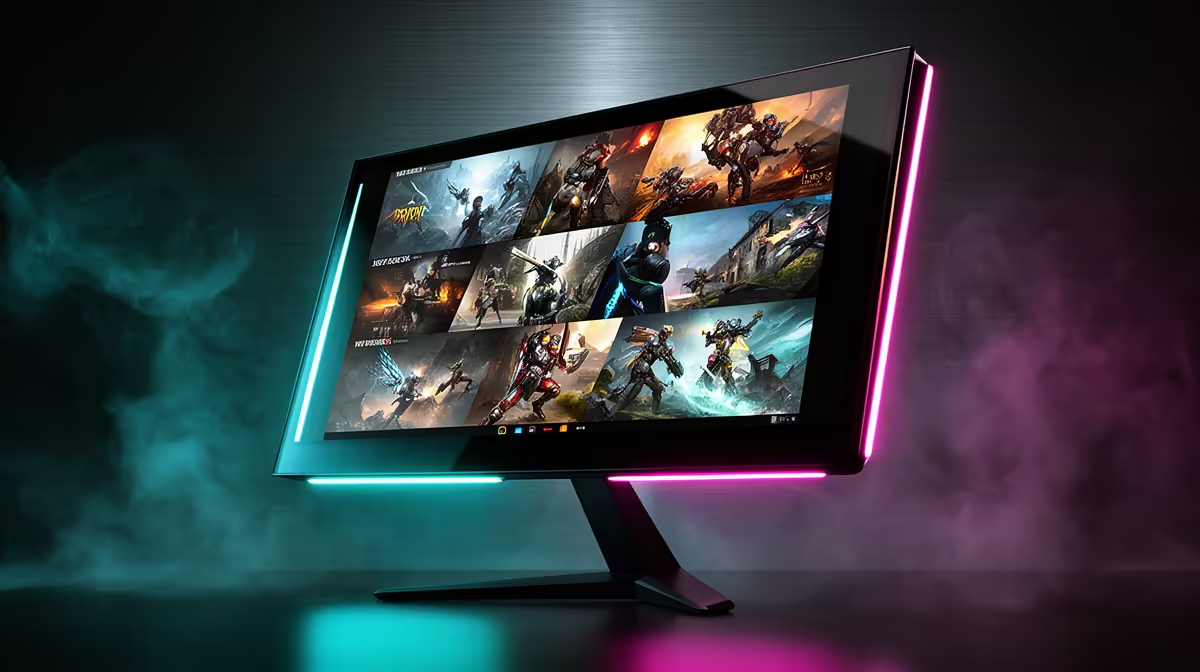
A 4K monitor is a long-term desk purchase, so pairing one with an RTX 5060 Ti can still work. The card will need DLSS and restrained settings in demanding games. A 1440p panel gives you smoother play with less effort today. This 4K monitor and RTX 5060 Ti choice depends on how soon you expect the GPU to change.
Quick Answer
Choose 27-inch 1440p at 165Hz for the natural gaming match. Buy 4K at 120Hz when sharp work, lighter games or a future card justify it, and expect DLSS-led AAA play. Evetech recorded R4,499 as the July 2026 median for its in-stock gaming-monitor snapshot; premium 4K pricing needs an exact dated check.
🖼️ Let 1440p use the card's strengths
At 1440p, the RTX 5060 Ti can keep a broad mix of games inside a useful VRR range. The 16GB version gives textures more room, while the GPU still does the same rendering work.
A 165Hz screen covers multiplayer and demanding single-player play. Choose 240Hz only after checking real match output.
Use Evetech's monitor range to compare 1440p refresh tiers.
4️⃣ Buy 4K with a settings budget
New heavy games will need DLSS, lower ray tracing or a 60fps target. Older titles and desktop work can look excellent. At 32 inches, the resolution earns its space through scale and sharp text.
The 16GB card reduces memory pressure but does not erase the 4K pixel load. Test a full level before keeping an Ultra preset.
🛒 Put the monitor's lifespan into the maths
A good display can survive several graphics cards. If you plan an upgrade soon, 4K may prevent buying twice. If the current card stays for years, a better 1440p panel gives you more value each night.
Measure viewing distance as well. A 32-inch 4K display needs enough desk depth to keep the full image comfortable, while 27-inch 1440p fits a tighter space.
Evetech's monitor best-sellers show current formats. Compare them with the RTX 5060 Ti category before spending.
Frequently Asked Questions
Is a 4K monitor wasted on the RTX 5060 Ti?
No when work and a future GPU use it. Current AAA gaming will require compromises.
What resolution should midrange buyers choose instead?
1440p gives the strongest mix of clarity and high-refresh performance.
Does the 16GB variant change the 4K answer?
It helps textures and large assets, but rendering speed still limits 4K frame rate.
Can DLSS make 4K viable on this card?
Yes in many supported games, provided the image and base response meet your standard.
What frame rate is realistic at 1440p on this card?
It varies by title. A 165Hz VRR screen covers a wide useful range.
Is 1080p a better safety net for this card?
It suits competitive high refresh, while 1440p makes better use of the card's visual capability.
What is the biggest overspending mistake buyers make here?
Paying for a 4K headline while accepting a weak panel or performance they dislike.
Choosing between better 1440p now and a 4K screen for later?
Compare both monitor classes at Evetech, then price the panel around the next GPU upgrade you will make.