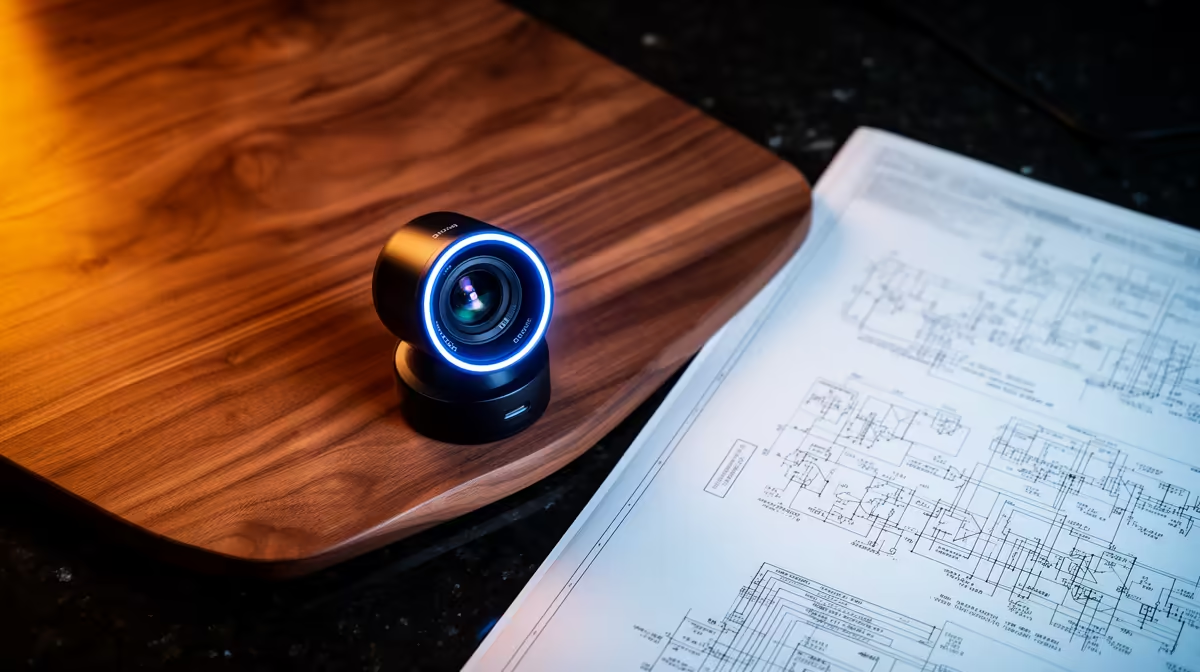
The NearStream V08AF 4K at R678 is worth it for Fusion 360 users who need sharper screen-side explanations, model walkthroughs, and clearer client calls from a desk setup. A webcam upgrade matters most when the viewer needs to see small gestures, printed notes, or a physical part held near the camera, not just your face.
Best webcam picks for CAD calls
The NearStream V08AF 4K at R678 is the strongest choice here because its 4K spec gives you extra clarity when you are presenting sketches, showing hardware samples, or moving between your screen and a small object on the desk. It suits creators, students, and small studios that want a sharper call image without jumping into a bigger camera setup.
The Logitech Brio 100 FHD at R458 is a sensible middle option if you want a clean FHD picture for regular meetings, tutoring sessions, or quick design reviews. FHD is enough when your screen share is doing most of the detailed work and the camera mainly needs to keep your face clear and professional.
SA student or creator desk setup
The Logitech C270 HD at R252 is the budget pick for a compact student desk, reception desk, or spare workstation where HD video is acceptable. It is better suited to basic check-ins than detailed visual explanation, but the R252 price makes it practical when you need a simple camera for occasional calls.
Ready to choose the right webcam?
Use Logitech Brio 100 FHD at R458 as the webcam shortlist benchmark, then check whether its listed spec matches the space, workload, and upgrade path.