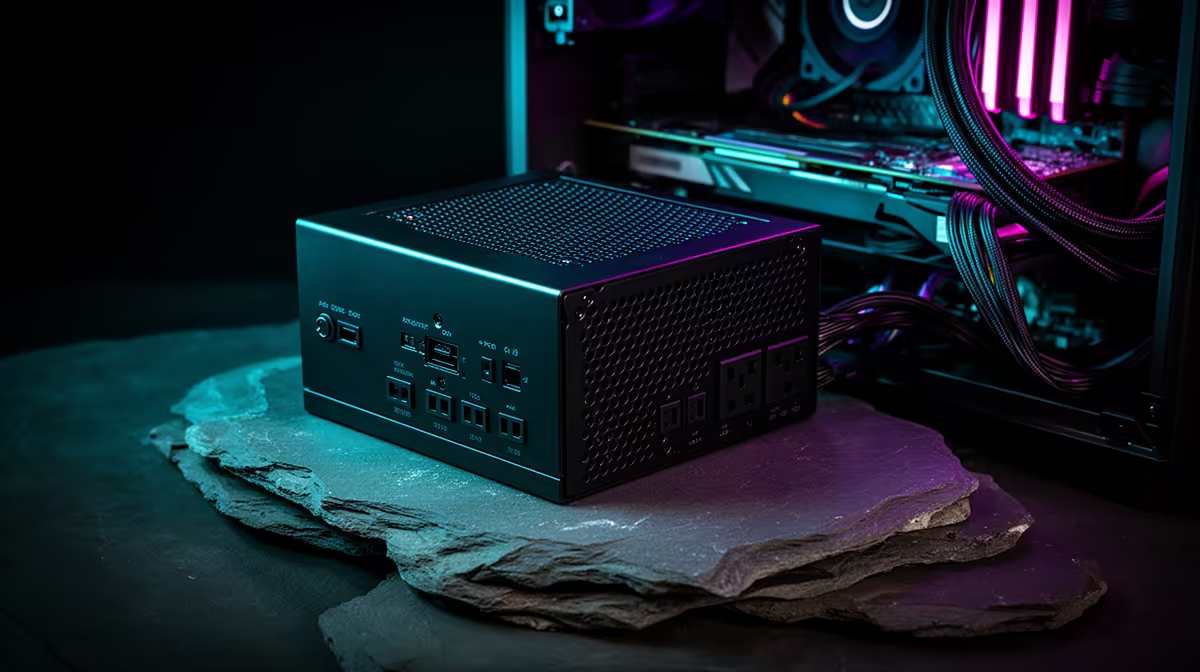
A 750W power supply is worth it for a DaVinci Resolve PC when the final GPU, processor and other components fit its capacity and connectors. Resolve itself does not set wattage. Codec support, graphics memory, system memory and storage influence editing more directly.
Calculate around the complete build
Choose the GPU from a representative Resolve timeline, then record the processor, drives, cooling and planned upgrades. Follow reliable manufacturer power guidance, allow sensible headroom and confirm native connectors plus case fit.
The DeepCool PF750 750W PSU at R550 is a verified product reference. The Cooler Master Elite 850W Gold ATX 3.1 model at R930 and Corsair RM850e at R1,900 are confirmed higher-capacity options. Their wattages do not determine Resolve performance. Check current protections, efficiency, connectors, total-system demand and warranties.
Never reuse modular cables from another PSU. Route supplied leads without blocking airflow and use qualified installation help when appropriate. Back up project databases and source media before hardware work, then repeat the same export afterward.
Buy 750W when the completed parts table fits comfortably with rational upgrade room. If a larger graphics card changes demand or connectors, recalculate the entire machine rather than assuming. Record the native graphics connector count before choosing between the lower and higher-capacity PSU options. Verify the wall socket and protective equipment separately from internal PSU capacity.
Powering a Resolve workstation? > Compare Evetech PSUs after finalising the complete component list.