


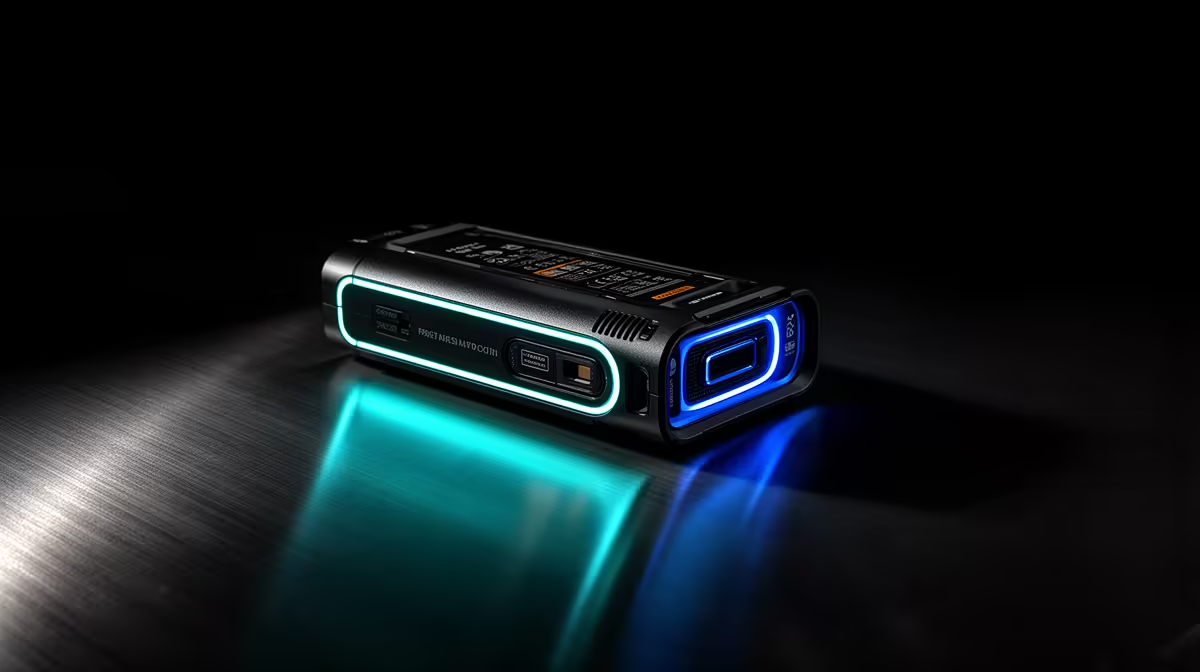
Tournament schedules are optimistic by nature. The bracket says eight hours; the reality is nine, sometimes ten, once overtime, technical pauses, and a grand final that nobody wants to rush have all had their say. Whether an 8-hour wireless camera battery survives a full broadcast day depends less on the spec sheet and more on how well you manage the margin before things run long.
Quick Answer
An 8-hour battery covers a standard tournament day, but leaves very little buffer for overtime. Drop to 1080p, sleep the camera between matches, and keep a charged spare or USB-C power bank ready so a grand final overrun does not end your coverage early.
⚡ Where the 8 Hours Actually Go
Eight hours of rated battery life is measured under controlled conditions: 1080p, moderate brightness, stable temperature, continuous recording. A tournament environment chips into that number from several directions at once.
Running at 4K rather than 1080p increases processing demand and draws the battery down faster, often trimming runtime by an hour to an hour and a half. A bright preview screen left on between games adds another steady drain. If the venue is warm and the camera is encoding hard, the battery runs hotter and loses efficiency. Put all three together and an 8-hour cell can fall meaningfully short before a long grand final even begins.
Battery ratings are a useful baseline, not a guarantee across every operating condition. The skill is knowing which factors to control.
🔧 Buying Back Time During the Event
The most reliable way to extend runtime without changing hardware is adjusting what the camera is doing between games. Standby mode during match gaps, halftime, and tech pauses reduces power draw to a fraction of active recording. Over a full day those intervals add up to a meaningful saving, often enough to bridge a bracket that runs 45 minutes long.
Dropping from 4K to 1080p is the single largest software-based gain. The encoder works less hard, heat output drops, and the battery lasts noticeably longer. For esports camera work where the subject is a stage or desk, 1080p is already the sensible broadcast resolution.
Dimming the rear preview screen when nobody is monitoring it is a smaller but costless saving. It does not recover an hour, but every percentage point is margin that did not exist before.
🔌 Hardware That Removes the Anxiety
If the venue has accessible power near the camera, a USB-C wall feed removes battery management from the equation. The camera runs from the mains and the broadcast continues regardless of how long the final takes.
Where a cable run is not possible, a 20,000mAh USB-C power bank adds roughly five to six hours on top of whatever the internal cell has remaining. Power banks in this range sit around R700 to R1,200. A hot-swap spare is the cleanest option away from mains; swapping during the break before a grand final takes under a minute and resets the clock completely.
Frequently Asked Questions
Does an 8-hour battery last through a full tournament day?
For a standard single-day event, usually yes, but with little margin. A bracket that runs past eight hours through overtime or technical delays can exhaust a full cell before the final ends. Managing resolution, screen brightness, and standby time builds back enough buffer to cover most overruns.
What is the best way to extend battery life at an event?
Switching from 4K to 1080p gives the largest single gain, typically adding around 90 minutes by reducing encoder load. Combining that with screen dimming and putting the camera into standby between matches can recover another 30 to 45 minutes, often enough to cover a bracket that runs over schedule.
How much does a power bank add to camera runtime?
A 20,000mAh USB-C power bank adds roughly five to six hours for most wireless streaming cameras. Combined with a full internal battery the total comfortably covers extended tournament formats without mains access.
Is it worth carrying a spare battery to a tournament?
Yes. A fully charged spare swapped during the break before a grand final takes less than a minute and eliminates battery anxiety for the rest of the day. The cost of a compatible cell is small compared to the cost of losing coverage of the deciding match.
Does the camera drain in standby between matches?
Yes, at a much lower rate. Standby still draws power, but sleeping the camera during setup periods and halftime rather than leaving it idle recovers several percent of capacity across an eight-to-ten-hour event.
Ready to build a broadcast kit that lasts the full day? Browse the wireless streaming camera range and pair your camera with a power bank or spare battery so your coverage never cuts out before the final match is done.










