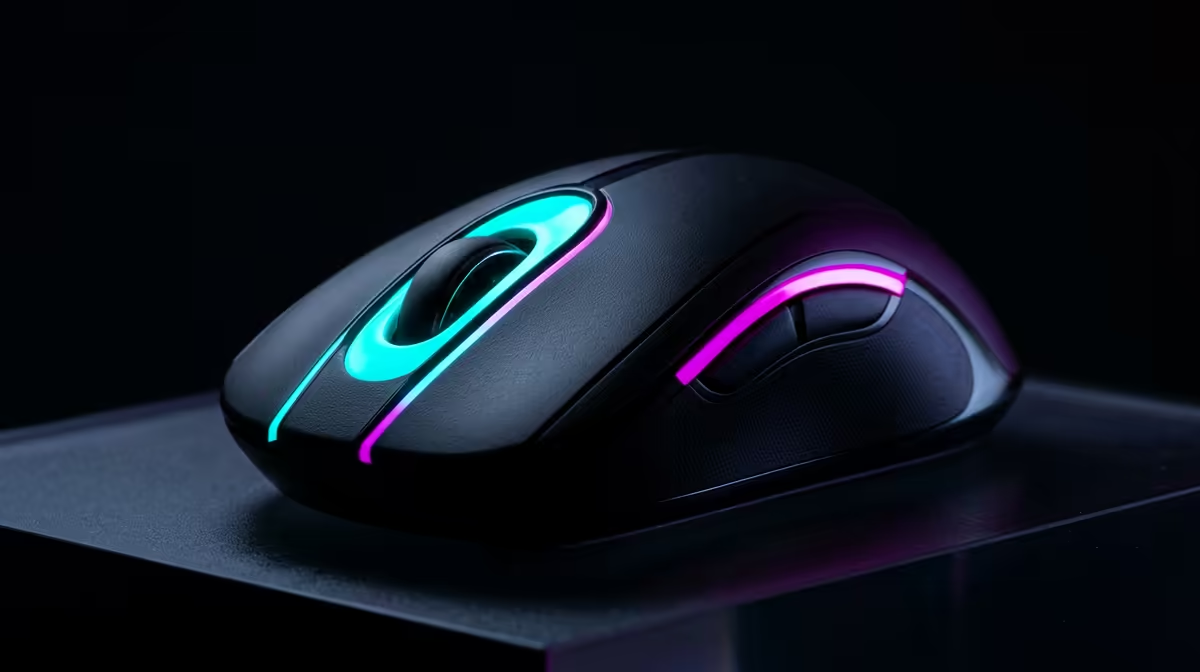
Quick Answer
No for most players; yes for serious esports on 240Hz or faster monitors. A 8000Hz polling mouse is worth buying only when it fixes a real comfort, audio, or workflow problem in your setup. In South Africa, sensible options sit around R1,200-R4,000, so check the need before spending Rand on a cosmetic upgrade.
When it is actually useful
8000Hz can add CPU polling overhead and only matters when your frame time is already very low. For streamers, podcasters, gamers, and home-office users, the right accessory should solve one measurable issue: cleaner audio, steadier video, fewer cable swaps, better comfort, or lower input latency. If it does not change the daily routine, it can wait.
What to compare
Shortlist named options such as Razer Viper 8KHz, Razer Viper V3 Pro with dongle, and Corsair M75 Air Wireless. Then compare size, connection type, desk space, software support, and warranty handling before choosing. A R20,000 PC setup can still feel poor if the mic clips, the camera is dark, or the mouse shape hurts after 2 hours.
SA setup checks
Local buyers should think about room size, desk depth, fibre router position, delivery time, and return handling. A compact flat in Rosebank or Claremont may need a smaller light or foldable screen, while a fixed home office can use a larger permanent setup. Keep cables, USB ports, and power plugs in the plan.
FAQ
Can a cheap 8000Hz polling mouse still be good?
Yes, if it solves the exact problem. Start in the lower part of the R1,200-R4,000 band unless you know you need the premium feature set.
What should I upgrade first for streaming?
Lighting and microphone placement usually beat a more expensive webcam. After that, improve the camera, background, and stream controls.
Is this needed for gaming performance?
Only input devices affect performance directly. Comfort and audio gear improve consistency, but they do not raise FPS like a GPU, CPU, or monitor upgrade.