


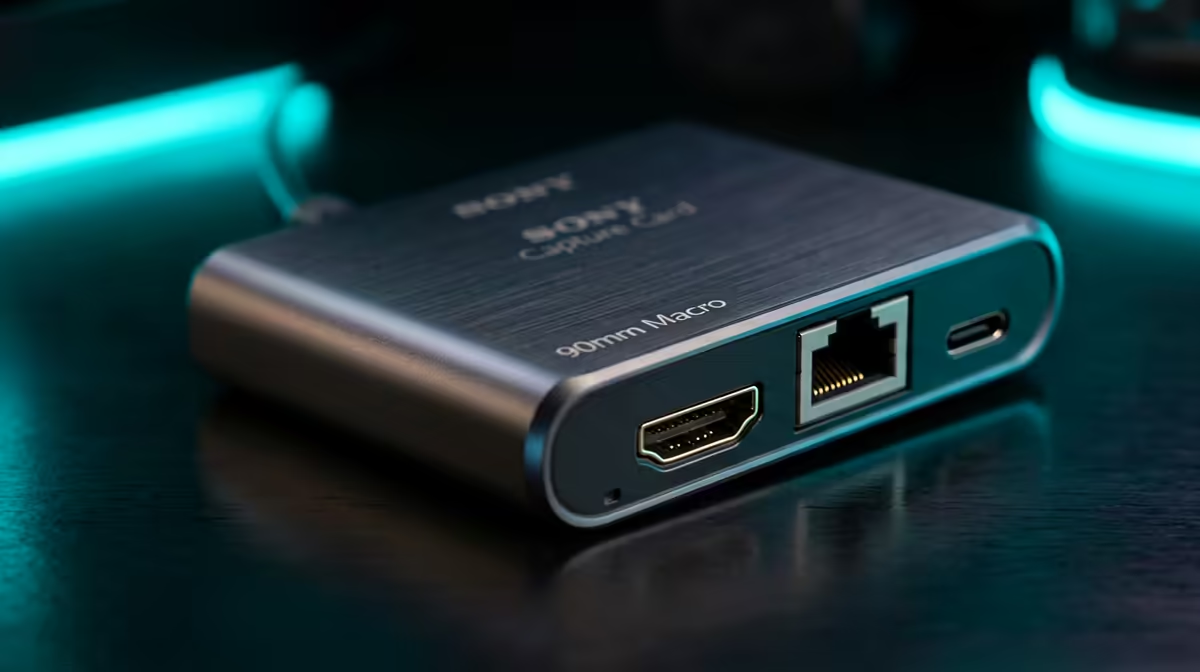
This brief weighs whether a capture card is actually needed for a single-PC streaming setup, and the decision-grade answer is usually no. Modern GPU encoding has made the dedicated card optional for all but specific external-capture scenarios.
Quick Answer
For single-PC streaming, a capture card is not needed in most cases, GPU hardware encoders like NVIDIA NVENC and AMD AV1 capture and encode gameplay with high quality and negligible performance cost. The only reason to buy one is to bring in an external source such as a console or camera; for streaming PC gameplay alone, the card is redundant and the budget is better spent elsewhere.
The decision logic for a capture card
Ask one question: are you capturing this PC's own gameplay, or an external device? If it is this PC's gameplay, the GPU encoder does the job, OBS hands frames to NVENC or AV1, which run on dedicated silicon and barely affect your game. If you are bringing in a console, a DSLR or mirrorless camera as a webcam, or a second PC's output, a capture card is the right tool. That single distinction settles the decision cleanly for most streamers.
Spending the budget where it counts
If you are streaming PC gameplay only, redirect the capture-card budget to a stronger GPU encoder (a recent NVIDIA or AMD card), more RAM, or a quality microphone, each improves stream quality more than a redundant card would. Configure OBS to use the GPU encoder, verify your fibre upload speed handles your target bitrate, and add a webcam over USB if you want a face cam. Reserve the capture card purchase for the day you add a console or external camera to the setup.
a capture card, confirm you are capturing an external device, if it is just this PC's gameplay, the GPU encoder makes the card an unnecessary expense.
FAQ
Is a capture card necessary for single-PC streaming?
No, in most cases. GPU encoders (NVENC, AV1) capture and encode PC gameplay with high quality and little performance cost. A card is only needed for external sources.
What is the only reason to buy a capture card?
To capture an external device, a console, a camera used as a webcam, or a second PC. For streaming this PC's own gameplay, the GPU encoder makes it redundant.
Where should I spend the capture-card budget instead?
On a stronger GPU encoder, 32GB RAM, or a quality microphone, each improves stream quality more than a redundant capture card. Also confirm your fibre upload speed handles your target bitrate.
Skip the capture card for single-PC streaming unless you add an external source, spend on a better GPU or mic instead, at Evetech.










