


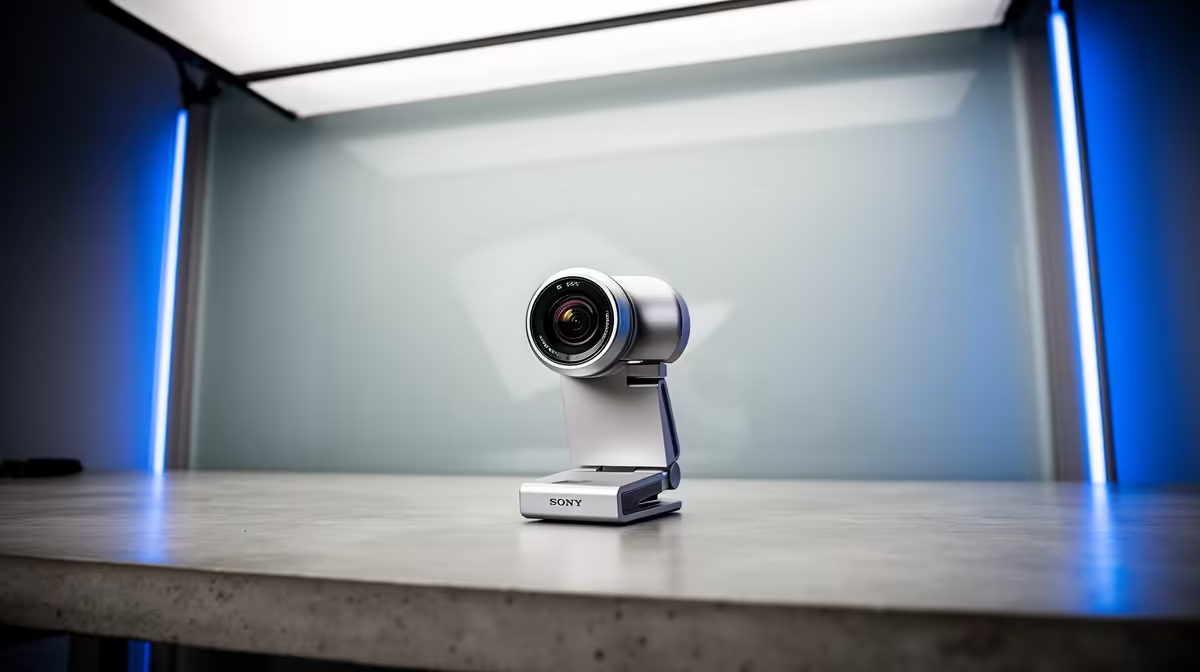
Small rooms carry an unfair reputation on camera, and most of it comes from the wrong lens angle rather than the room. An adjustable 95-degree field of view webcam sounds like the obvious answer to a cramped space, but at the full 95-degree width you are actually making the problem worse. The useful feature is the adjustment, not the number.
Quick Answer
A 95-degree FOV alone makes small rooms look more cramped by pulling in the surrounding walls and clutter. The fix is dialling the same camera down to 65 or 70 degrees, which crops tightly to your face and shoulders and puts the background out of frame entirely.
🔆 What 95 Degrees Actually Shows
Picture the capture area of a 95-degree lens. That is a wide panoramic sweep, closer to peripheral vision than to a composed portrait shot. In a spacious or well-staged room that breadth gives context. In a small home office it exposes every corner.
The shelving on the left wall comes in. The wardrobe on the right appears. If you are sitting close to a back wall, the ceiling edge drops into the top of the frame. A 95-degree angle in a cluttered space does not hide anything; it finds everything you were hoping to leave out. The same room at 65 degrees shows none of those elements. The lens is doing what a portrait photographer does when they select a tighter focal length: isolating the subject and letting the surroundings fall away.
🎯 Fixed Versus Adjustable
A fixed 95-degree camera gives you no options short of moving closer to the lens, which introduces its own problems. Close-range wide-angle capture distorts facial proportions, and moving toward the camera shifts the background rather than removing it.
A software crop applied in your streaming or conferencing app works by discarding pixels from the outer edges of the sensor output. You end up with a tighter frame but fewer pixels than the sensor originally captured. An adjustable FOV system recalculates from the sensor level, preserving native resolution at the narrower setting. The result is a tighter frame that does not sacrifice the image quality the sensor is capable of delivering.
For a small home office in Cape Town or Joburg where the desk shares a room with the rest of life, adjustability gives you a tool a fixed lens simply does not.
🧠 Finding Your Working Angle
The sweet spot for a single person in a small room is 65 to 78 degrees. At 65 degrees and 50 to 60cm from the lens, the frame fills with your head and shoulders, the side walls are gone, and the strip of background directly behind you is narrow enough to manage with a clear section of wall. At 78 degrees the same position gives a bit more context, which suits sessions where you want the desk visible.
Start at the widest setting, note what the camera is including, then narrow the FOV in increments until only what you want visible remains in frame. Most companion apps allow this with a slider and a live preview.
Frequently Asked Questions
Does a 95-degree FOV help or hurt in a small room?
It hurts, unless adjusted. 95 degrees is a wide angle that captures the full breadth of a small space, bringing walls, furniture, and background clutter into the frame. The benefit of a 95-degree capable camera is that it narrows down to 65 degrees. At the tighter end, the small room problem largely disappears.
What angle is cleanest for a cramped home desk?
65 to 70 degrees is where most small rooms start to look composed. The side walls and corner furniture are outside the frame, and the visible background reduces to a narrow strip directly behind you. That strip is manageable where the full-width 95-degree view is not.
Can I narrow a fixed 95-degree webcam using software?
Yes, but it degrades the image. Software crops discard the outer pixels of the sensor frame, which reduces your effective resolution at the tighter setting. An adjustable FOV system recalculates before cropping, preserving more quality. If the picture needs to stay sharp at the tighter framing, optical or adjustable is the better design.
Is it better to tidy the room or narrow the FOV?
Both have a place. A tighter FOV is faster, hardware-level, and works every time without any room management. Tidying the visible strip of background behind you is useful maintenance but does not fix the problem when the angle is too wide. Narrow the camera first and you reduce how much background needs management to begin with.
Ready to take control of what your camera actually frames? Browse the adjustable-FOV webcam range for South African home offices and find a camera that gives you the angle you choose, not just the angle the lens defaults to.










