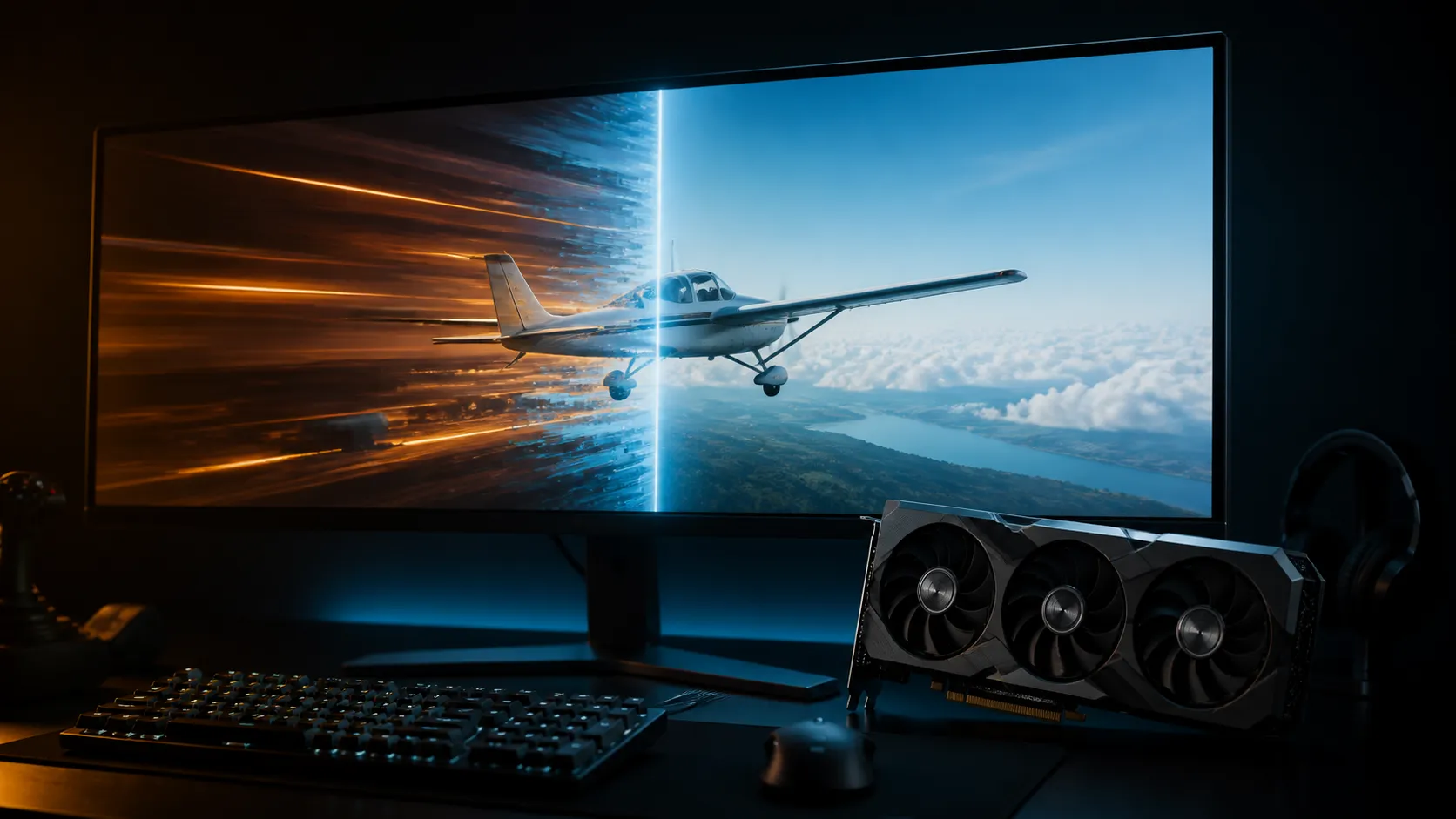
A stutter that appears after a driver update is suspicious, but timing alone does not prove the driver caused it. AMD's own 26.8.1 notes do not list Microsoft Flight Simulator stutter as a known issue.
Quick Answer
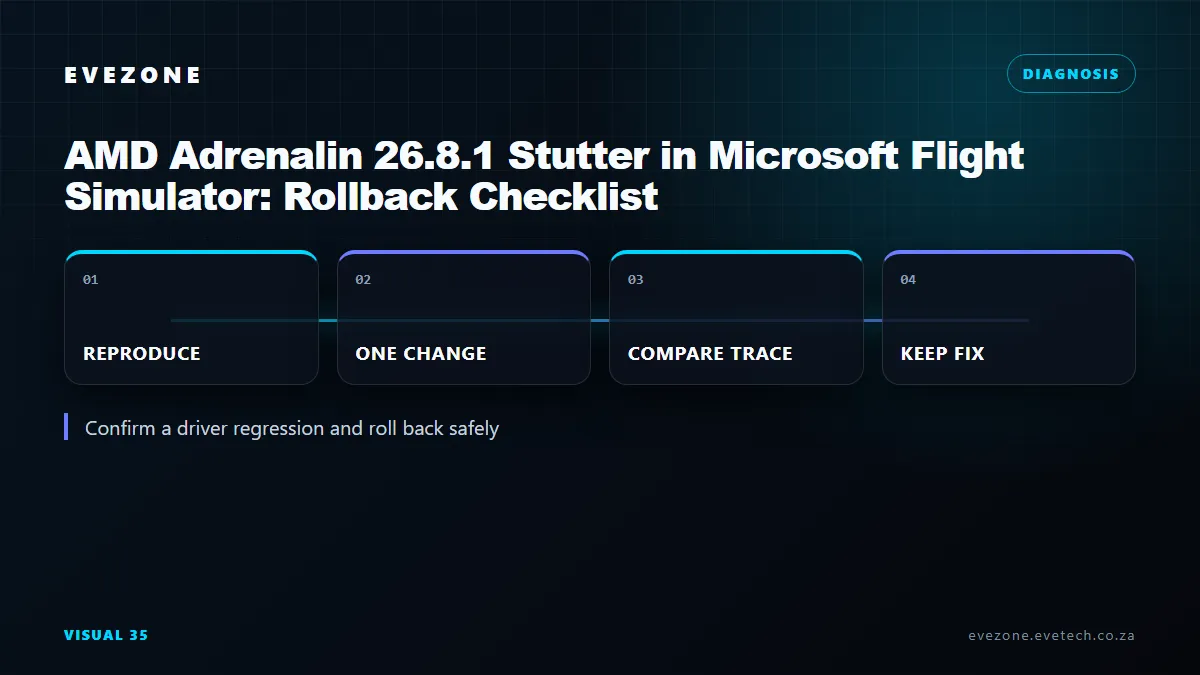
Capture a repeatable Flight Simulator baseline on Adrenalin 26.8.1, remove overlays and background variables, then compare the same route after a controlled rollback to the previous supported driver. Let shader caches settle before measuring. Only a repeatable improvement under matched conditions supports a driver-regression conclusion.
📝 Capture evidence before removal
Record the aircraft, airport, route, weather, time, graphics preset, resolution and frame-rate cap. Note whether the stutter appears on the ground, during camera movement or after a set flight time. Save the installed driver version and Windows build.
AMD released Adrenalin 26.8.1 on 20 August 2026. Its official known-issues list covers several titles but not this Flight Simulator symptom. That absence does not prove the report is impossible; it means the article must not present it as an AMD-confirmed defect.
Use a fixed frame-time graph rather than only average frame rate. Current AMD Radeon graphics cards vary widely, so compare results on the same installed card.
🧹 Roll back without carrying unknowns
AMD documents normal removal through Windows Apps. Reboot, install the chosen earlier supported package and keep the same graphics options. Use AMD Cleanup Utility only when ordinary removal leaves conflicts or the installation fails, following AMD's own instructions.
The first flight after a change may rebuild shader data. Complete a warm-up pass, then repeat the measured route. Do not compare a cache-building first run with a settled run on the other driver.
📊 Decide from matched results
If 26.8.1 stutters and the earlier driver does not under matched conditions, repeat the switch once more if time allows. If both versions behave alike, inspect add-ons, CPU main-thread load, online data, storage and overlays.
Keep the simulator's rolling cache, traffic, weather and photogrammetry state matched between passes. Network-fed scenery can produce a hitch that resembles a graphics-driver problem. Testing the same offline-friendly scene can help separate content delivery from local rendering.
The AMD Radeon gaming PC selection helps compare complete platforms, while gaming monitors matter when sync range or frame caps are involved. Neither purchase path replaces evidence from the affected machine.
Once the comparison is complete, keep the driver that is stable for the required games and document the reason. Do not chase a newer version merely because its number is higher; read its official support notes and reassess when it contains a relevant fix.
Frequently Asked Questions
Does AMD confirm this Flight Simulator issue in 26.8.1?
No. It is not named in the official known-issues list, so the symptom needs local verification.
Should Cleanup Utility always be used?
No. Start with AMD's ordinary Windows uninstall process and use the utility when conflicts or incomplete removal justify it.
Why repeat a route after shader compilation?
Cache building can create temporary stutter. A later matched pass better represents steady driver behaviour.
Ready to prove or dismiss the rollback theory?
Save one controlled route, measure both supported driver versions, and let the repeated frame-time result decide the next step.