


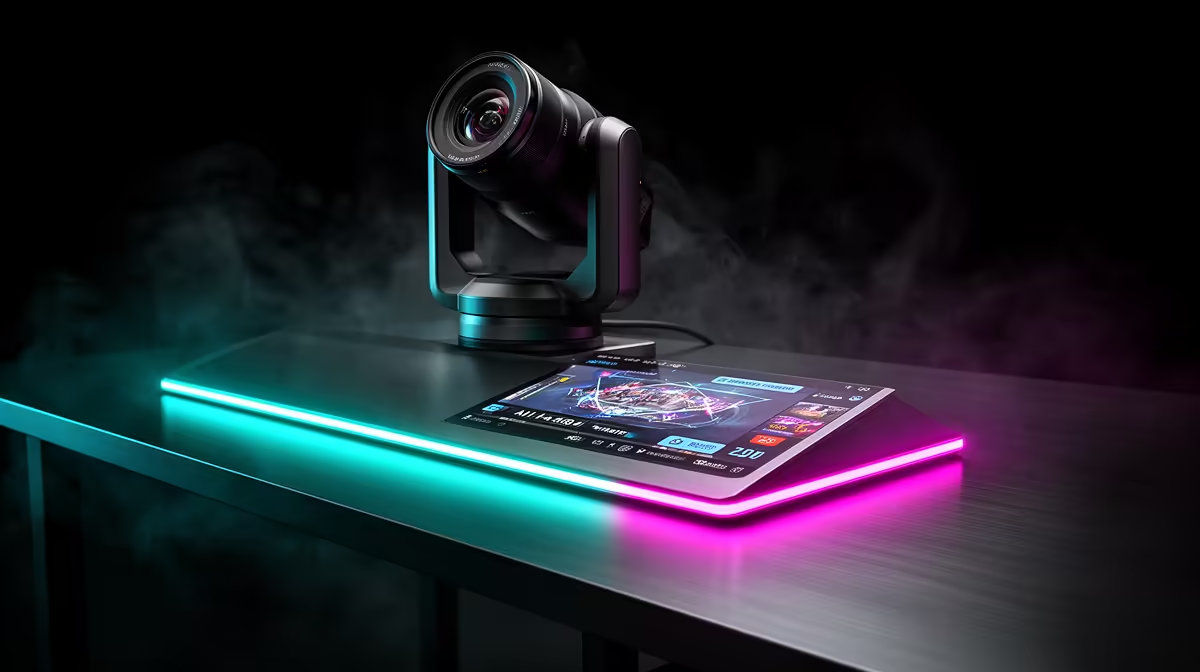
There is a particular kind of livestream frustration reserved for presenters who cannot sit still: you shift forward to demonstrate something, your face drifts to the frame edge, and the camera just sits there. AI auto framing solves that specific problem by reading your position continuously and keeping you centred without any manual adjustment, physical lens movement, or an operator controlling the shot.
Quick Answer
AI auto framing uses face detection to track a presenter within the camera's wide sensor field and digitally repositions the crop window to keep the subject centred. It handles roughly 30 to 50cm of lateral movement. There are no moving parts. The tracking runs entirely on processing inside the camera.
🧠 How the Tracking Works
The sensor captures a wider field than the camera outputs. A webcam advertising a 90-degree field of view records more of the scene than the 16:9 frame delivered to streaming software. That wider capture area is the working space for auto framing.
Face detection runs on every frame, locating facial landmarks and calculating their position within the full sensor area. The system defines a virtual crop window centred on the detected face and sends that region as the output stream. When the face moves, the crop repositions to follow.
This processing runs on the image signal processor inside the camera. It does not use PC resources and adds no load to the CPU or GPU running your stream.
⚡ Movement Range and Group Mode
Most AI framing webcams handle around 30 to 50cm of lateral movement before the face nears the edge of the tracking zone. Stepping fully out of frame loses the lock; re-entering the field re-acquires the subject within a second or two under good lighting.
Some cameras offer a group framing mode that widens the crop to hold two or three people simultaneously. The system expands the window when multiple faces are detected and tightens it again when only one remains in the frame.
🎯 Why Light Determines Tracking Reliability
AI framing relies on facial feature contrast to maintain its lock. Around 300 lux or above on the presenter gives the detection algorithm well-defined edges to work from. Below that level, detection confidence drops and the crop window drifts, hunting for a face it cannot clearly identify.
This matters for South African home office setups that rely on ambient room light in the evening. A warm lamp above or behind the presenter silhouettes the face and reduces frontal contrast. A small LED key light placed in front at roughly 45 degrees resolves this directly, and the improvement in tracking stability is immediate.
Pro Tip ⚡
If auto framing loses your face when you turn sideways, check whether the camera distinguishes between full-face and profile detection. Some models release the track on a side profile. Switching to a body-tracking mode, where available, keeps the crop on your torso even when your face turns away from the lens.
🔧 Resolution and Why 4K Sensors Are Used
Digital framing reduces the effective output resolution because the crop uses only part of the sensor. A 4K-sensor webcam outputting 1080p retains close to full 1080p sharpness throughout the tracking range because the source resolution is large enough to sustain the crop. A 1080p native sensor starts softening at tighter zoom levels because there are fewer pixels to crop from.
That is why cameras built around AI framing almost always use 4K or higher sensors. The wide capture provides the pixel density needed to maintain sharp 1080p output at any position within the tracking zone.
Frequently Asked Questions
What does AI auto framing detect to follow a presenter?
It identifies the geometric relationship between facial landmarks, including eyes, nose, and jaw. Those points establish the face's position and size within the sensor area, and the crop window centres on that position, rescaling as the subject moves closer or further from the camera.
Does the lens physically move when auto framing tracks the subject?
No. The lens and sensor stay completely still. Tracking is achieved by selecting which portion of the wide sensor field is delivered as output. This differs from a PTZ camera, which physically rotates to follow a subject. Digital tracking has no mechanical components and produces no sound or lag from motor movement.
Why does the tracking lose the subject sometimes?
Low frontal light is the most common cause. When illumination drops below roughly 300 lux, face detection confidence falls and the crop may lose its anchor. Backlighting creates the same problem by silhouetting the subject. Adding a key light in front of the presenter at a moderate brightness resolves both causes.
Does auto framing increase CPU or GPU load during a stream?
No. The detection and crop computation run on the processor built into the camera. The PC receives a pre-framed video stream and handles it the same way it would any other camera source. Enabling auto framing has no measurable impact on system performance.
Ready to present without watching the frame? Browse the AI auto framing webcam range at Evetech and find a model that keeps you centred through every shift, lean, and movement.










