


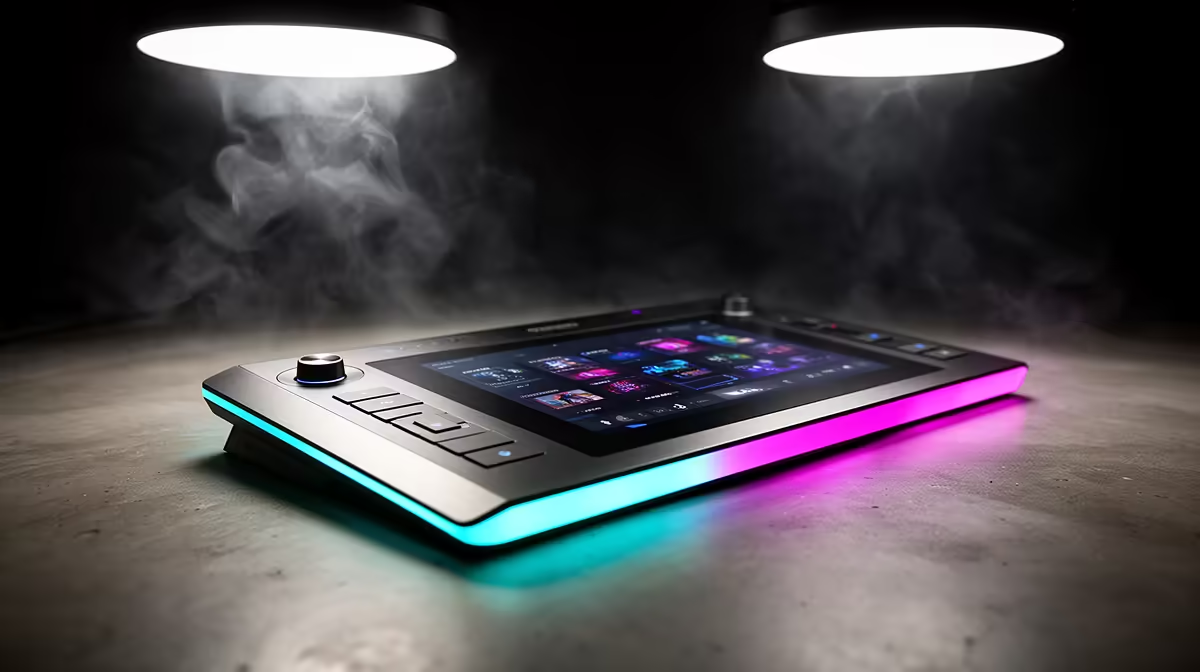
A broadcast that looks produced does not necessarily need a production team. App-controlled graphic overlays built into modern streaming cameras put lower-thirds, countdown timers, logo placement, and scene transitions on a phone screen, operable by one person during a live show without touching a PC. The camera burns the graphics into the outgoing feed before a single frame leaves the lens.
Quick Answer
App-controlled overlay features typically include lower-thirds, logo bugs, countdown timers, holding screens, and tap-to-load scene presets. The camera applies them to the video signal internally, so no separate graphics software or streaming PC is needed for a clean branded broadcast.
🎯 Lower-Thirds: Names on Screen Without a Graphics Suite
Lower-thirds are the text bars identifying speakers and titles that broadcast viewers take for granted. With an app-controlled camera, the presenter or a single assistant types the name and role into the companion app, positions the bar on a preview frame, and taps to show it. The graphic is rendered by the camera rather than a downstream computer, which means it appears on every output simultaneously, including the direct RTMP feed.
For panel discussions or esports commentary setups where multiple people appear in sequence, most apps allow several lower-third presets to be stored in advance. Preparing them before the broadcast removes the risk of on-screen spelling errors that come from typing in a hurry while watching a live feed.
✨ Logo Bugs, Timers, and Holding Screens
A logo bug is the persistent brand mark held in a corner of the frame. The logo uploads from the phone, scales and positions on a preview, then locks to the overlay layer. The camera's zoom and pan mechanics operate on the video layer beneath it, so the logo holds position regardless of what the lens is doing.
Countdown timers serve a need that is easy to undervalue until a broadcast actually needs one. A starting-soon timer on a holding screen gives early viewers something to orient around rather than a static frame. The app sets the duration and what appears when the count reaches zero. For a solo creator in Cape Town or Joburg, a pre-designed holding frame with event branding and a live countdown is the difference between looking organised and looking like the stream started by accident.
🔧 Scene Presets and Live Tap Workflow
Most cameras with app overlay control store between eight and twelve scene presets. Each preset is a complete configuration snapshot covering which graphic elements are visible, the overlay layout, and the screen state. Switching between a holding screen, a branded interview setup, and a sponsor graphic is a single tap on a clearly labelled button.
This structure is what makes one-person productions viable. The operator moves between complete scenes prepared before the show rather than managing individual elements on the fly. The app connects over local Wi-Fi and works from a phone or tablet throughout the broadcast.
Frequently Asked Questions
What graphic elements do app-controlled overlay systems typically include?
The standard set covers lower-thirds with editable name and title fields, a corner-positioned logo bug, a countdown timer, holding screens for pre-show and interval use, and a preset library of eight or more complete scene configurations. The camera applies all of these internally, so they appear in the outgoing feed without any downstream software involvement.
Does a zoom or pan move affect where the logo bug sits on screen?
No. The logo overlay sits on a separate layer above the video, so optical movements do not shift the graphic. A zoom into a subject, a pan across a stage, or a tilt adjustment all happen beneath the overlay layer while the logo holds its fixed screen position.
Is a PC or laptop needed to run app-controlled overlays?
No. The app communicates with the camera over Wi-Fi, and the camera processes and burns the graphics into the video output internally. A phone is the only controller required. The outgoing RTMP stream already contains the overlays, so any downstream device receives a pre-composited feed.
How many overlay presets can the app store?
Commonly between eight and twelve complete scene presets, varying by camera model. Each preset covers the full graphic state for that scene, so a holding screen, a live interview layout, and a sponsor panel are all retrievable with a single tap rather than requiring the operator to rebuild the layout each time.
Ready to run a broadcast that looks properly produced from a single phone? Browse the streaming camera range with built-in app-controlled graphic overlays, and build a solo broadcast setup that punches well above its headcount.










