


Quick Answer
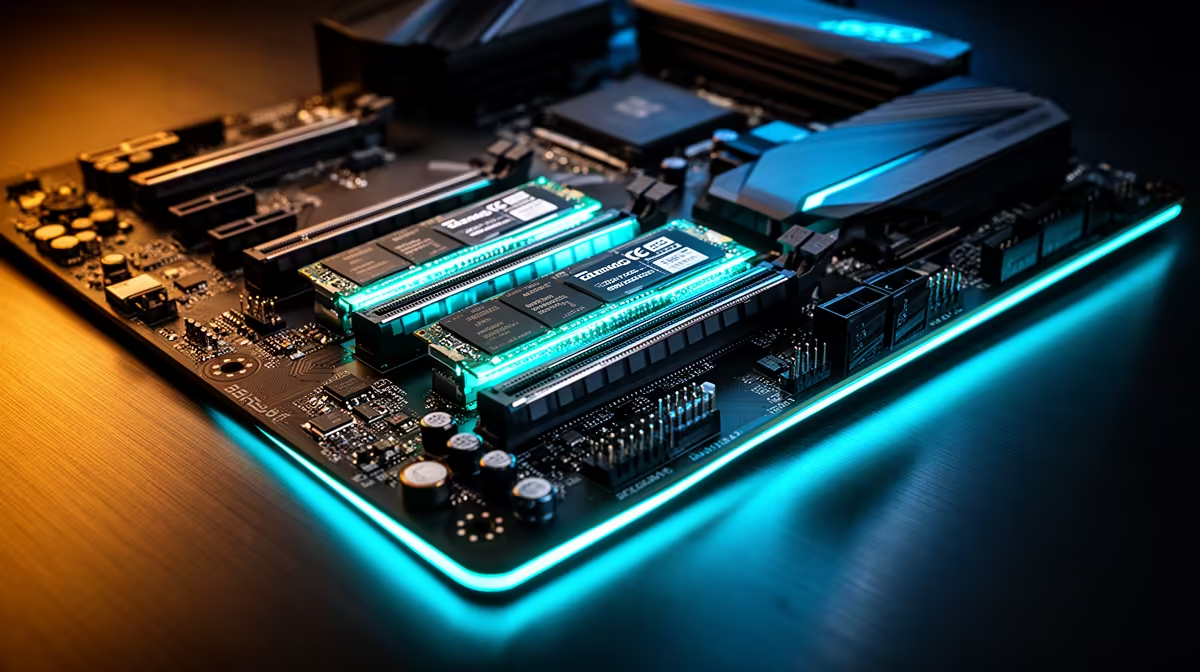
On B650, M.2 slot speed depends on the board layout, CPU lanes, and chipset lanes, not the label alone. Expect at least one fast CPU-connected NVMe slot, but check whether extra slots share bandwidth with SATA, PCIe slots, or the graphics card. Use R900-R3,500 as a broad SA price anchor, and prioritise a 5,000-7,000MB/s PCIe 4.0 drive with good thermals for most gaming builds.
What the speed number means
Sequential read speed looks impressive, but game loading also depends on latency, controller quality, firmware, heat, and how full the drive is. PCIe 4.0 x4 is already fast enough for Windows, Steam libraries, and modern game installs. PCIe 5.0 can be useful for heavy file work, but it often needs better cooling and costs more.
Capacity planning for SA gamers
A 1TB drive suits a lean Windows install plus a few large games. 2TB is the sweet spot for most gaming PCs because Call of Duty-sized installs, captures, and launchers add up quickly. 4TB and 8TB make sense when you keep many games installed or work with video files, but the money may be better spent on GPU or monitor if your library is small.
Motherboard slot checks
Read the board manual before ordering. Some M.2 slots run through the CPU, some through the chipset, and some share lanes with SATA or PCIe slots. Add a heatsink for sustained transfers, keep airflow moving over the drive, and avoid hiding a hot SSD under a large GPU without checking temperatures.
FAQ
Is PCIe 5.0 worth it for gaming?
Usually no. PCIe 4.0 NVMe drives already load games quickly, while PCIe 5.0 mainly helps specialist file workloads and benchmark numbers.
Is 2TB enough for a new gaming PC?
Yes, 2TB is the most practical starting point for many SA gamers. It gives room for Windows, launchers, several large games, and recordings without immediate cleanup.
Do M.2 slots slow down my GPU?
Usually the primary CPU-connected SSD slot does not hurt the GPU. Extra slots can share lanes on some boards, so check the manual before filling every slot.
Pro Tip
Check the exact motherboard M.2 lane table before buying the SSD; the fastest drive should sit in the CPU-connected slot with a heatsink.





