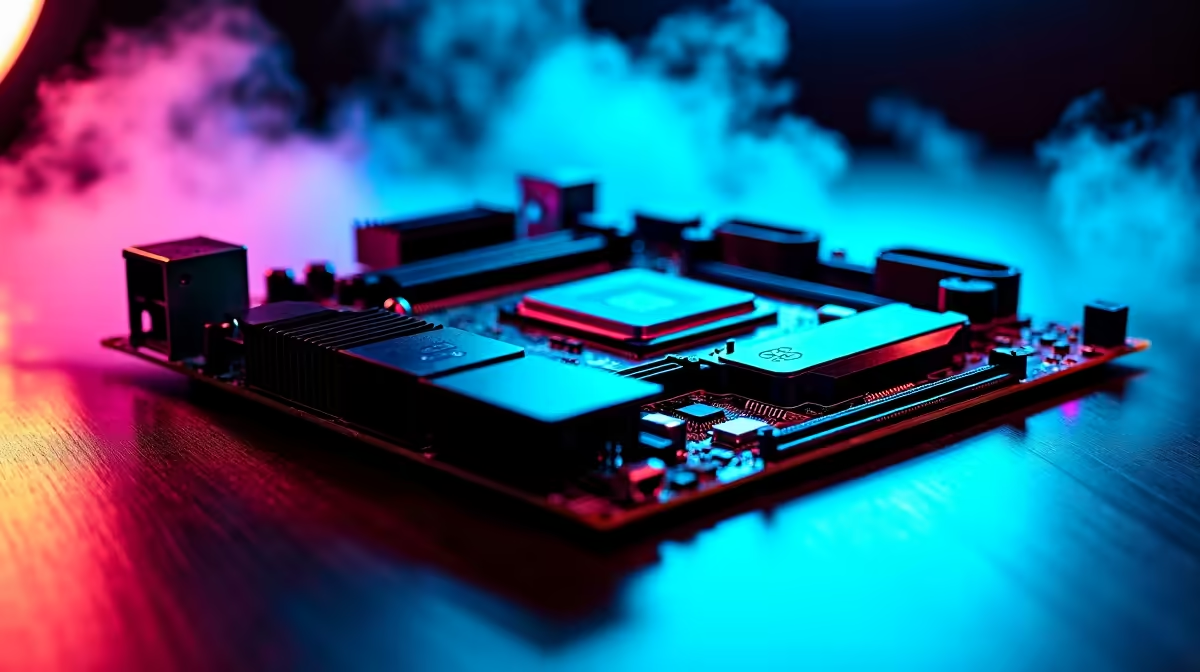
The ASUS Prime B850M-F WiFi at R2,300 suits a kids learning corner where built-in WiFi and a modern B850 board make the motherboard choice cleaner than chasing a B650 purely by name. For homework, browser research, online classes, and light family PC use, the better question is not whether B650 is fashionable, but whether the board gives the desk a stable, tidy base without overspending.
Best motherboard picks for a learning PC
The MSI A520M-A PRO at R700 is the budget anchor if the learning corner is being built around a simple, cost-controlled PC. Its A520M naming points to a more basic board class, which makes sense when the goal is schoolwork, typing practice, and a shared family machine rather than a high-spec gaming room build.
The ASUS Prime B850M-F WiFi at R2,300 is the more rounded pick because the B850M label keeps the build in a current mainstream lane, while WiFi in the model name matters for a desk that may not sit near the router. That is useful in a bedroom corner or study nook where running a cable across the room would make the setup messy.
Kids learning corner setup in SA
For a family PC that needs to last through homework, video lessons, and weekend browsing, the ASROCK B850 Pro RS at R2,850 and MSI B850 Gaming Plus at R2,900 both sit just above the ASUS Prime option. Their B850 naming makes them sensible upgrades if the same computer may later move from school tasks into a gaming room.
The ASUS TUF Z890-Pro at R5,000 is the premium outlier here. Its Z890 label is overkill for most kids learning corners, but it makes more sense for a serious future-facing desktop where the board budget is intentionally higher.
Ready to choose the right motherboard?
Use MSI A520M-A PRO at R700 as the motherboard shortlist benchmark, then check whether its listed spec matches the space, workload, and upgrade path.